Translate WBT with AI
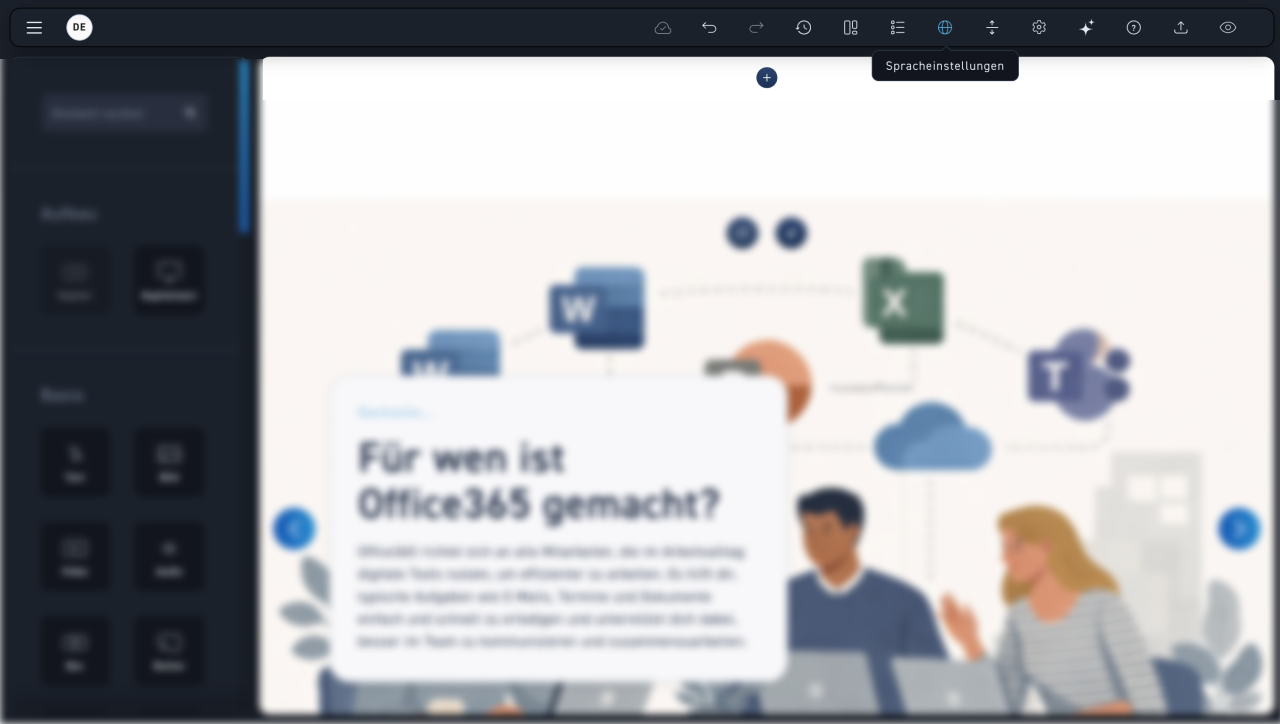
Language settings
In the menu bar, go to the globe icon and select „Language settings.“.
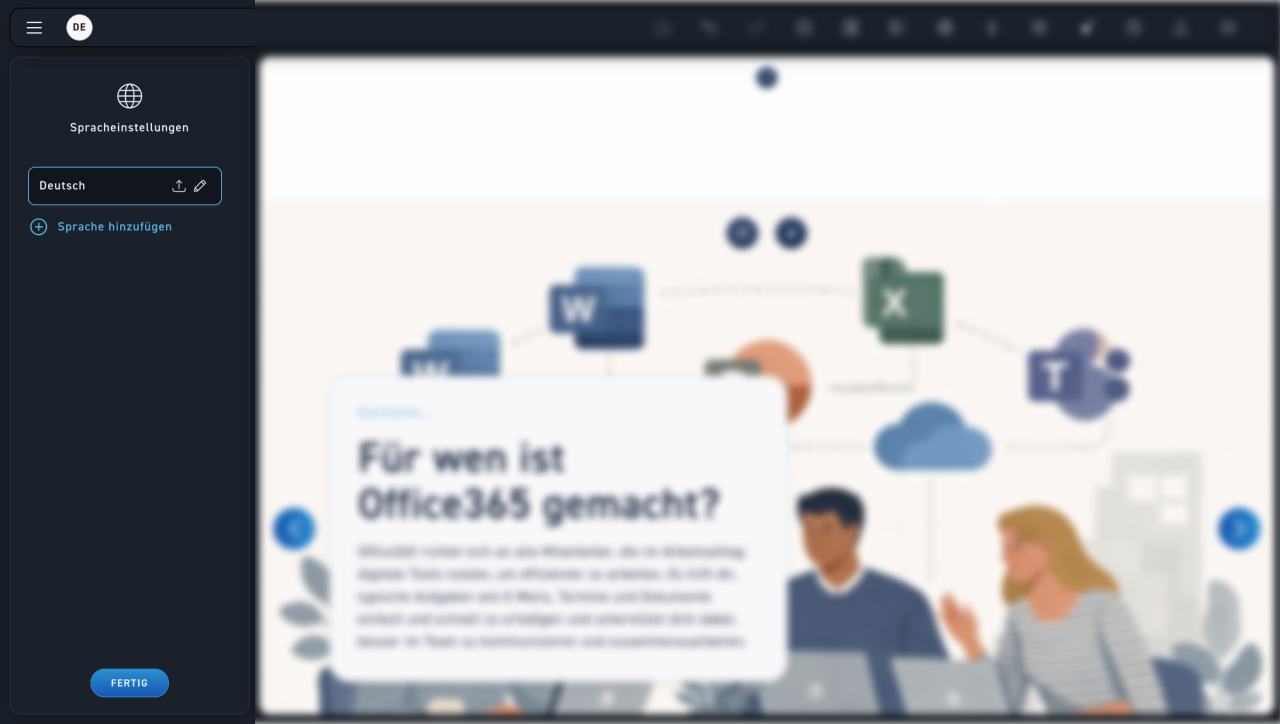
Add language
Click „Add Language“ to add the language you want to translate your WBT into.
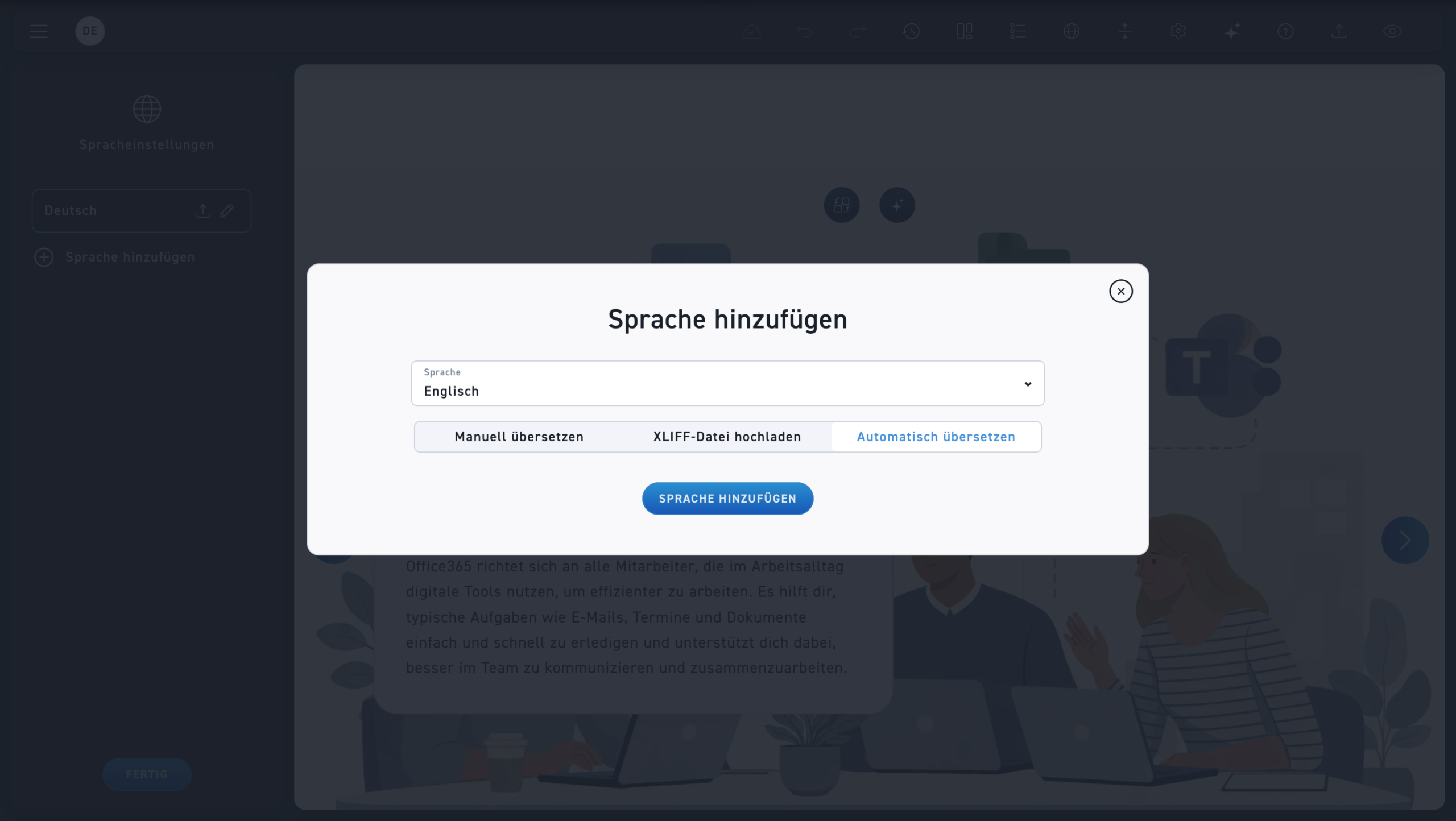
Language
Select your desired language and then click „Auto Translate.“.
Add language
By clicking the „Add language“ button, you start the translation process.
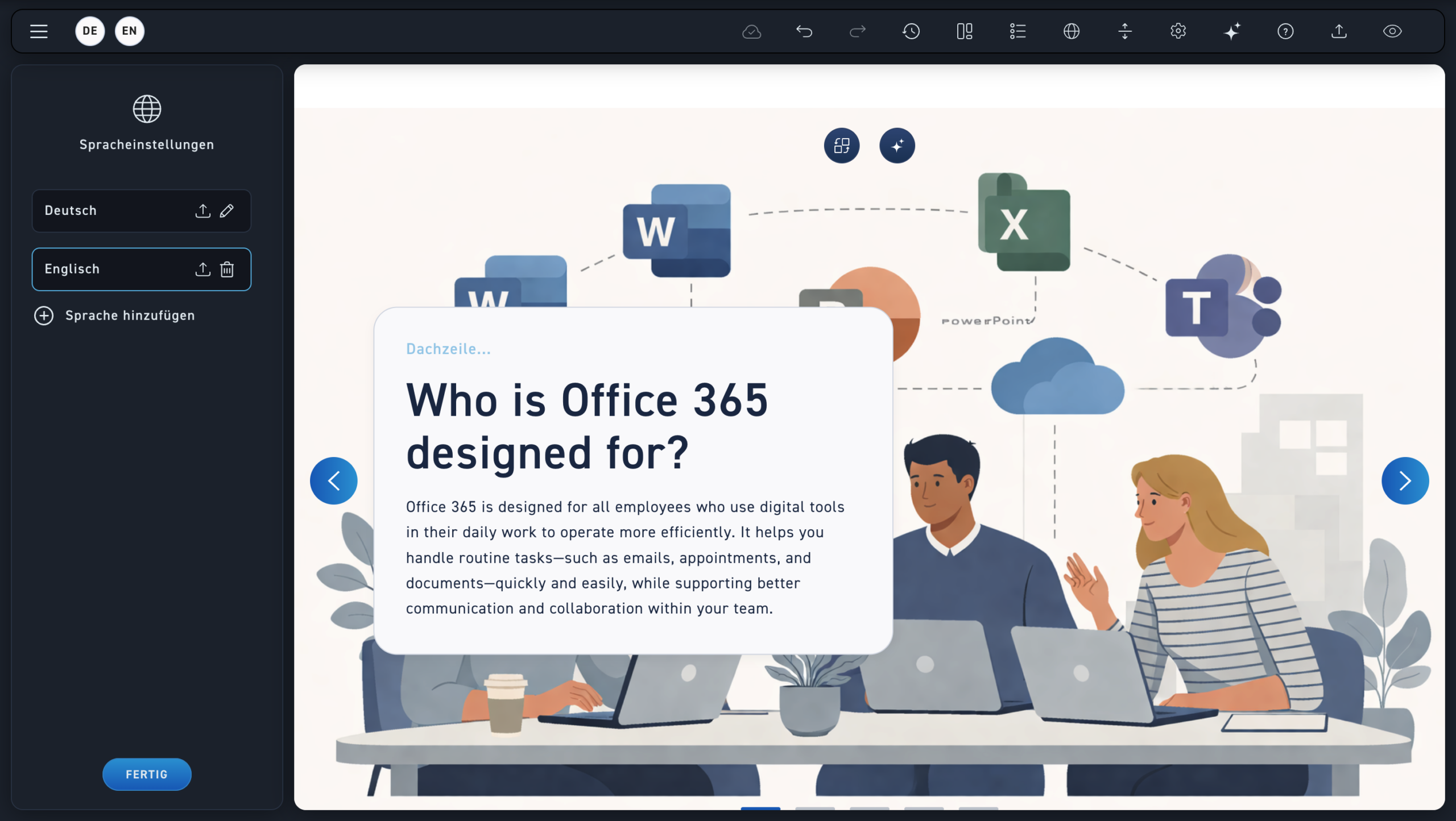
Language settings
In the language settings, you'll now see your newly added language. The translation process can take a few minutes, so please be patient.