Dashboard
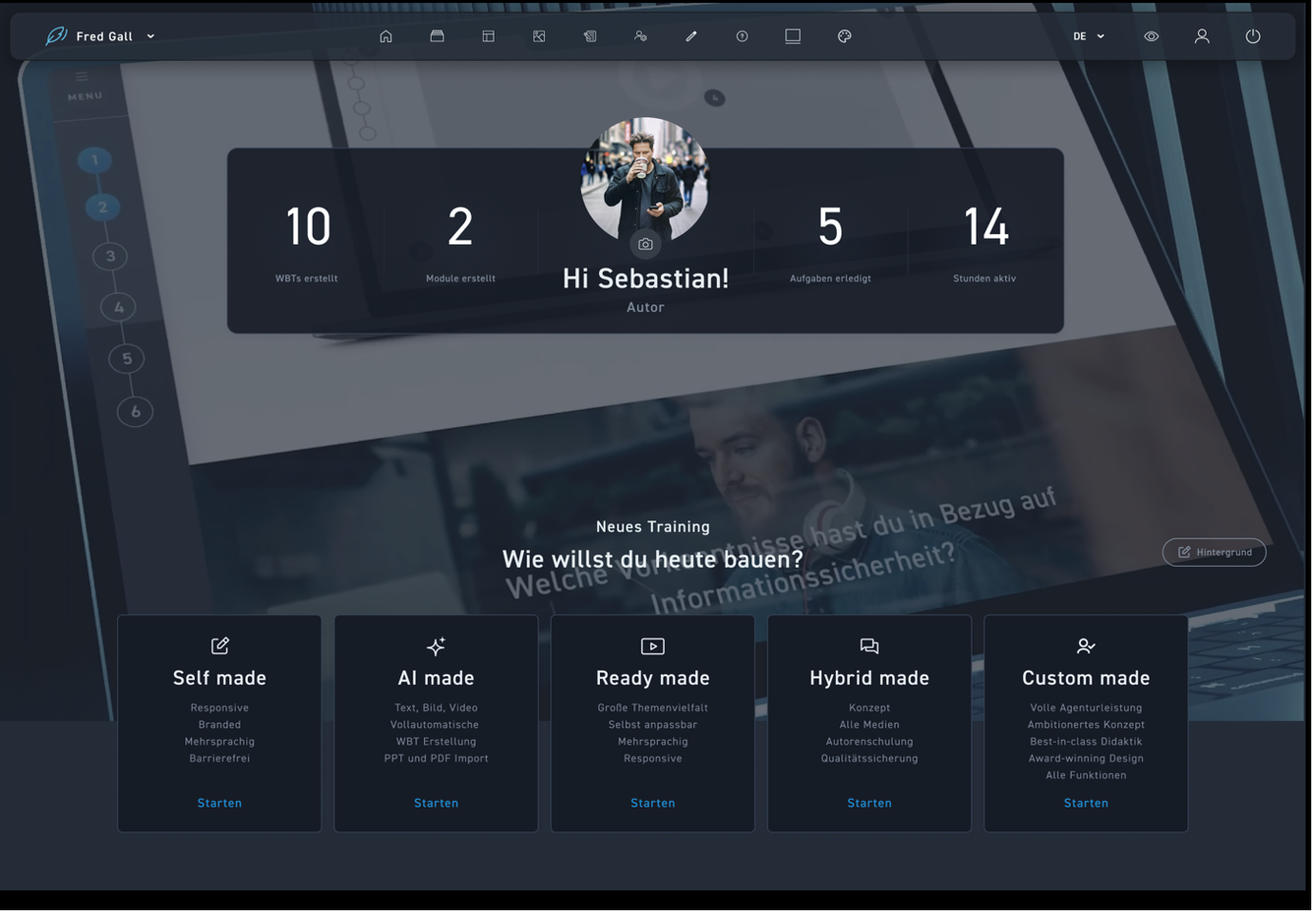
After logging in, you will be taken directly to your personal dashboard. Here you will find your profile and the logout.
You have direct access to your dashboard, all WBTs, templates, the media library, tasks, and help.
You can find your personal statistics on created WBTs and modules as well as completed tasks and active hours on excelerate, along with your picture, here. More information on the individual options can be found on the corresponding help pages.
Create your WBT easily yourself – with the intuitive creator, an extensive template collection, a huge image database, and integrated AI support.
Simply upload your documents and let excelerate create your WBT automatically. Afterwards, you can quickly and easily adapt everything to your needs.
Select a suitable WBT in the Marketplace and open it directly in the Creator. The WBT is already prepared in your design and can then be customized individually.
Send your material to our agency partners and have your WBT created professionally – including all media. Afterwards, you can easily edit the content yourself in the creator.
Have your WBT produced entirely in premium agency quality. You simply pass on your requested changes via the integrated review system.
As an administrator, user management is also available to you in the top main navigation.