Flashcards

Application #

With flip cards, you make learning more active, interactive, and memorable! Present content in a question-and-answer or front-and-back format. 

Video tutorial #

Learn in the following video tutorial how to create the element

General information about flip cards #

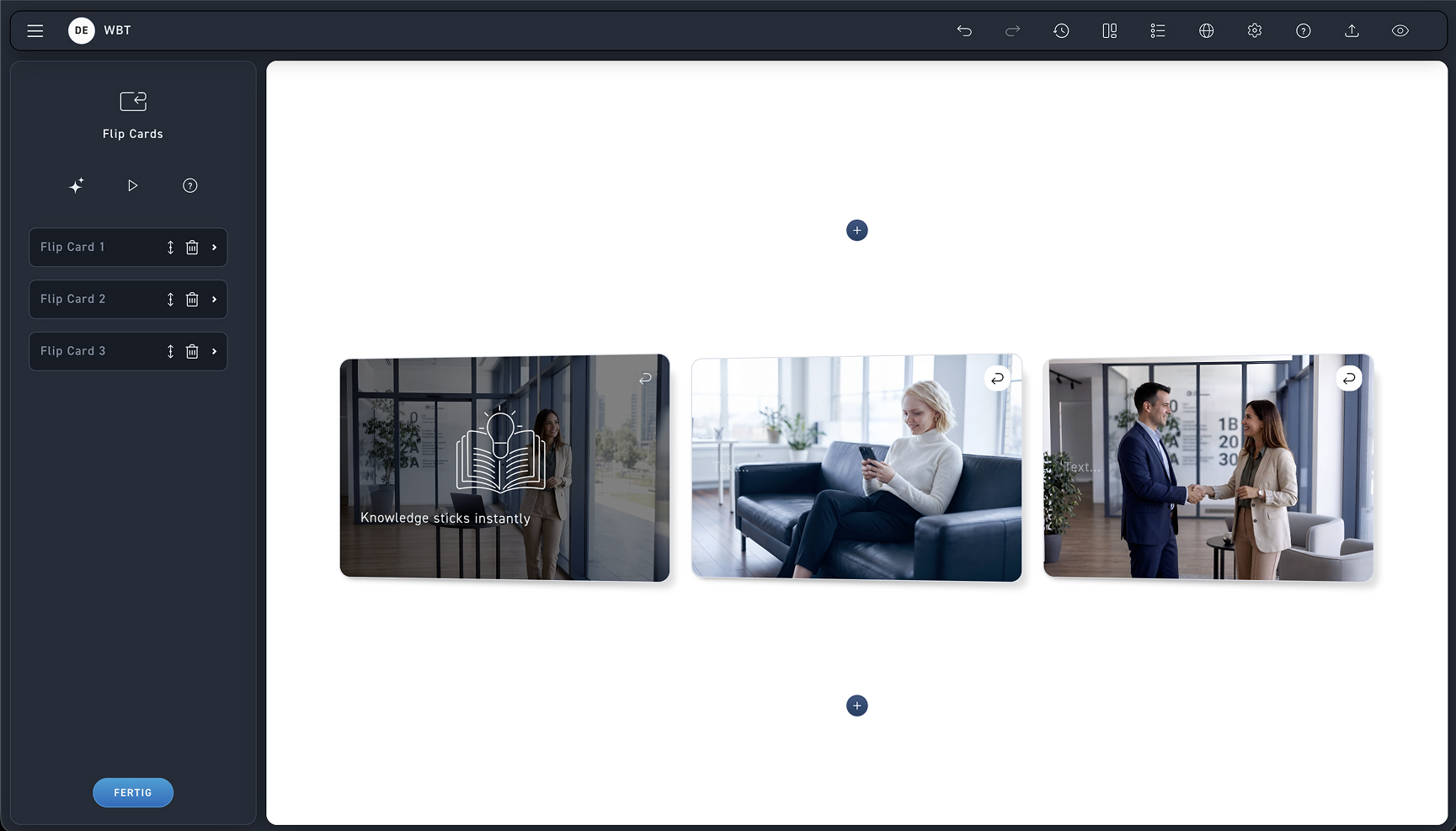
Look at the pictures and learn how the flashcards work.

1
Flip Cards
A maximum of three flipcards can be displayed side by side in one row. Change the number or order of the cards.
Step-by-step guide #

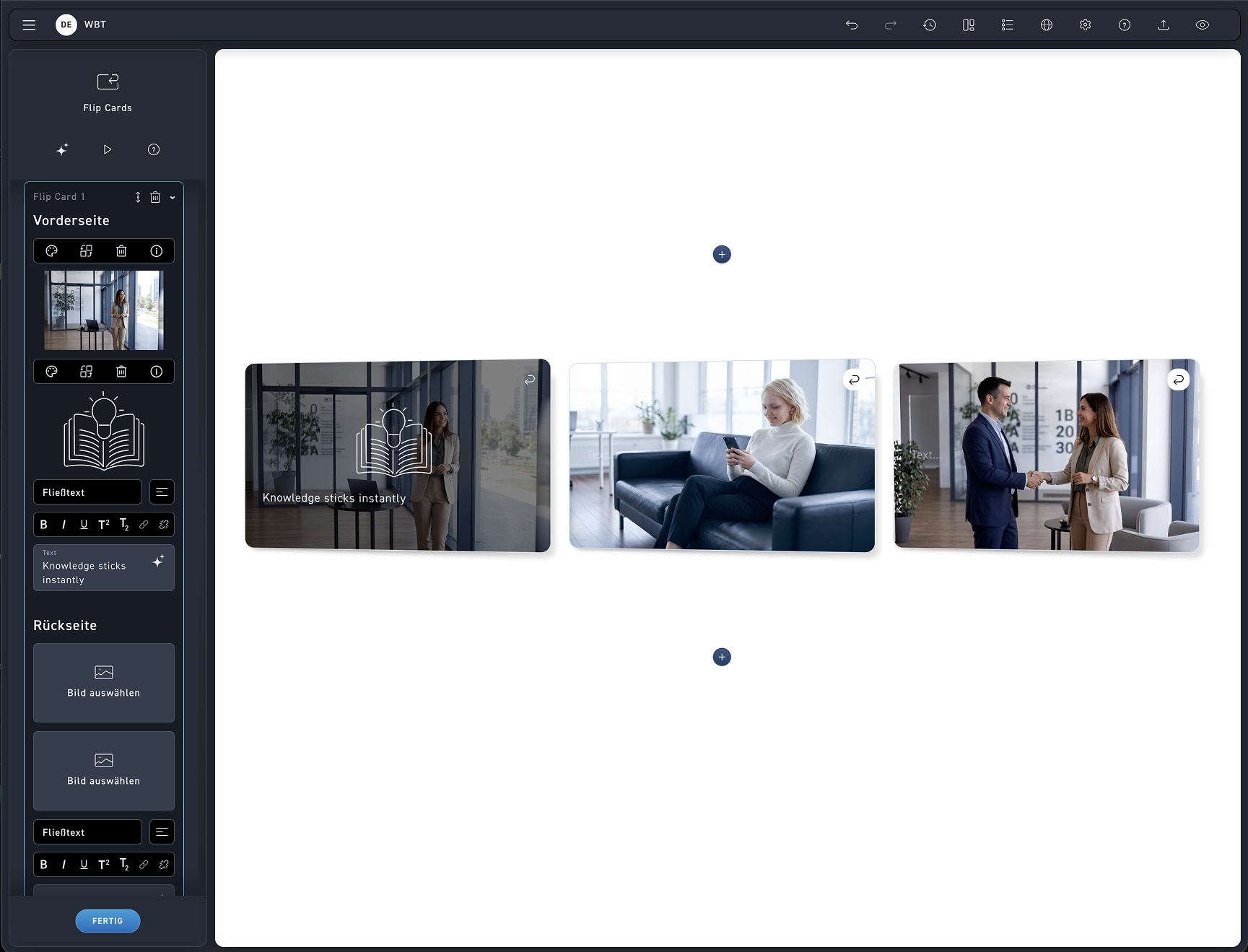
Look at the image and learn how to create and edit the flip cards.

1
Edit
Edit the flip cards directly in the creator, or edit the flip cards in the editing box.
2
Design the front of the flipcard with an image, an icon, and some text. You can customize the back in the same way.
3
Text
Insert a heading and body text and format it optionally.