Deal with WBT with AI
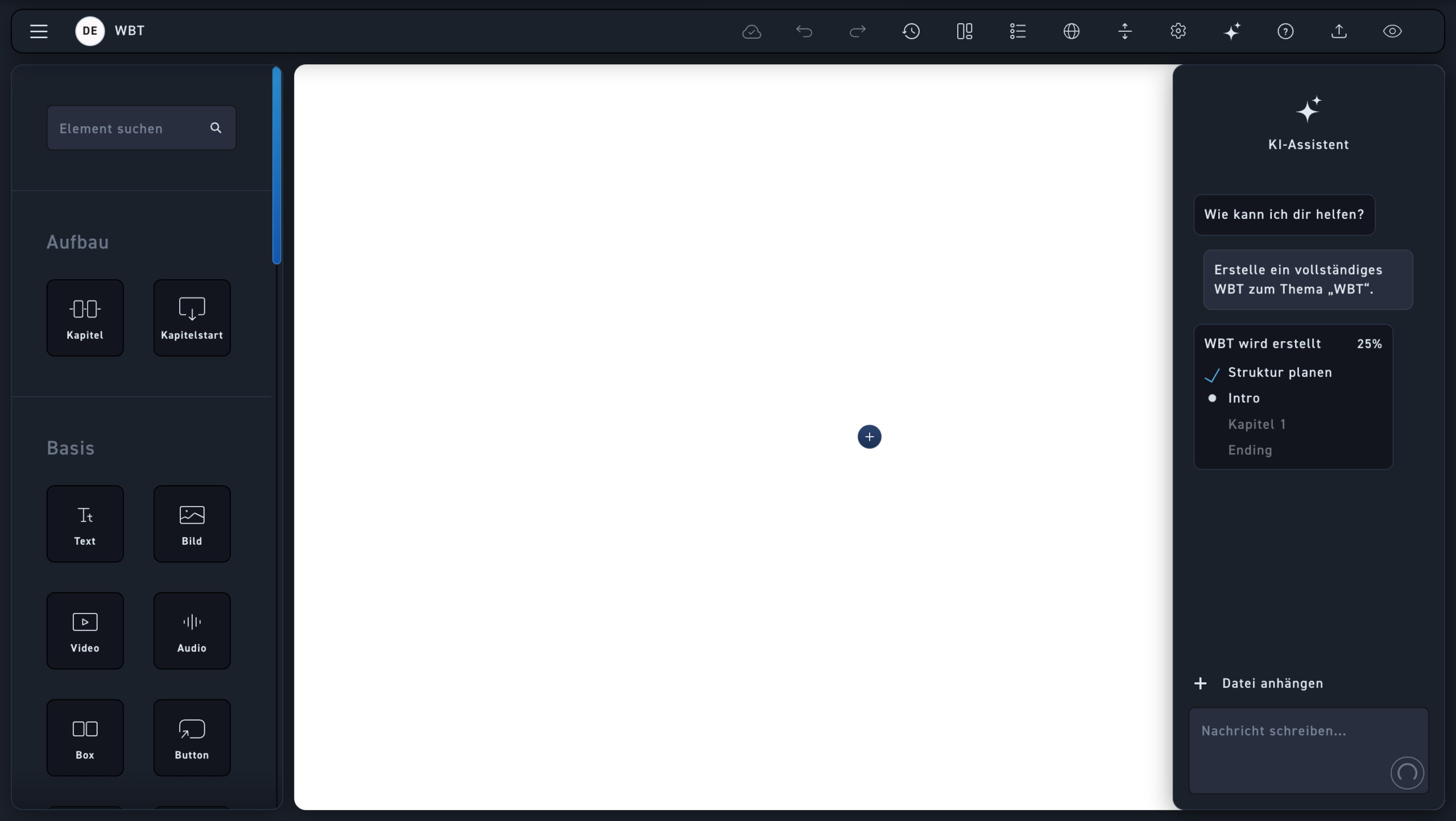
AI Assistant
The AI assistant is now creating the WBT
Live View
You can watch the AI live as it creates the WBT and see what creation step it's currently on.
Communication
While creating the WBT, you should not write with the AI. When it is finished, however, you can still add more documents and change requests. .
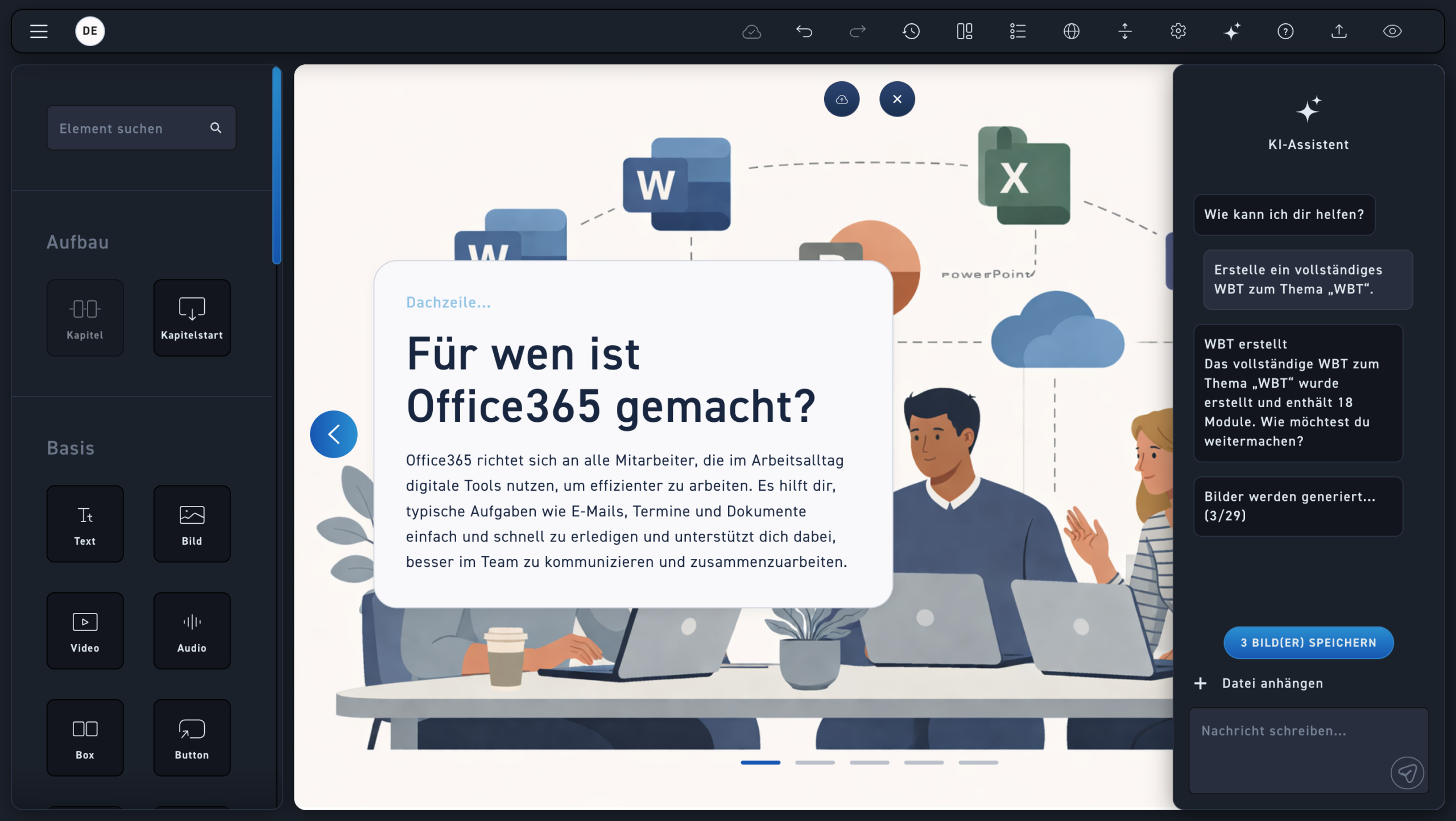
Status
The AI gives you a status of how many modules it has created. Each individual module or all of them together can also be adjusted later.
Generate images
You will be shown a live status of how many images the AI is creating and how many it has already created.
Save pictures
Once all images have been created, click "Save Images" to keep the AI-generated images. If the images are not saved, they will be lost.