Instructions

Application #

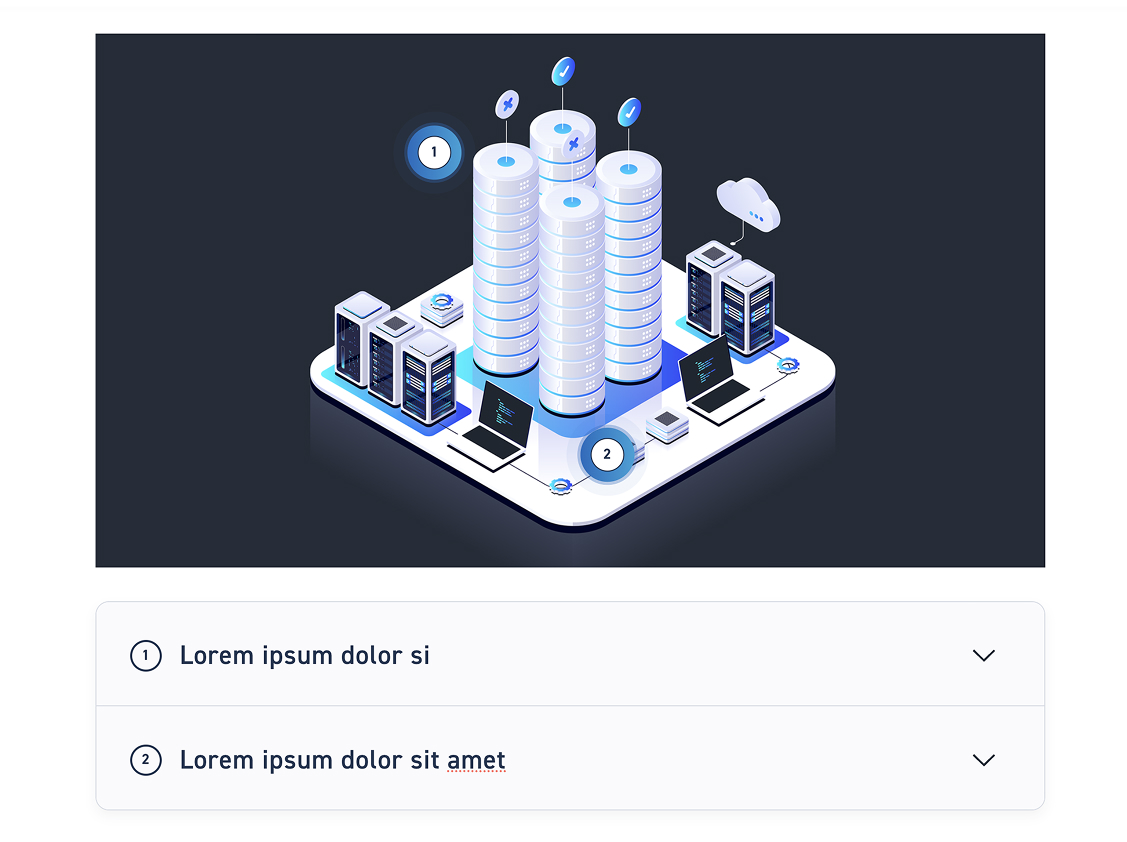
A guide consists of an image and a text block that can convey information step-by-step in succession. Through a heading and the respective running text, they offer you the opportunity to convey content compactly in a specific order at a glance.

Step 1 Add Instructions #

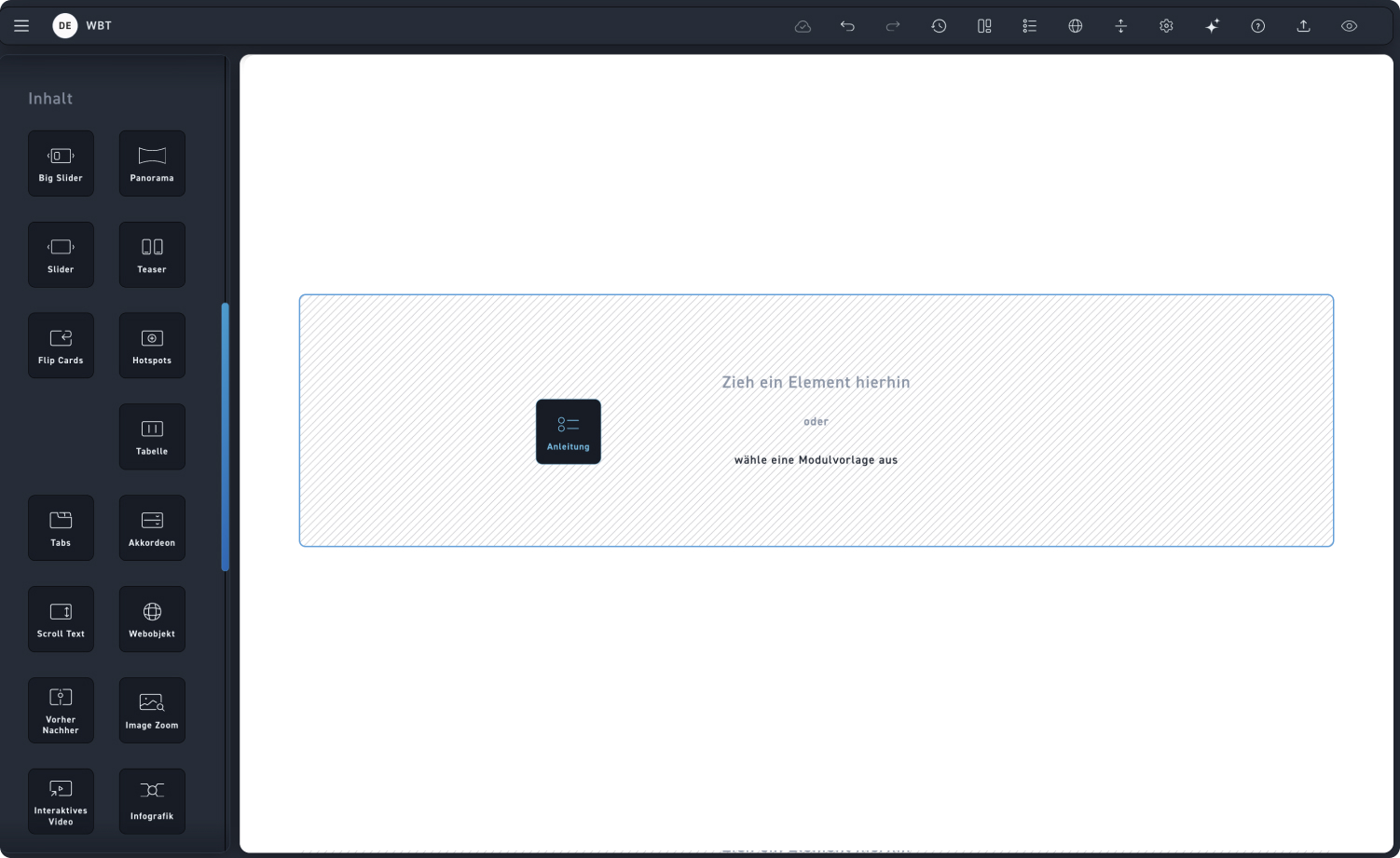
Drag the instructional element into a module.

Anleitung hinzufügen

Step 2 – Add image #

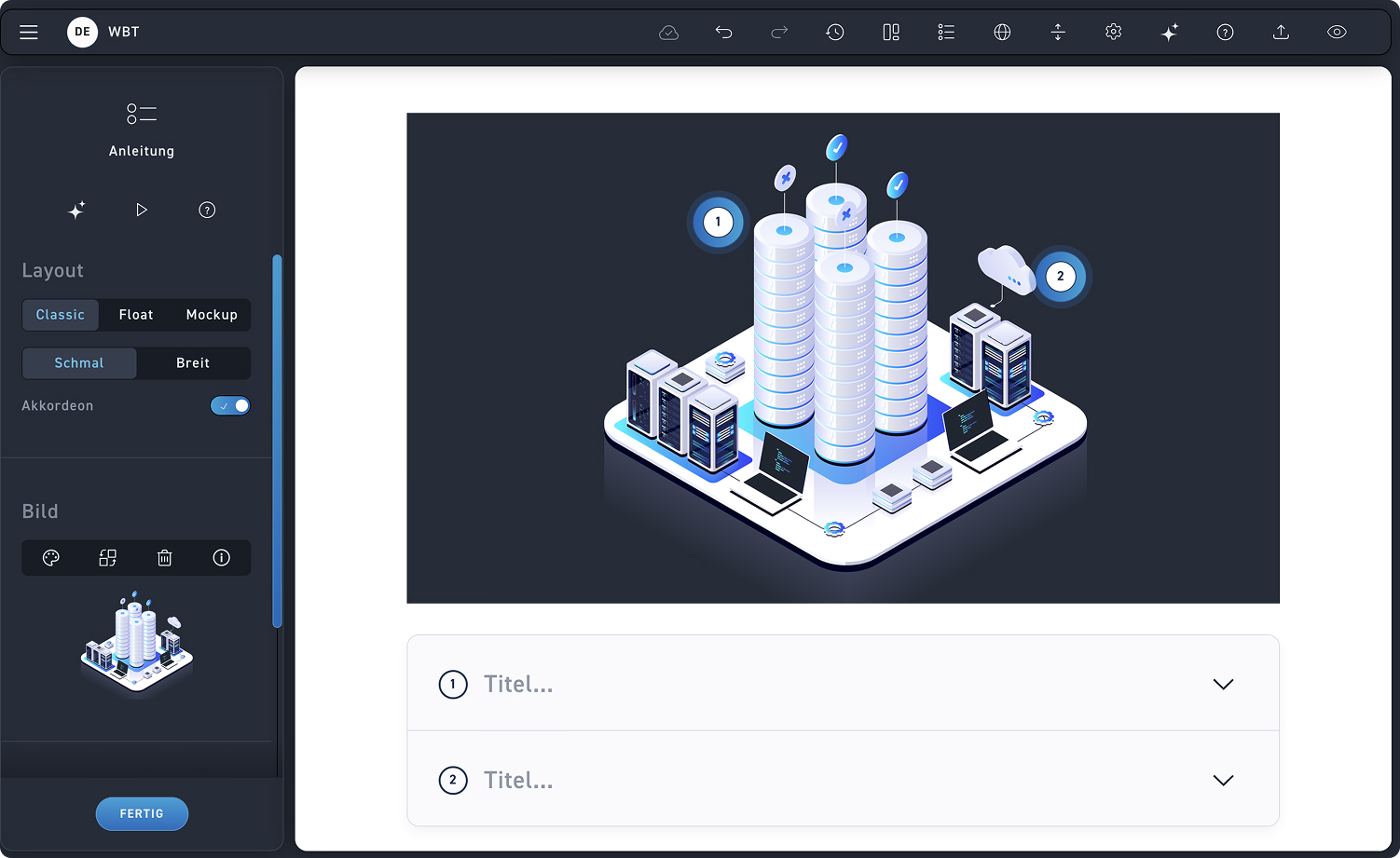
To see the effects of the settings in the editing window, add an image first.

1
Layout
Decide which of the three layouts is best suited for the content.
2
Accordion
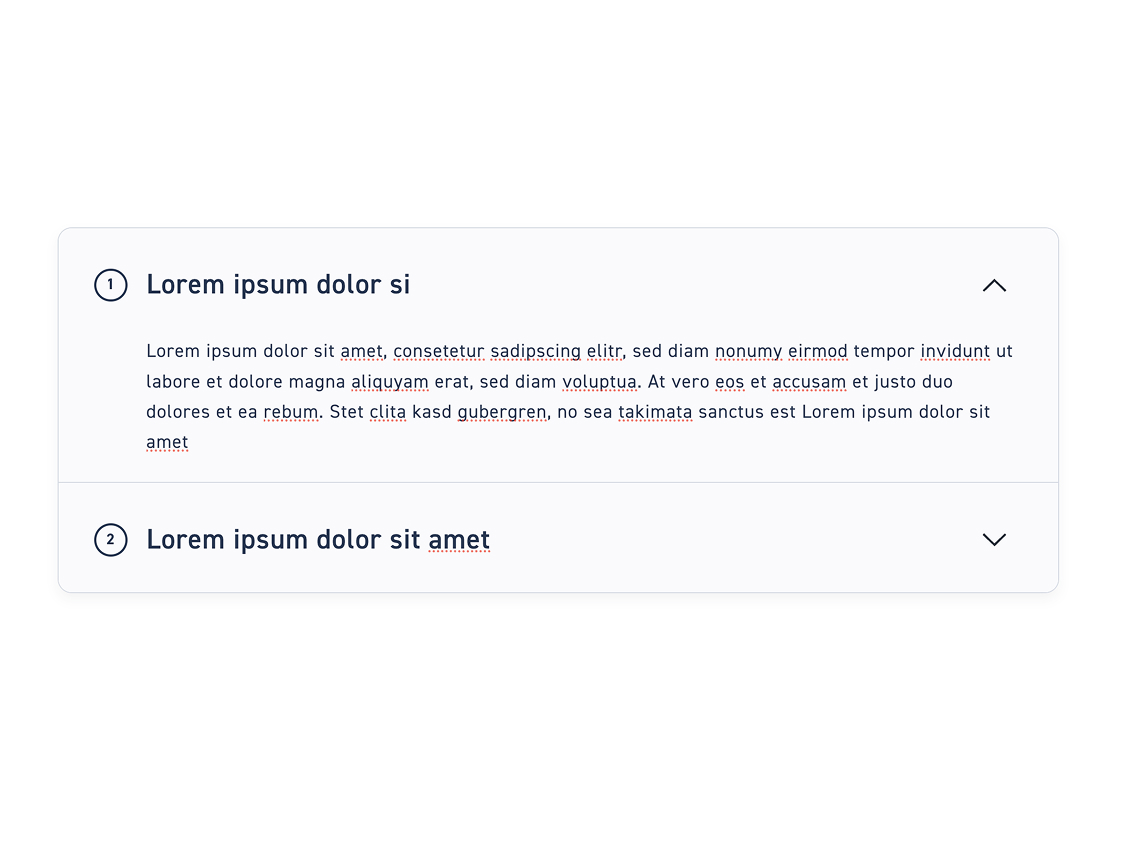
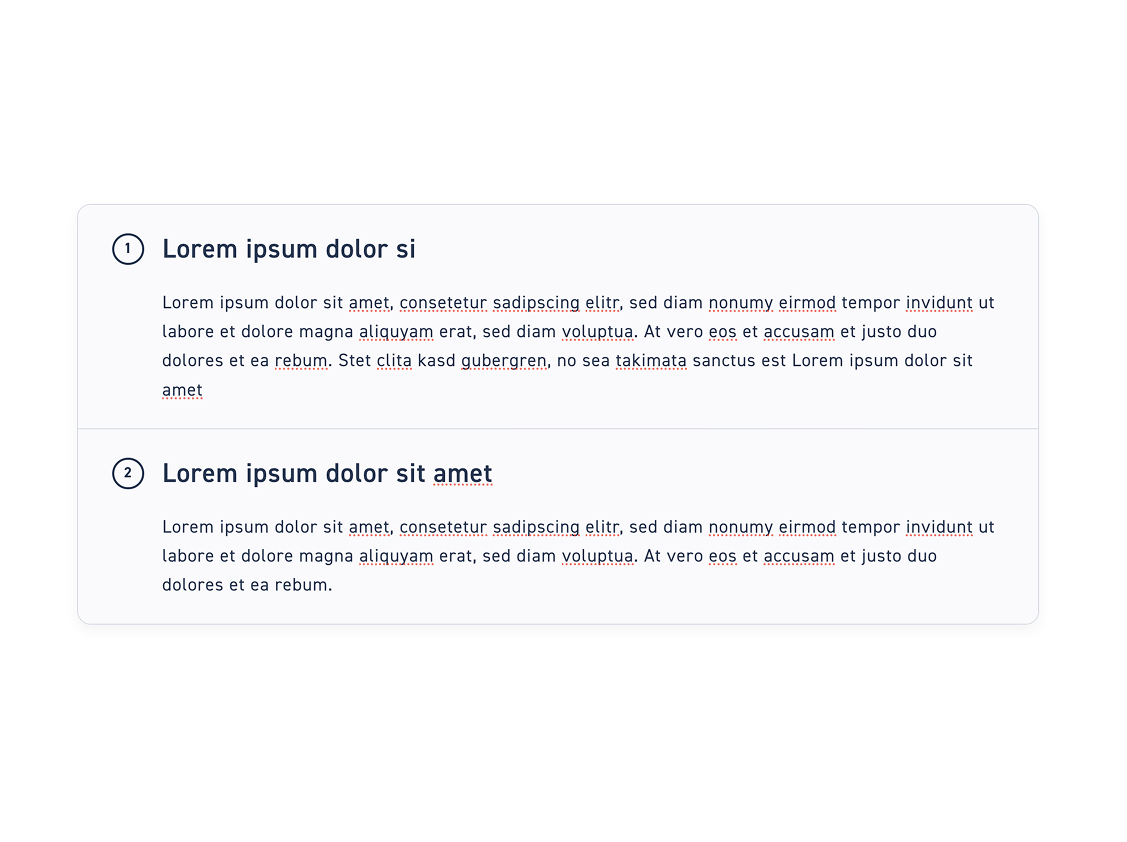
Decide whether the instruction steps are displayed in an accordion or in full text blocks.
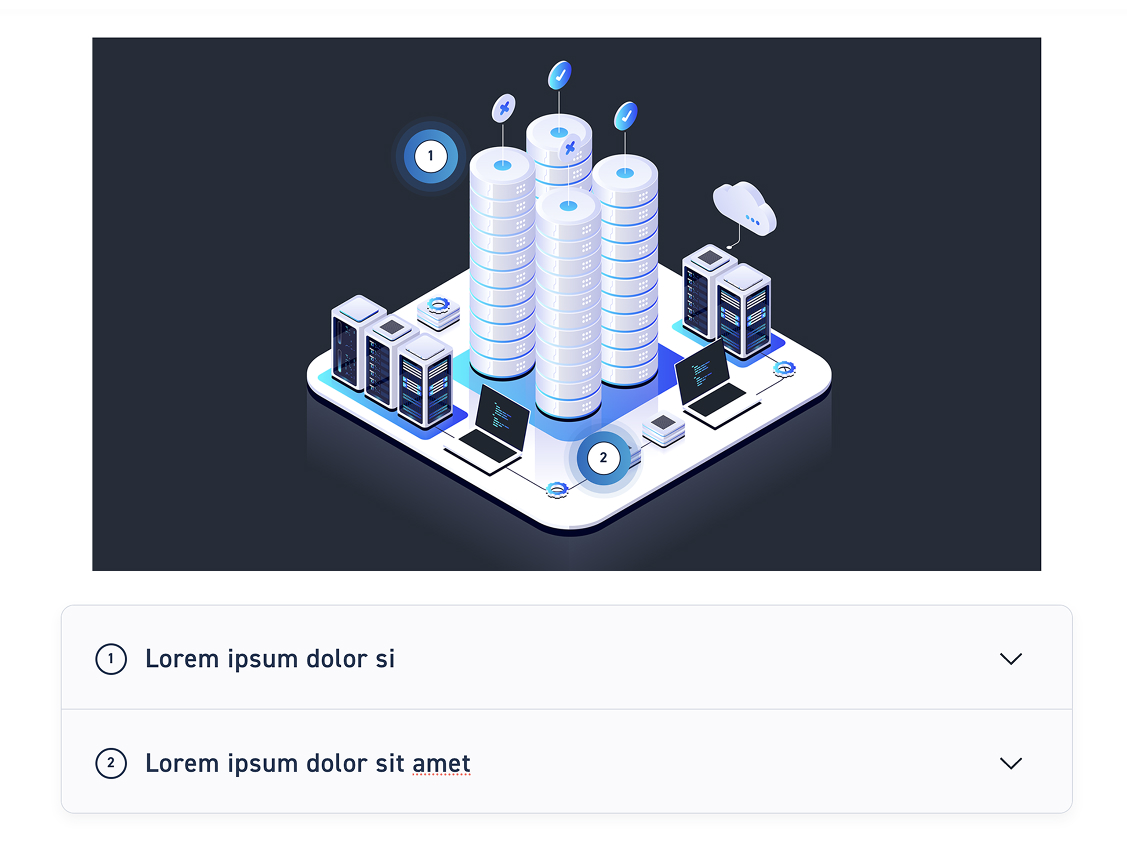
Classic style of instruction #

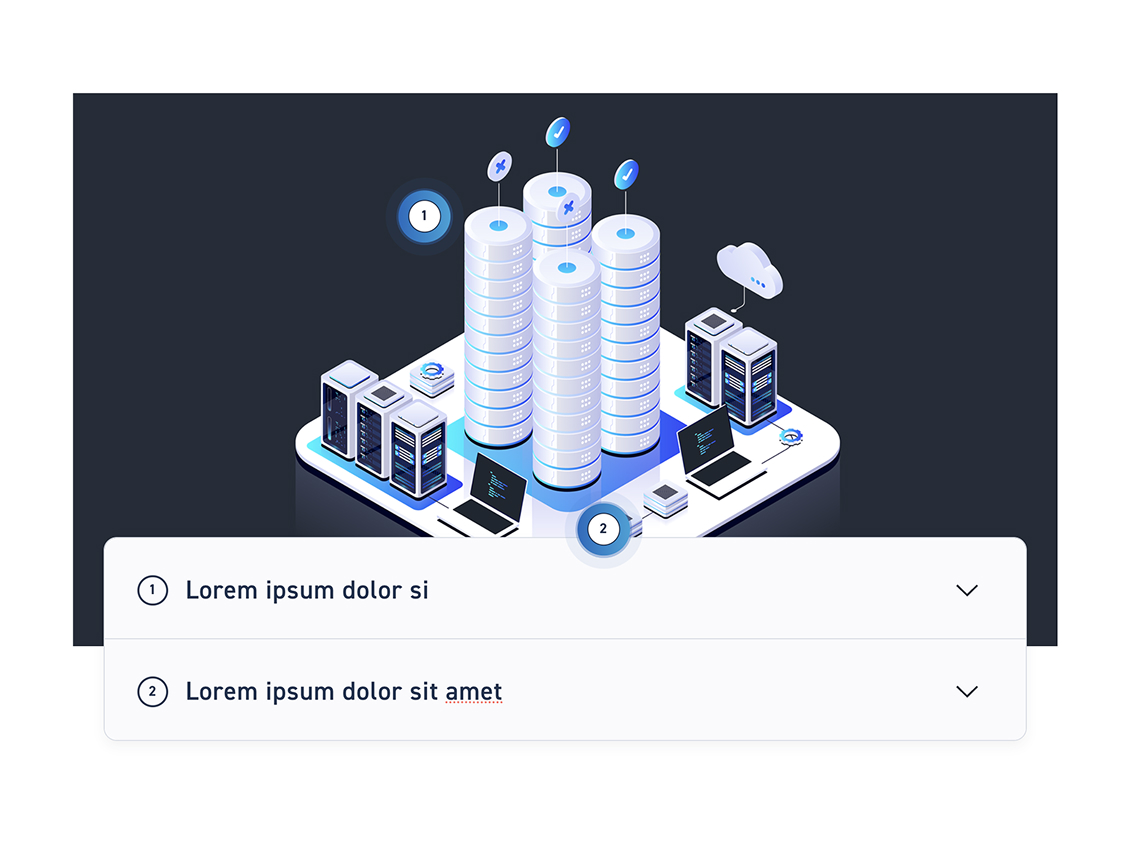
Classic Schmal #

Classic Breit #

Floating styles of the manual #

Click on Float and decide whether to set the instructions to Narrow or Wide.

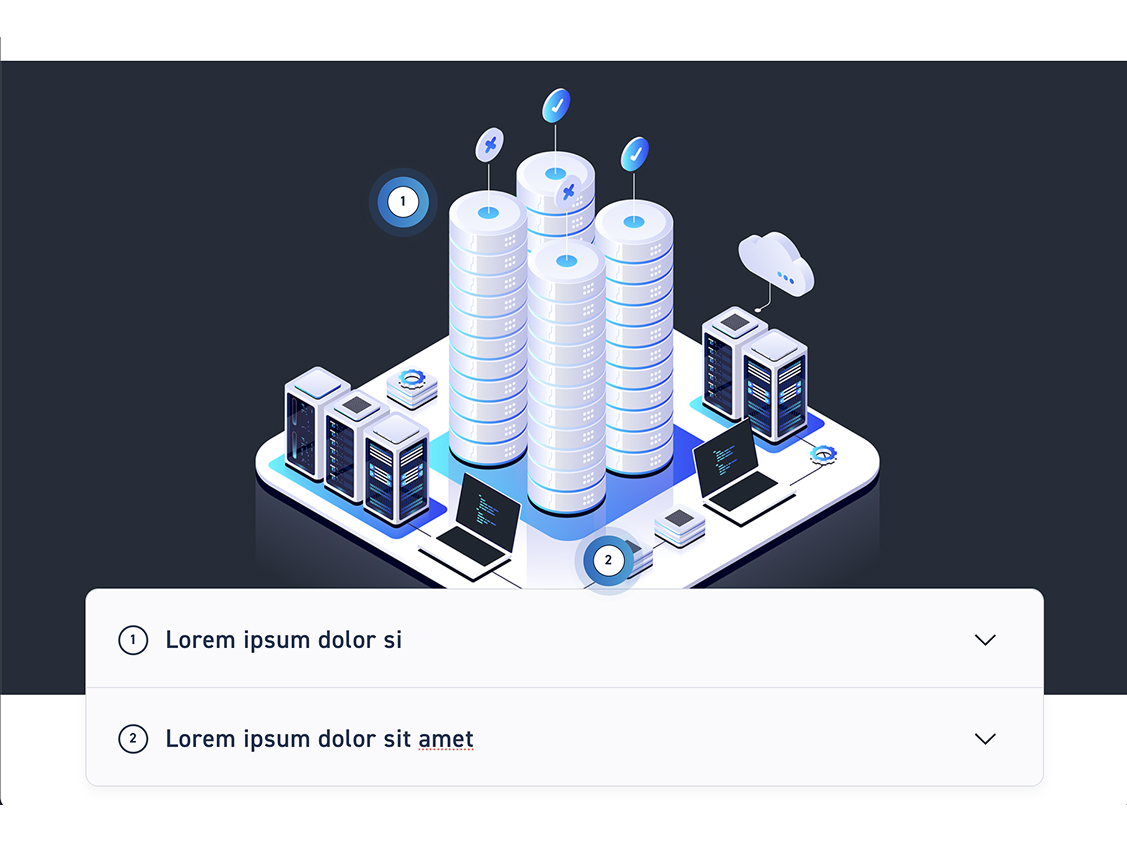
Float Schmal #

Float Breit #

Mockup Style Guide #

Mobile #

Tablet #

Laptop #

Visibility of the text blocks #

Choose how the learners operate the guide.

Turn on the accordion #

Turn off accordion #

Step 5 – Set steps #

1
Steps
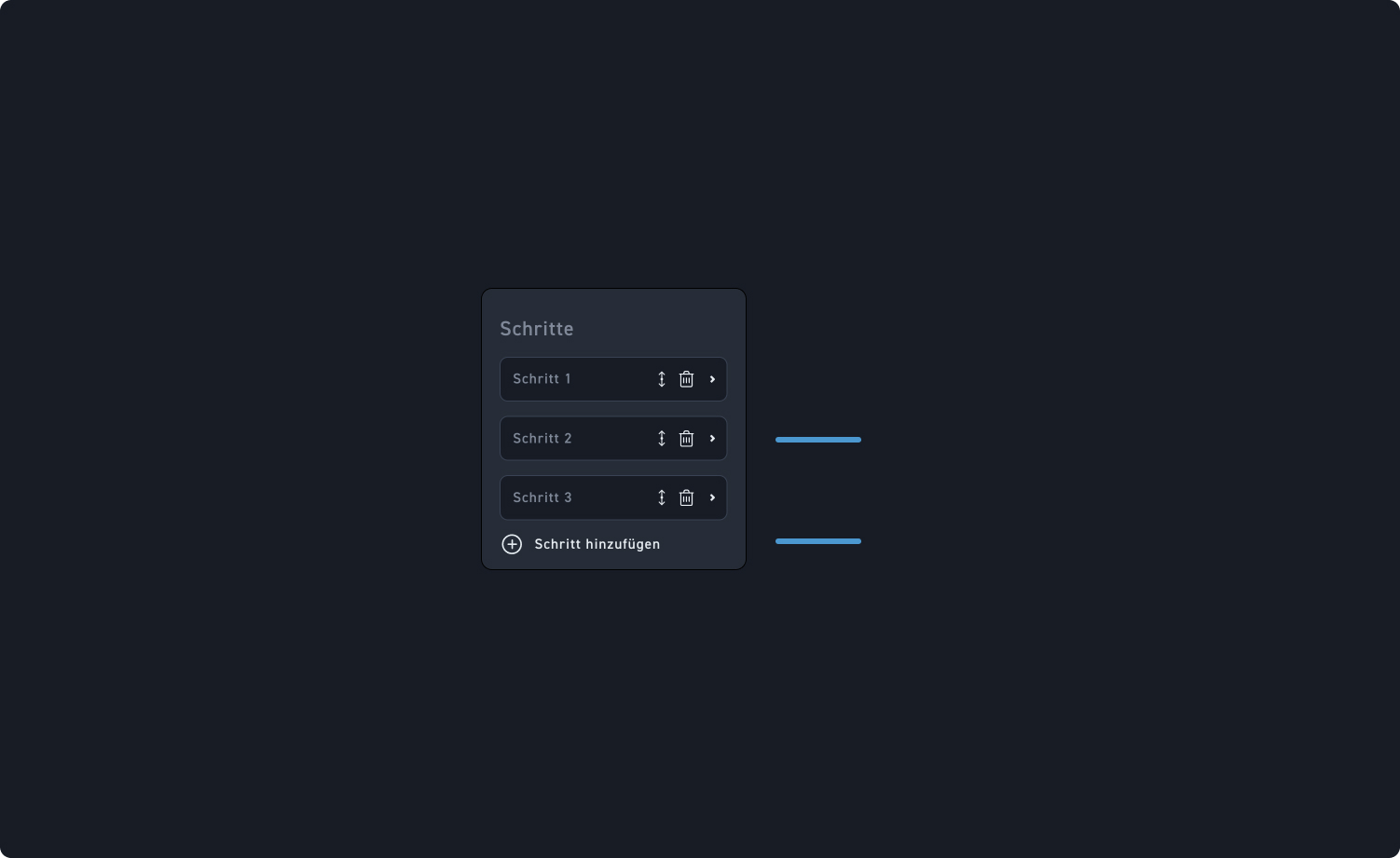
Move or delete the steps or click on a step window to view further settings of the guide.
2
Add step
Add a new step by clicking „Add step“.