Learning paths
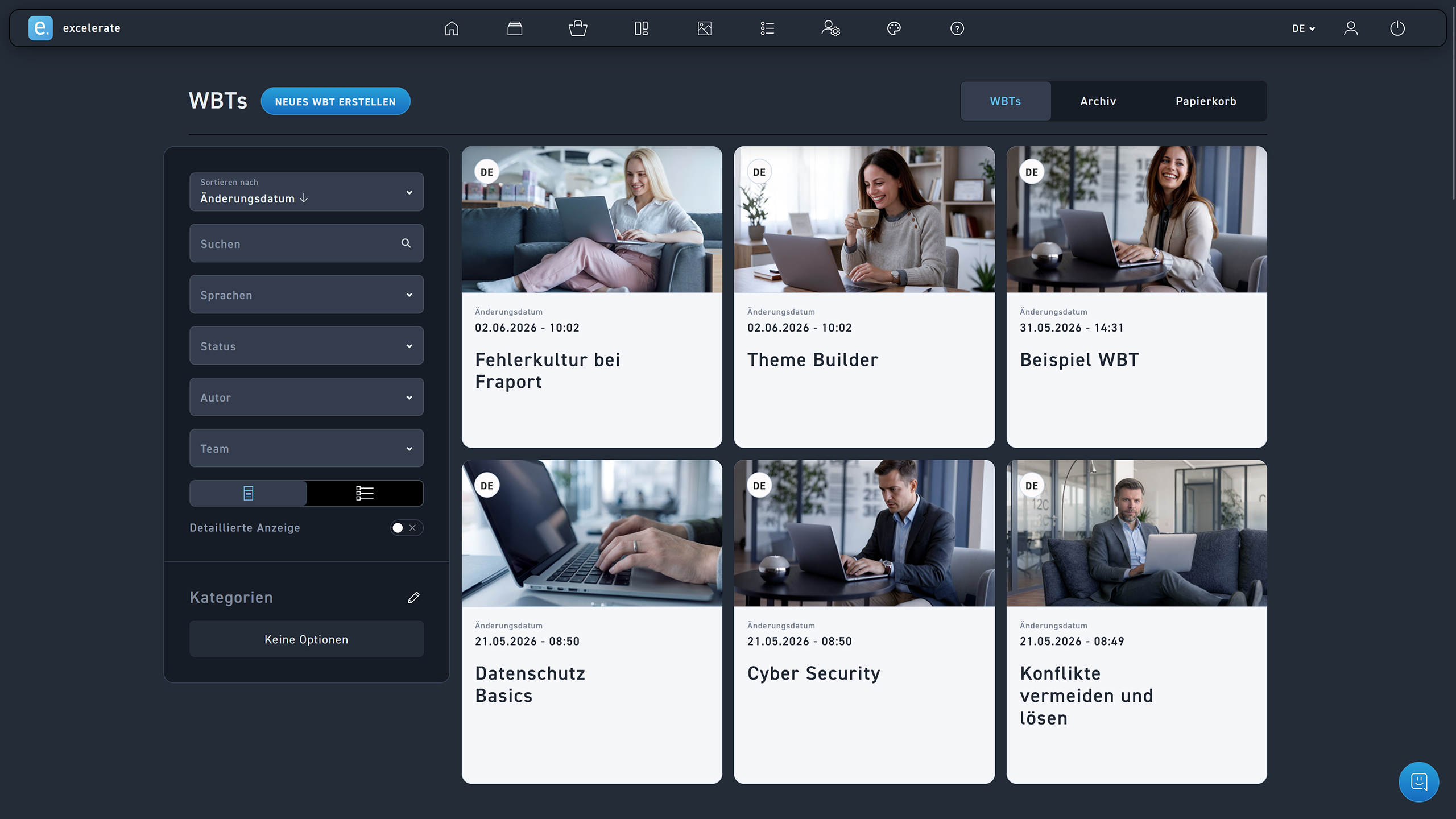
Create new WBT
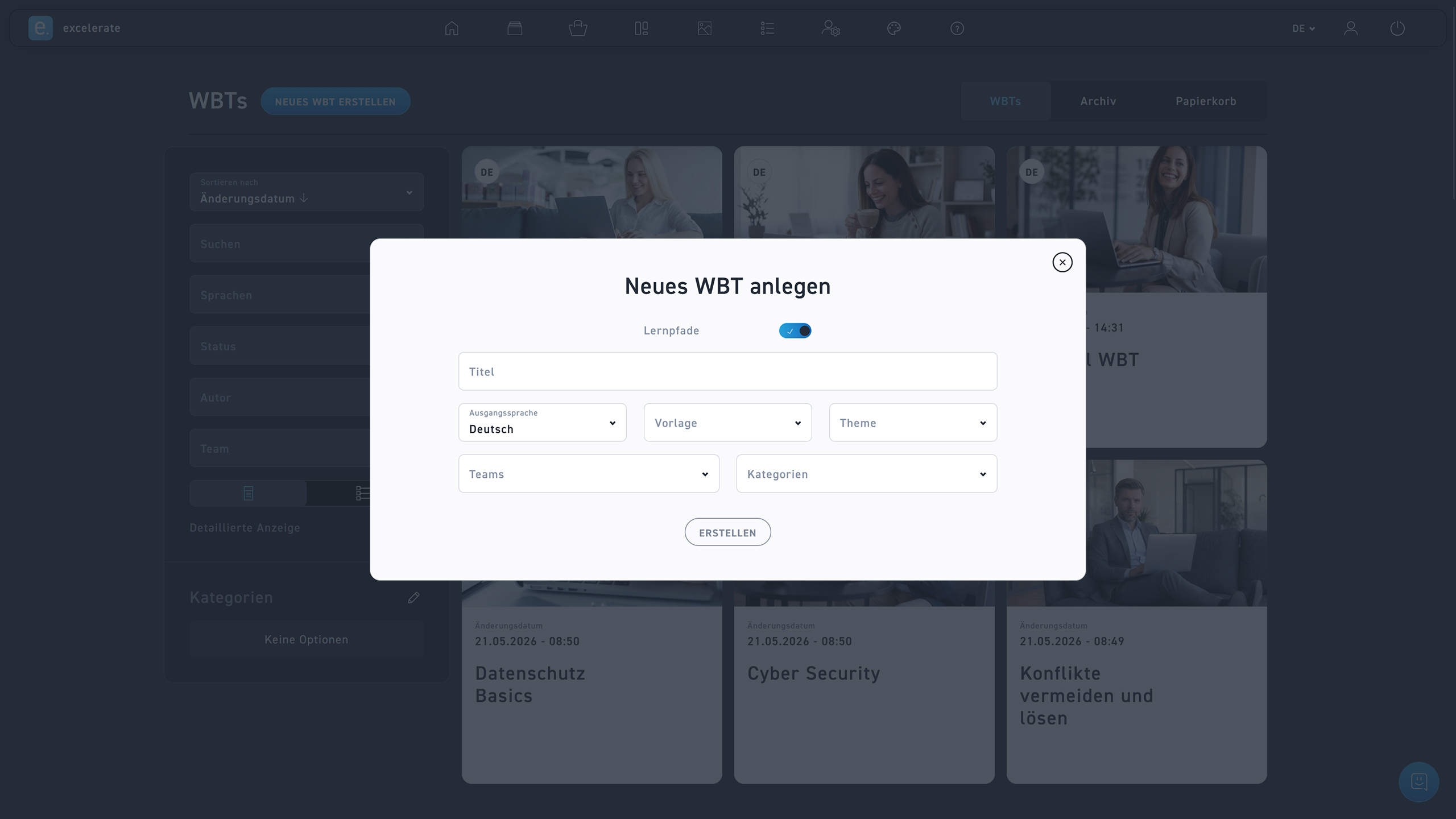
Activate the learning paths option when creating a WBT.
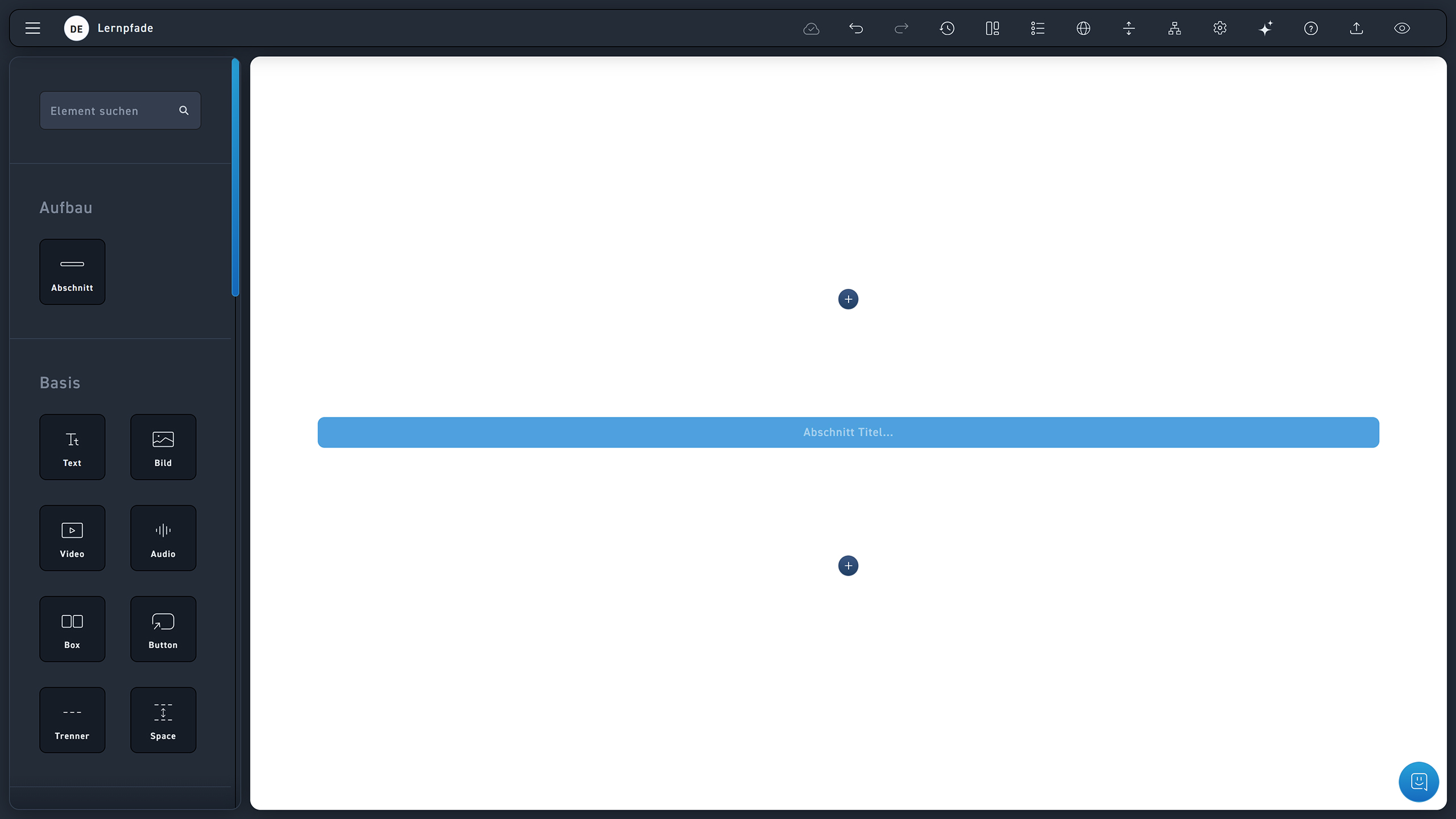
Divide your WBT into several sections.
Drag the section element into a module.
All modules up to the next section element are now assigned to this section.
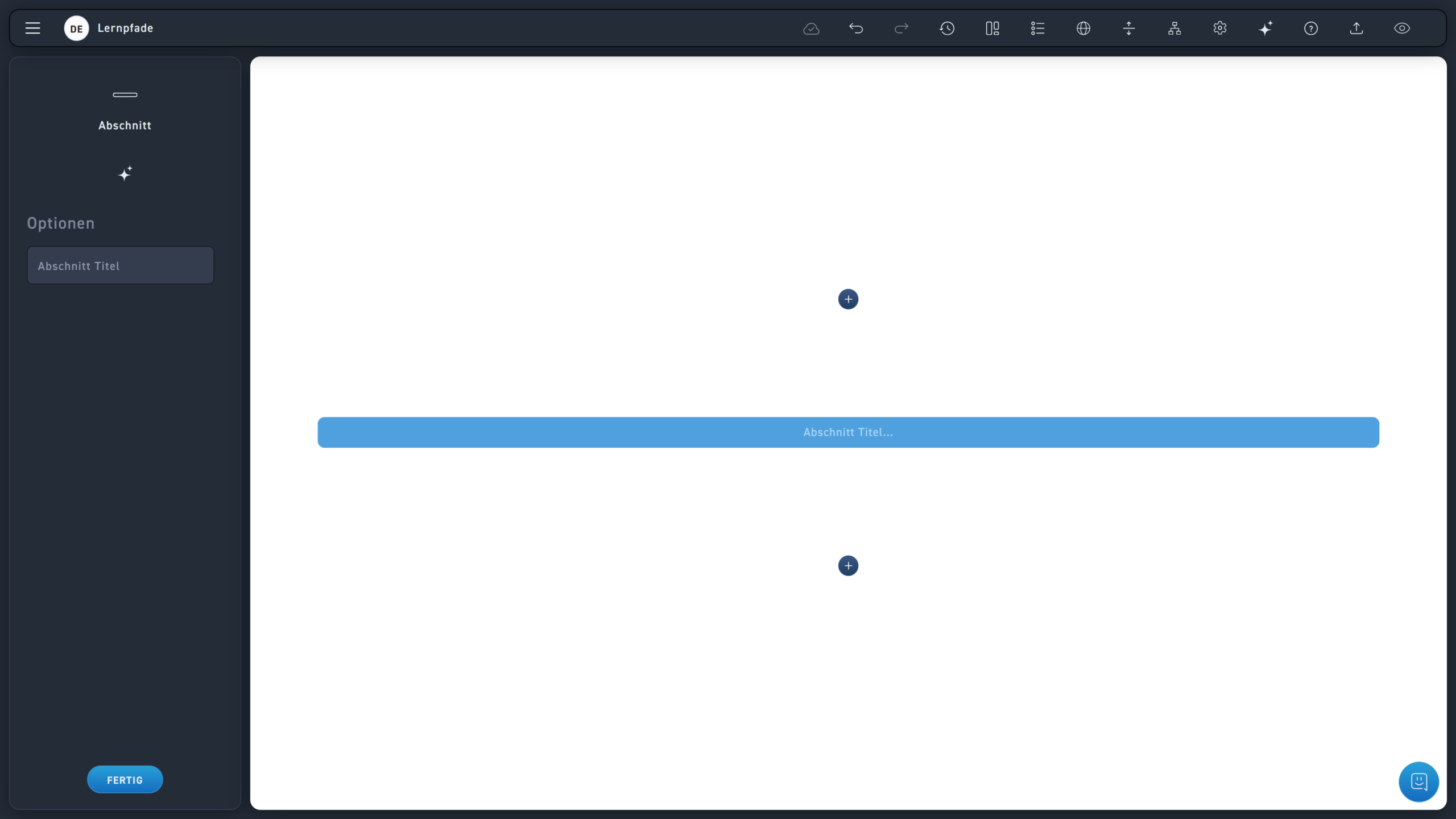
Each section can be given a title. This title is only visible to you as the author and helps you find your way around better.
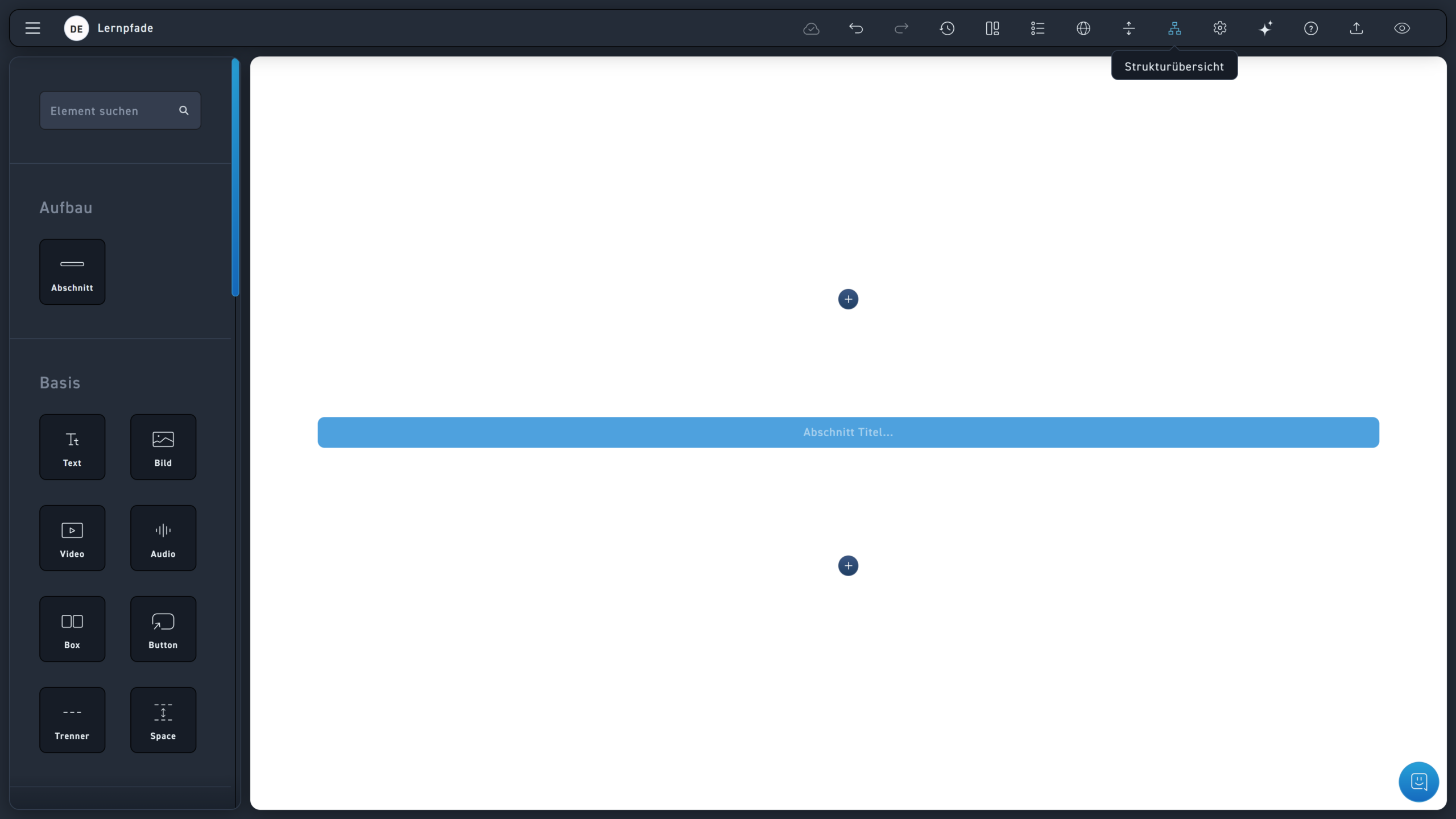
Click on the structure icon to get a flowchart view of the WBT.
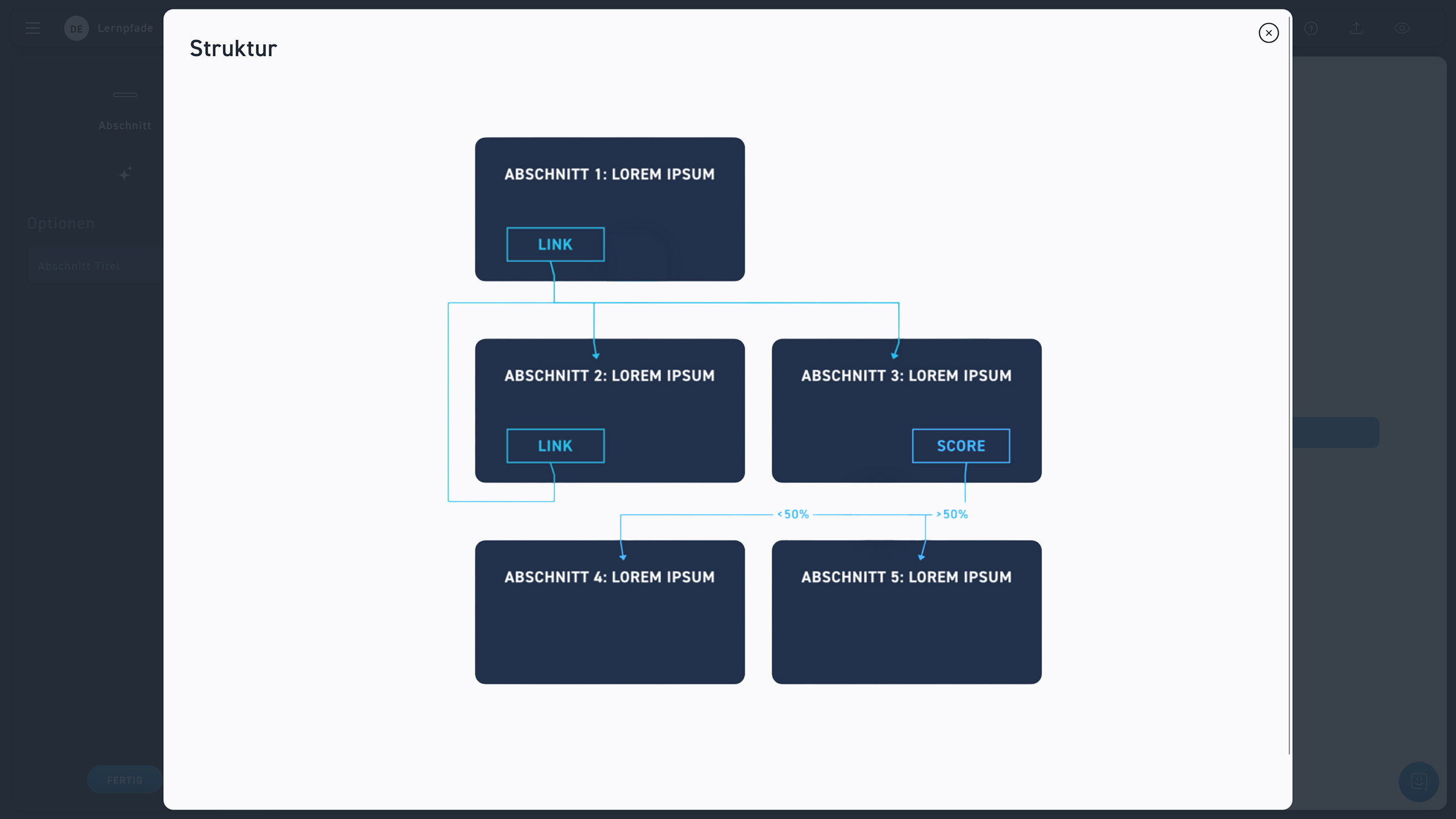
In the structure view, each section is represented as a rectangular area. From this box, lines lead either to LINK or to SCORE.
The lines show you where a link leads.
If a link depends on a quiz result, the threshold appears on the line.