Interview
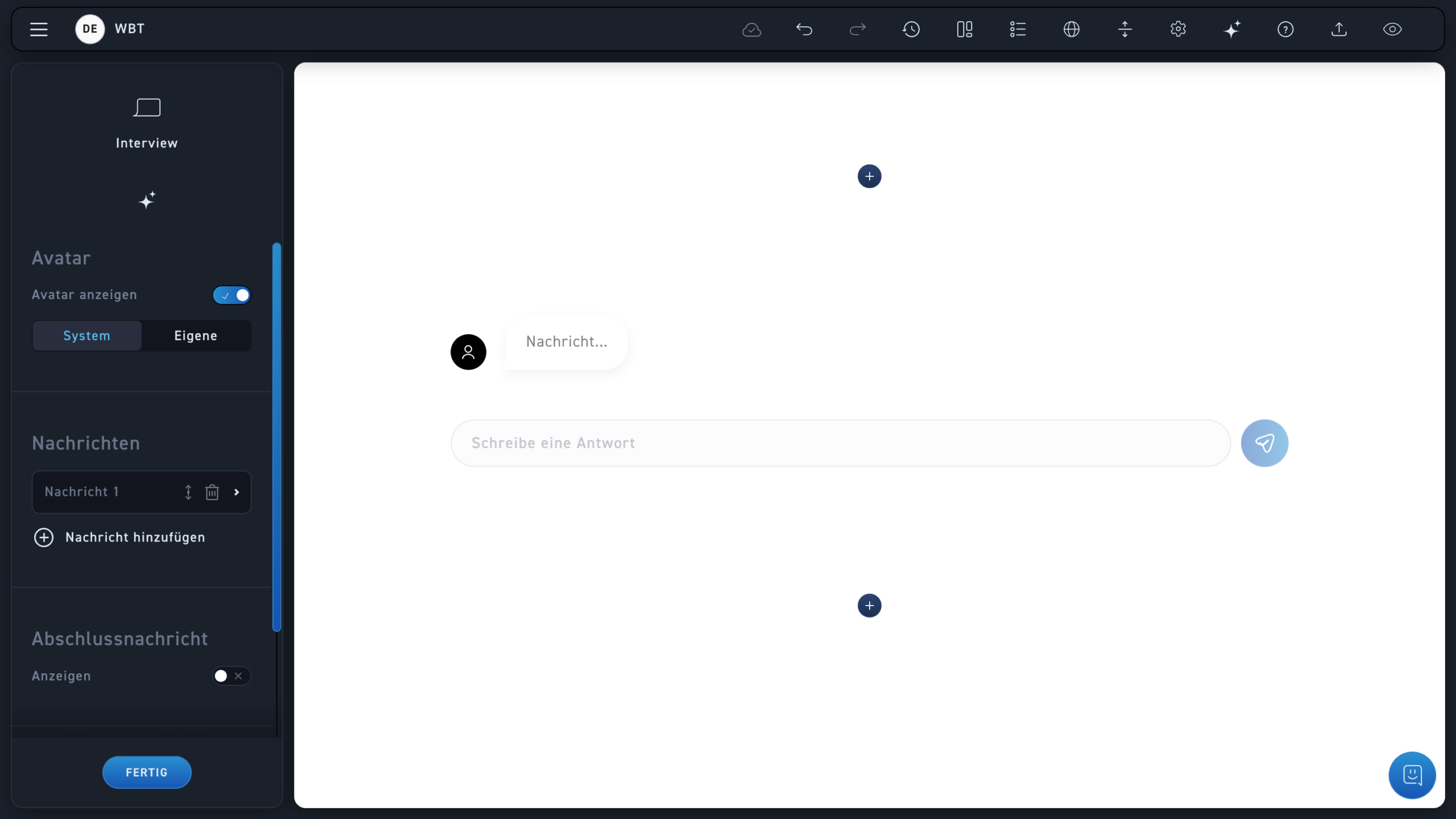
Activate the avatar to personalize the appearance of the messages.
Choose between your image stored in the system or upload your own image.
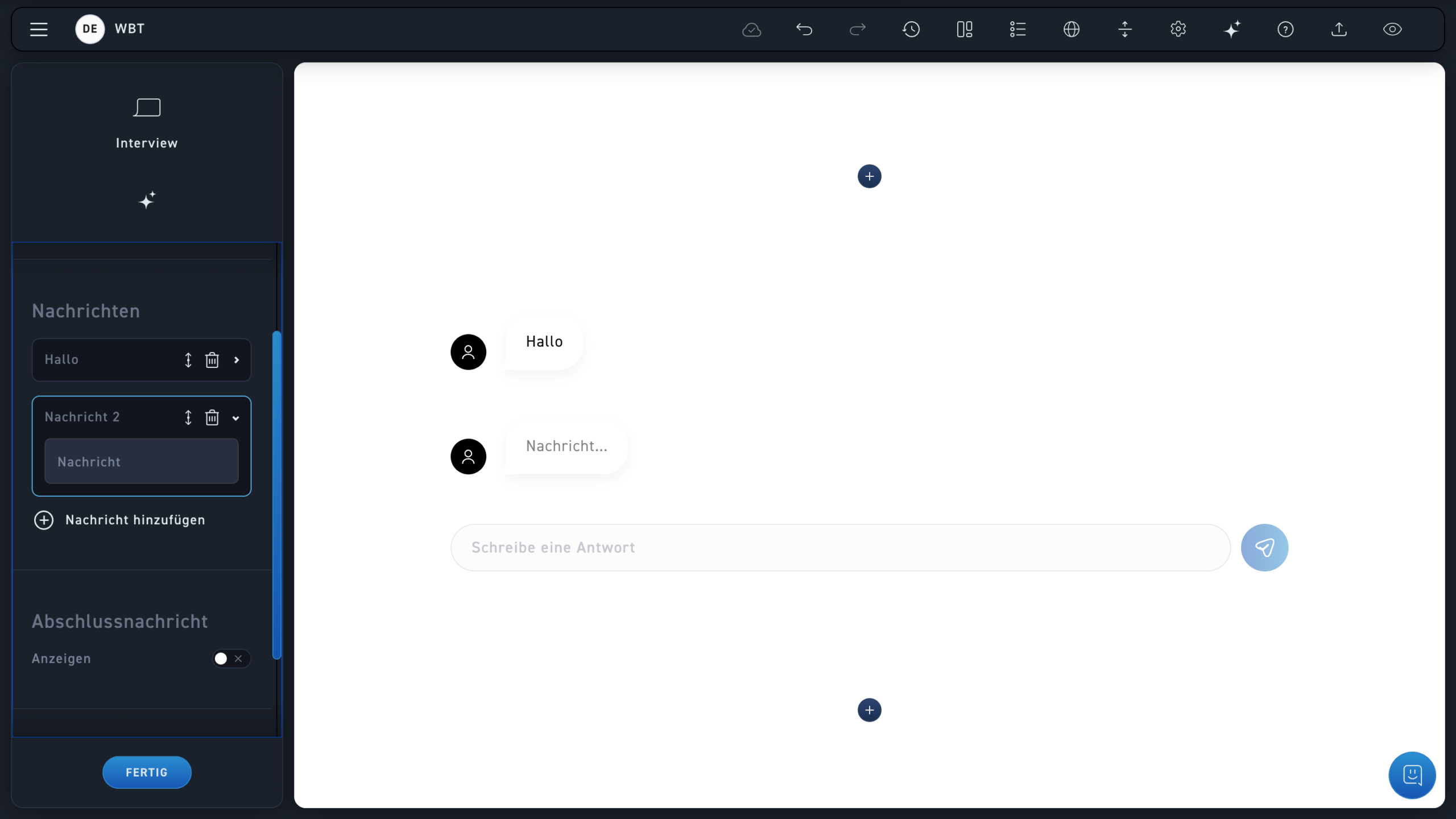
Enter a message. Keep in mind that you will either write the question or the answer and pre-establish the chat history.
As a new author, you will receive an invitation via email from your administrator.
Add as many messages as you want and arrange them by dragging as needed.
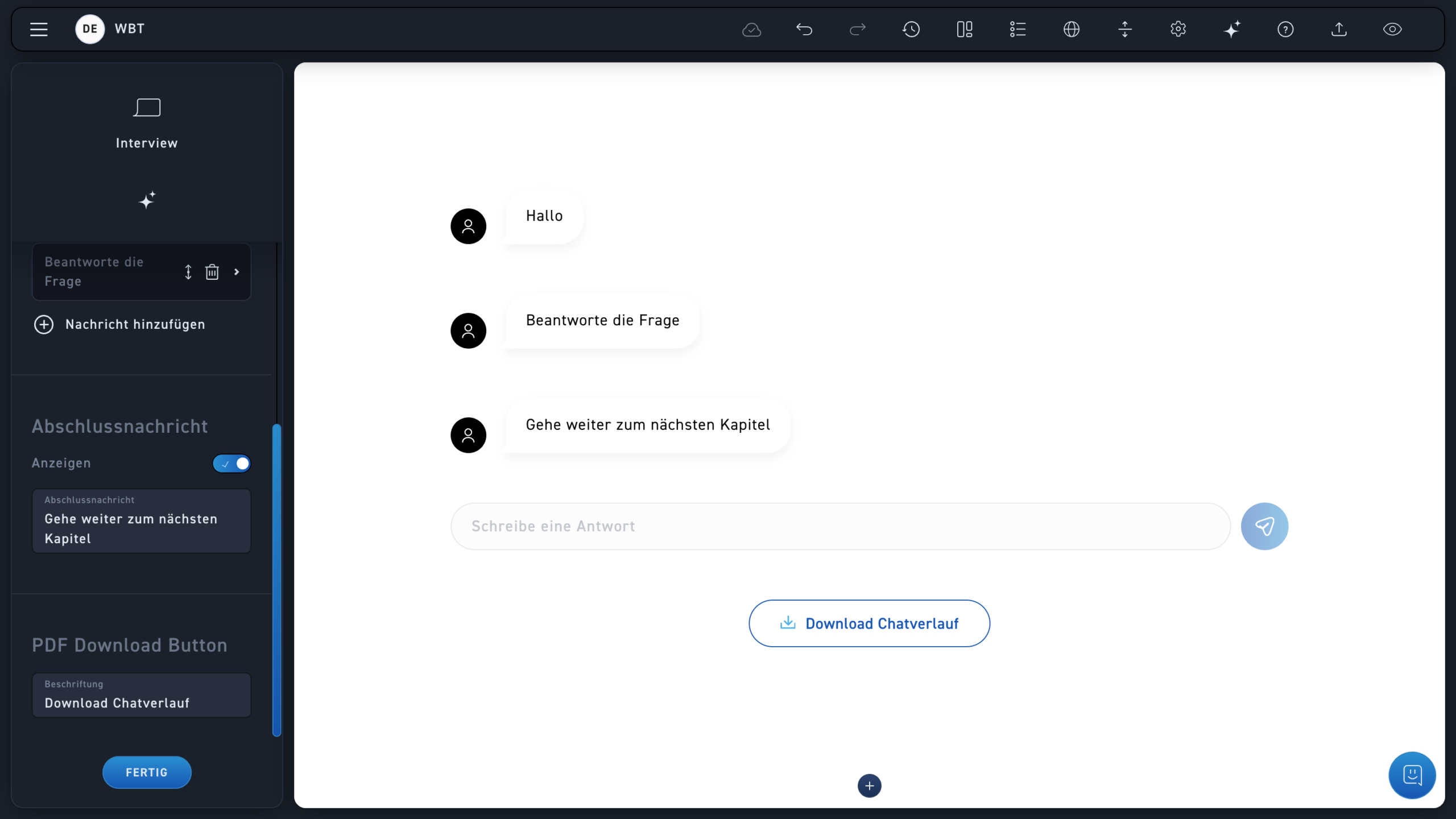
Activate and create a closing message. After that, the interview is finished for the learner.
Provide a title for the download. After that, the download function will be activated, and the learner can download the chat history after the interview.