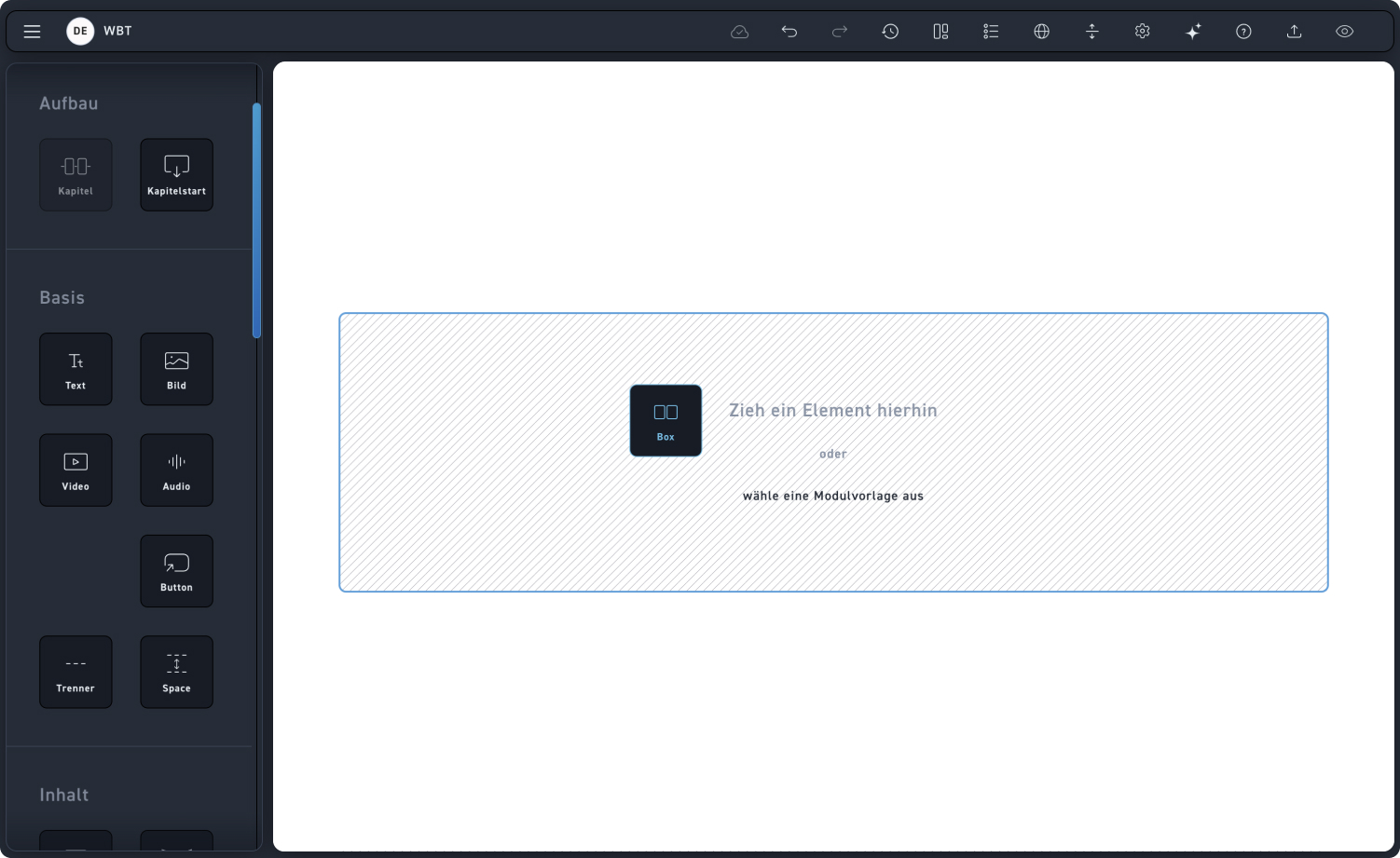
Box
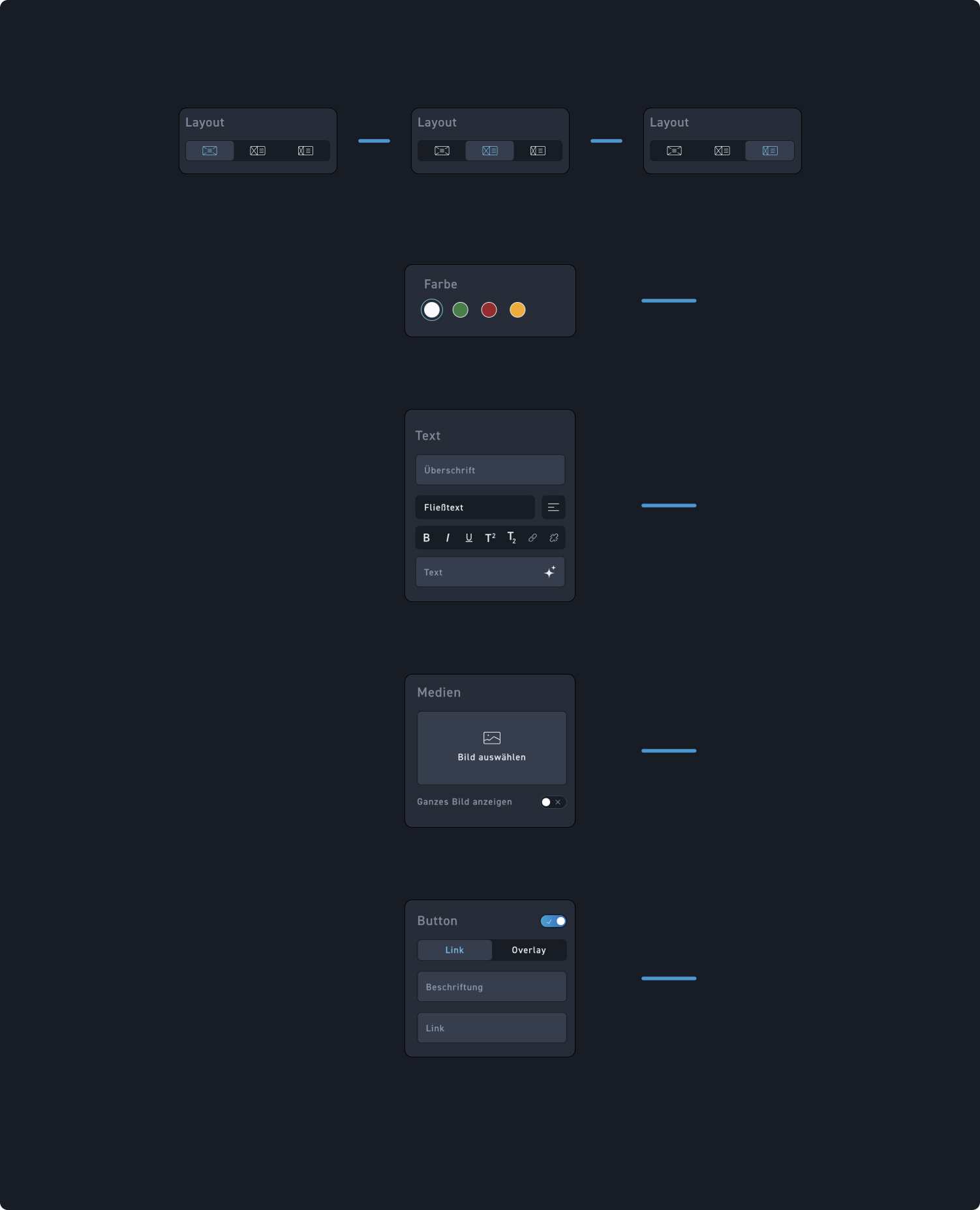
Layout
Choose the appropriate layout variant. Here you can choose between three different layout options.
Box color
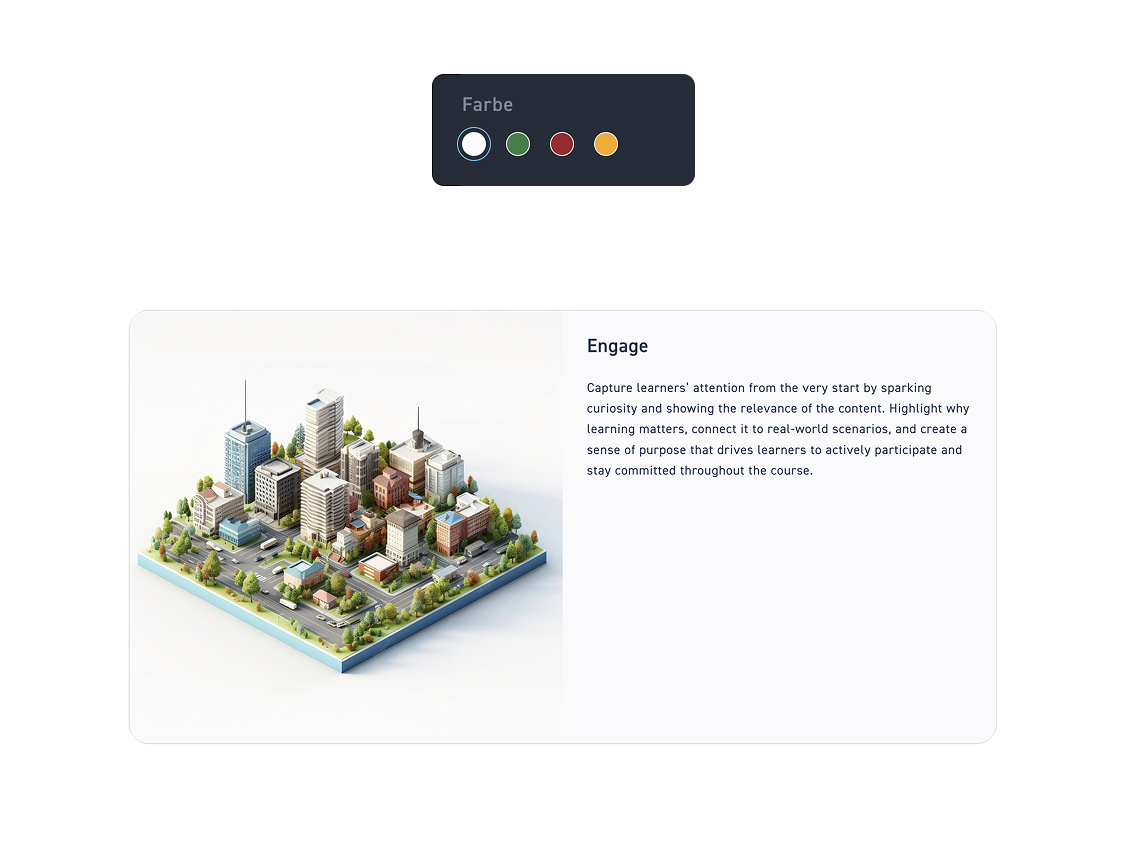
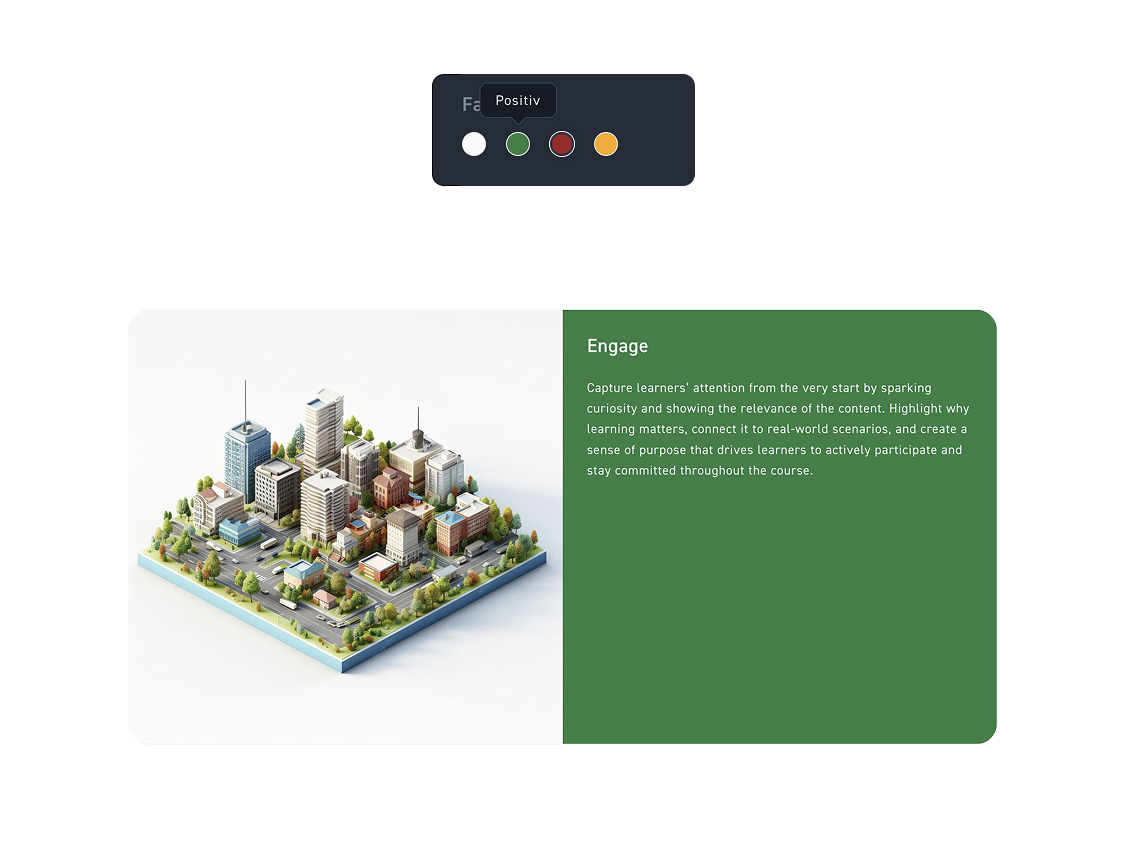
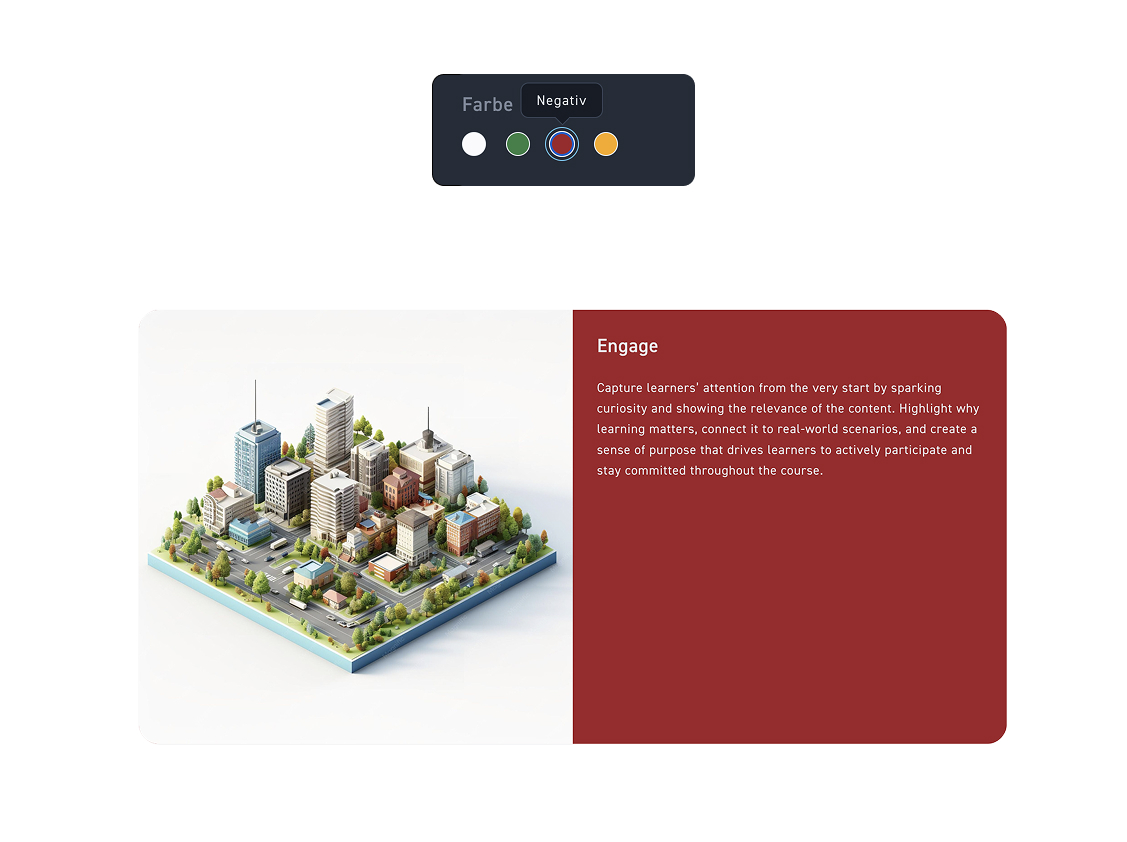
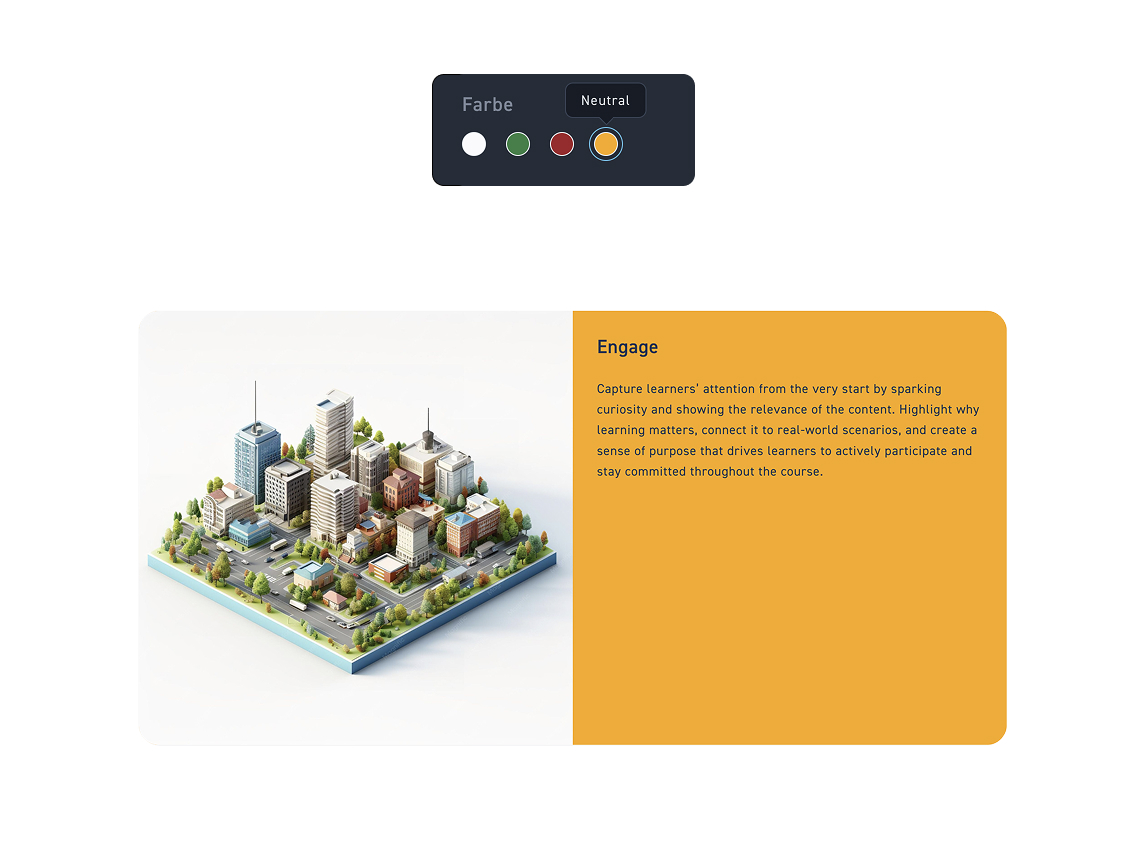
Decide which of the five available colors your box will get.
Text
Edit the box either directly in the element or in the editing box. To do this, insert a heading and running text and format it as desired.
Media
Add an image from the media library to your box.
Button
Turn on the button if you want to add a button to your box. Then choose whether you want to have a link or overlay button.