Table
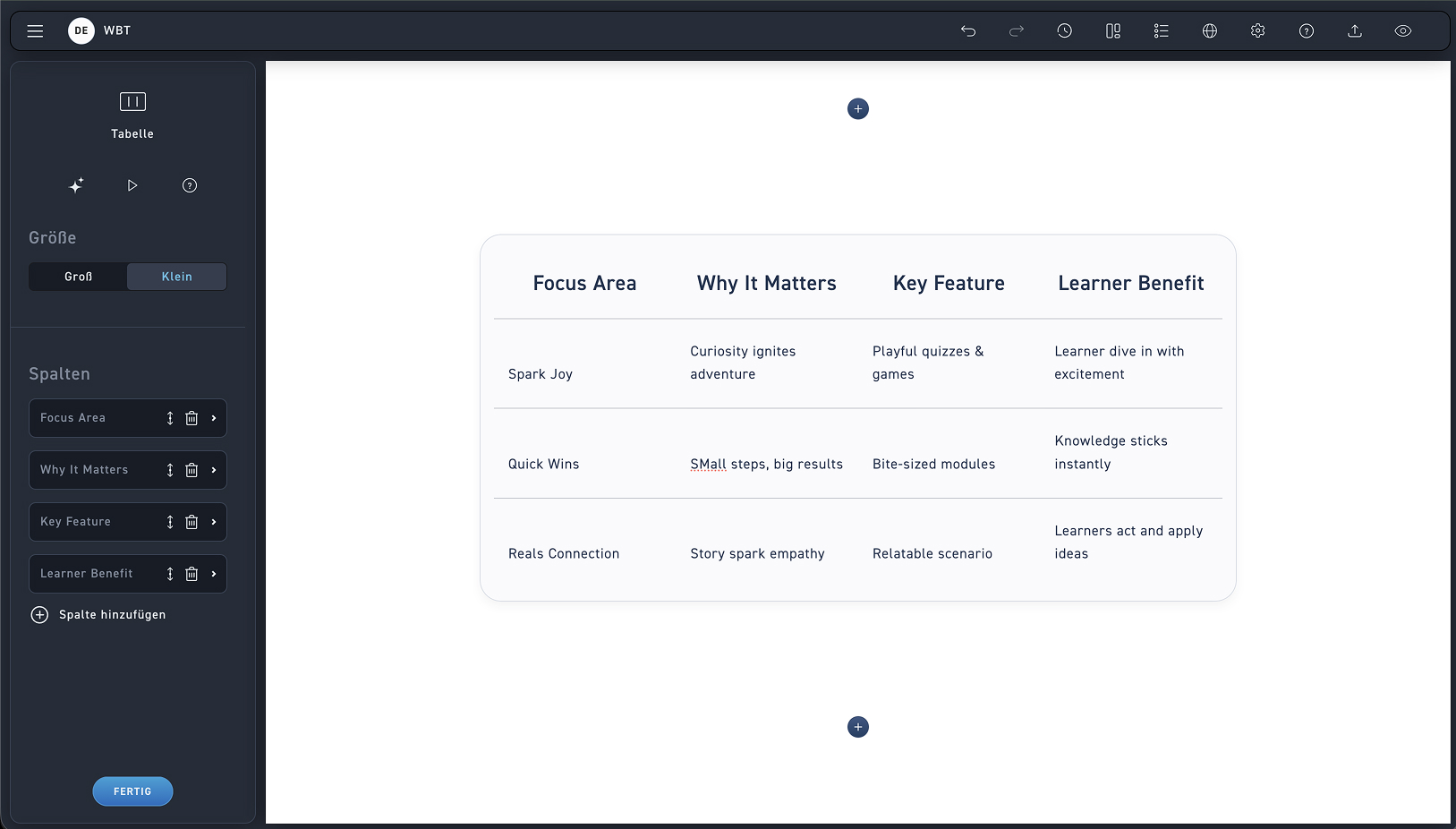
Table size
Determine the table size. You can choose between a large and a small view.
Add columns
Add new columns with the plus sign.
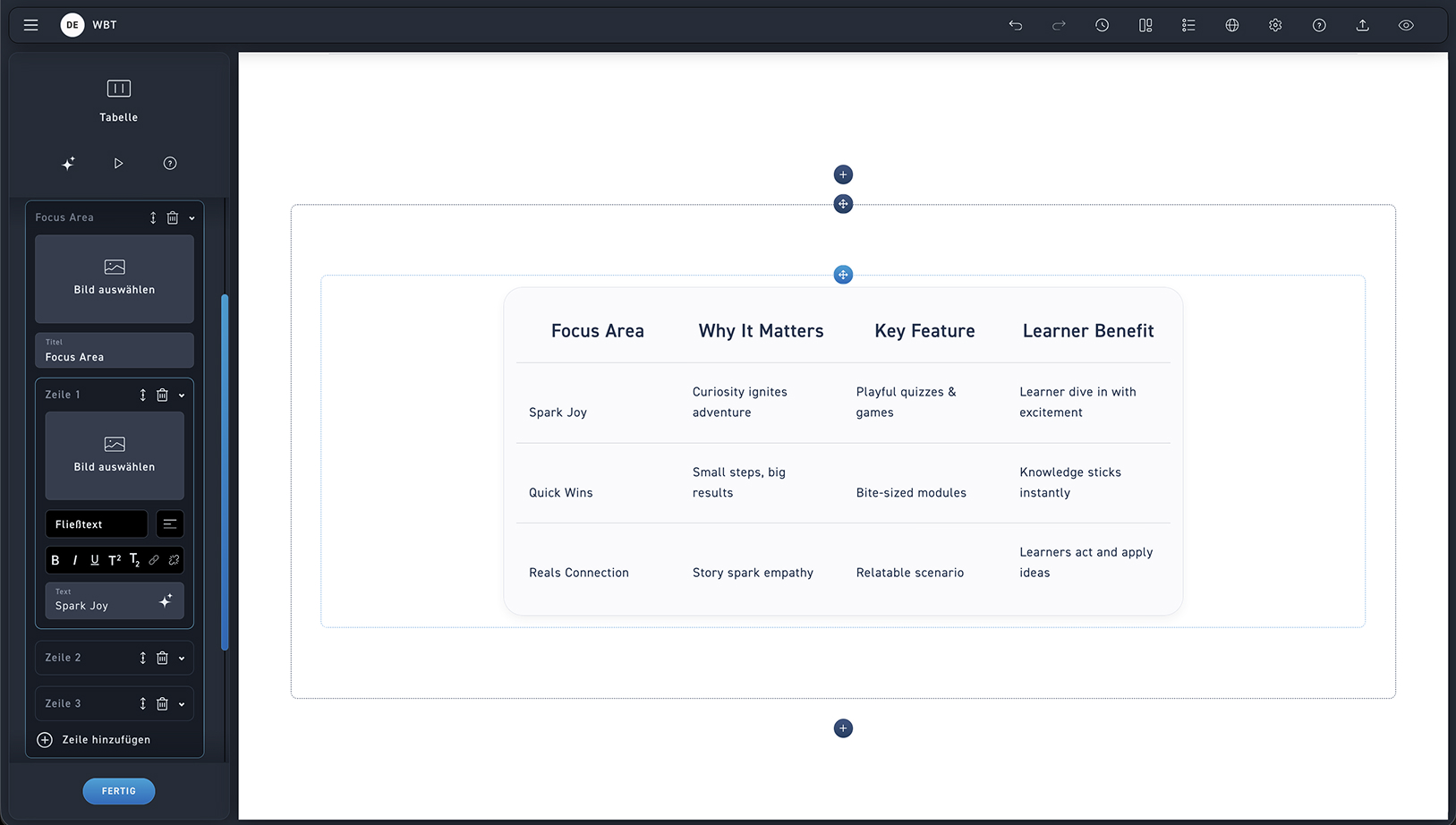
Lorem ipsum
Add columns using the plus icon and click the trash can icon to delete a column.
Open the column and add a row. Format your text with the text editor and optionally insert an image or an icon.
Change the order of the slides with the move icon and delete slides with the trash can icon.