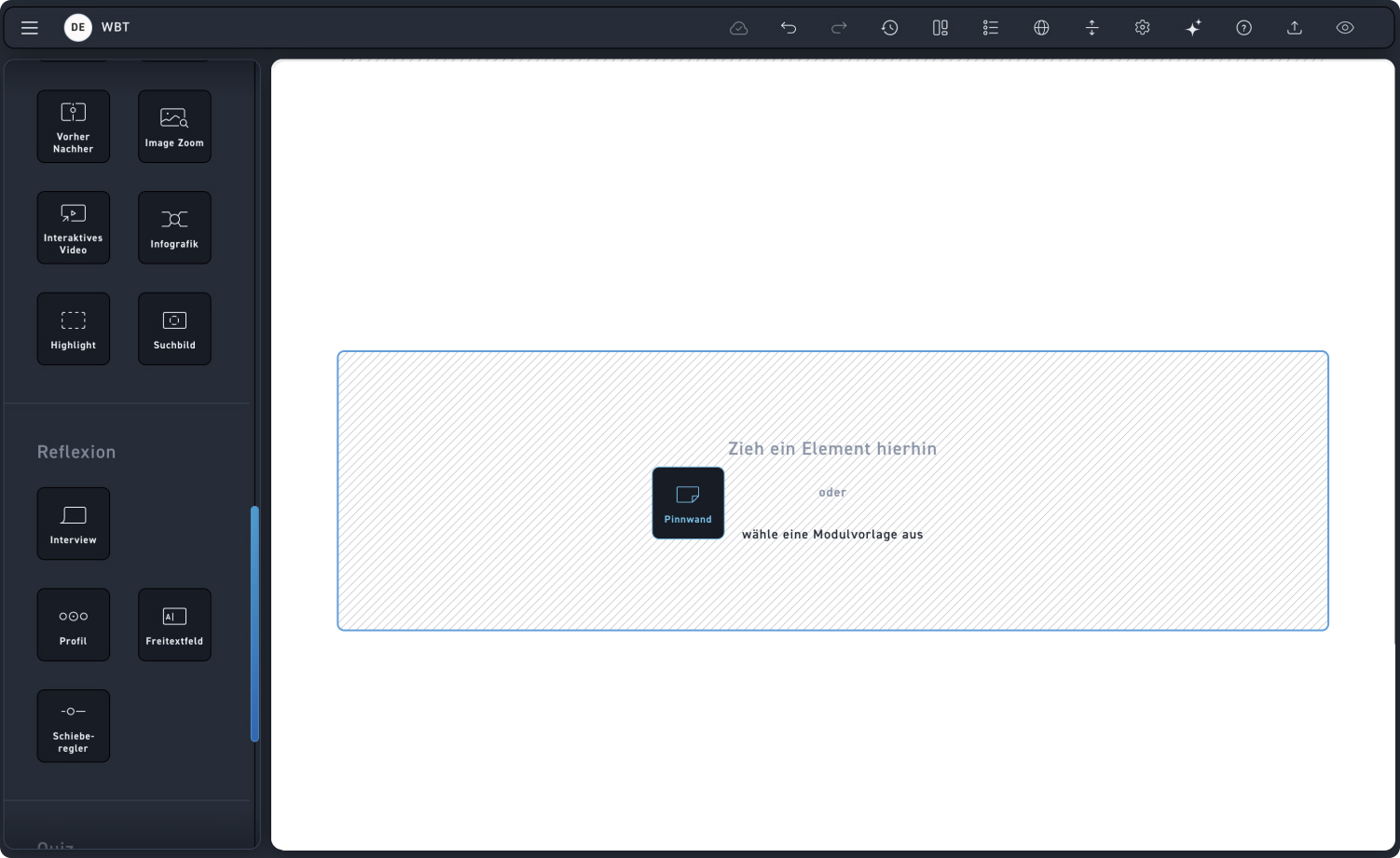
Bulletin board
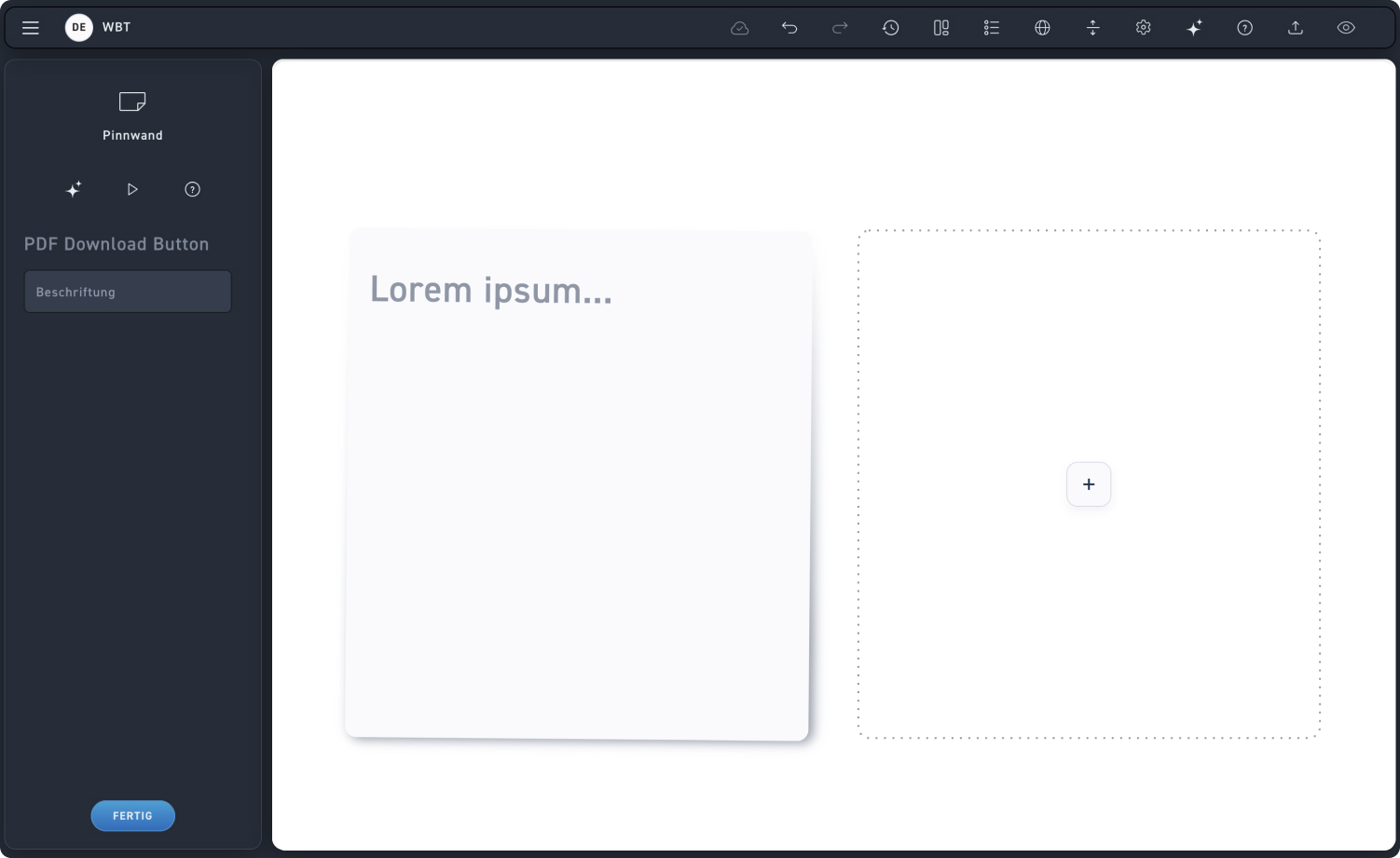
Download PDF Button
Label your button for your learners.
Text
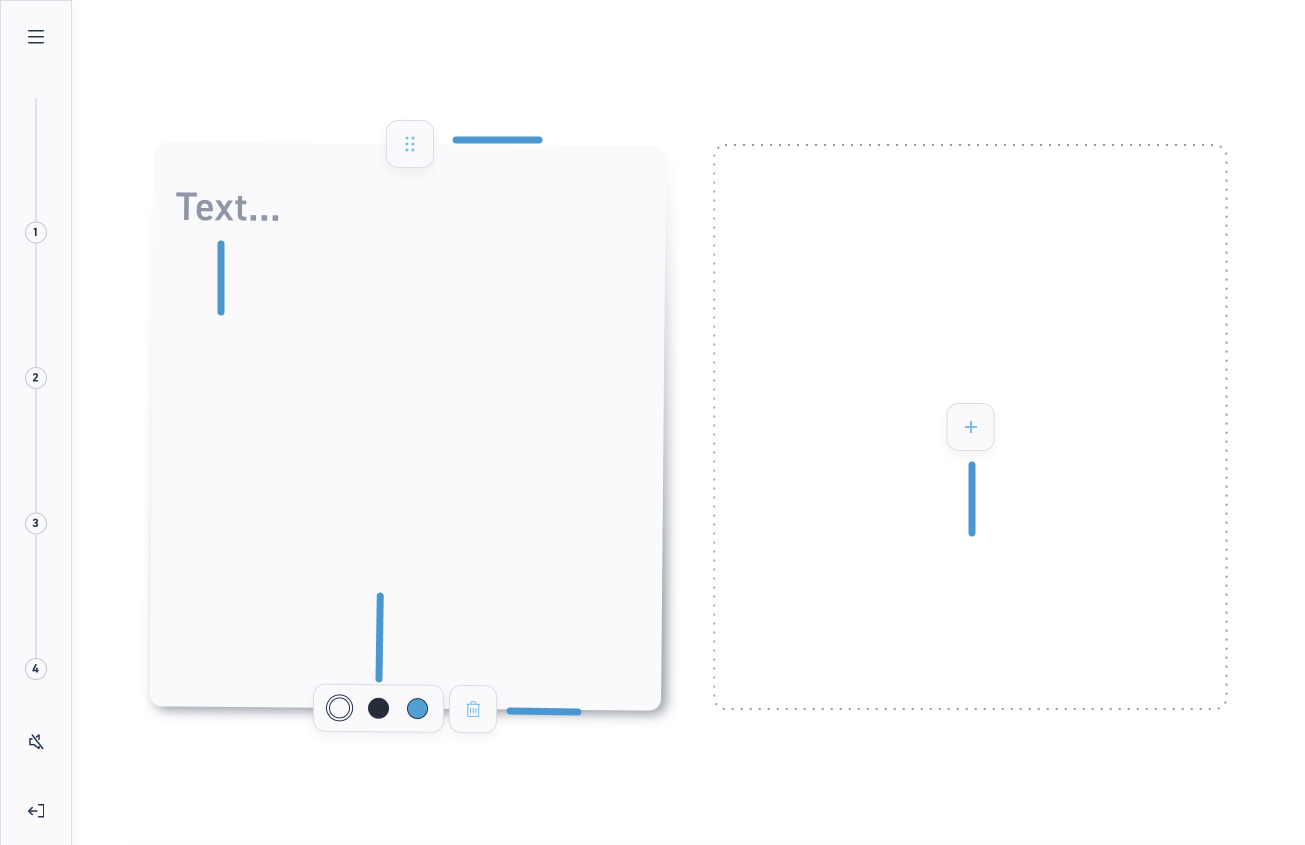
The learner simply clicks on the placeholder text to overwrite the content of the pinboard with their own text.
Color
The learner chooses what color their card should be.
Arrangement
The learner can change the card arrangement by dragging and dropping: they simply click on the drag icon (the dots) and move the card to the desired position.
Delete card
The learner can easily delete a card by clicking on the delete icon.
Add card
The learner simply clicks on the plus icon to create a new blank card.