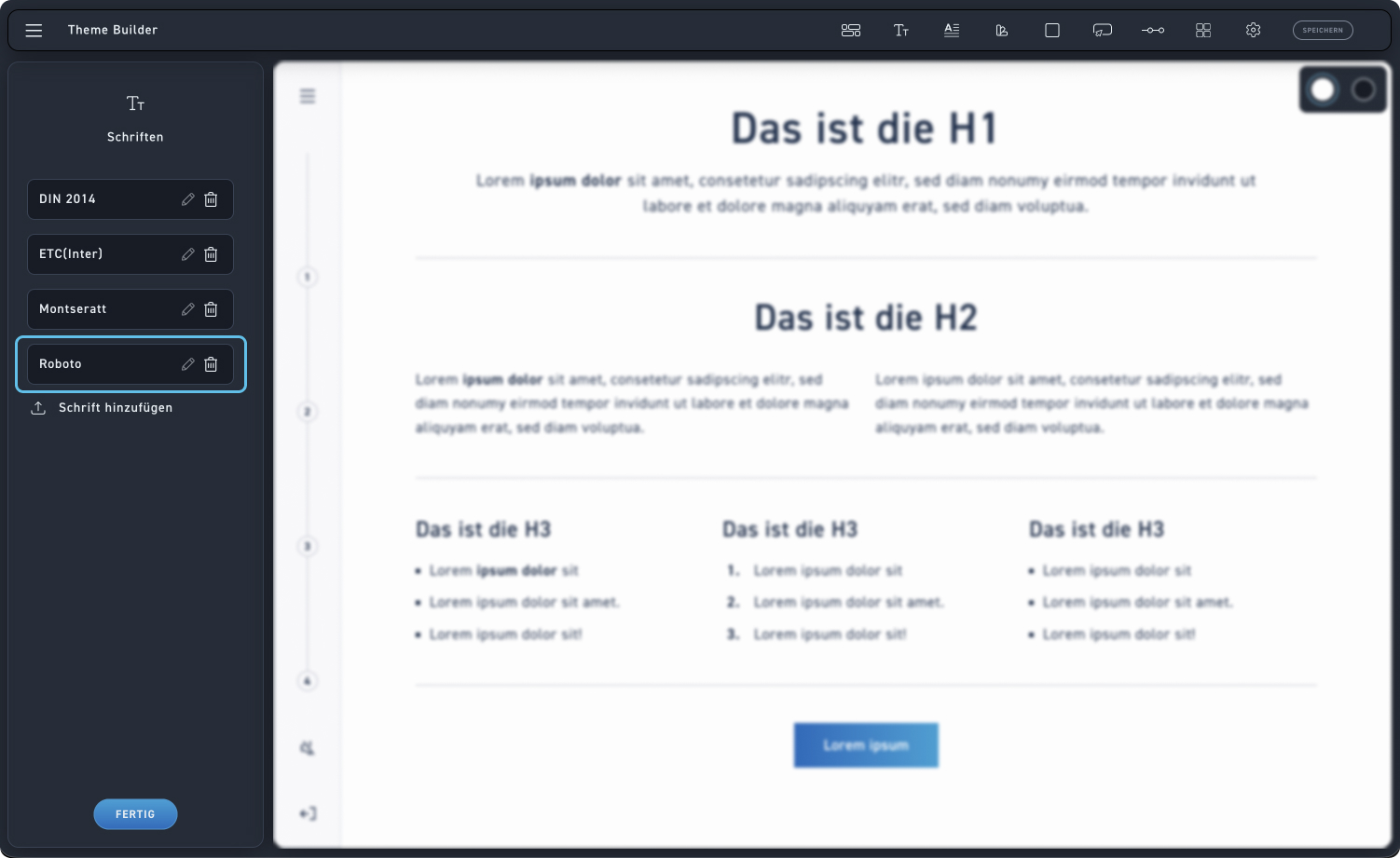
Writings
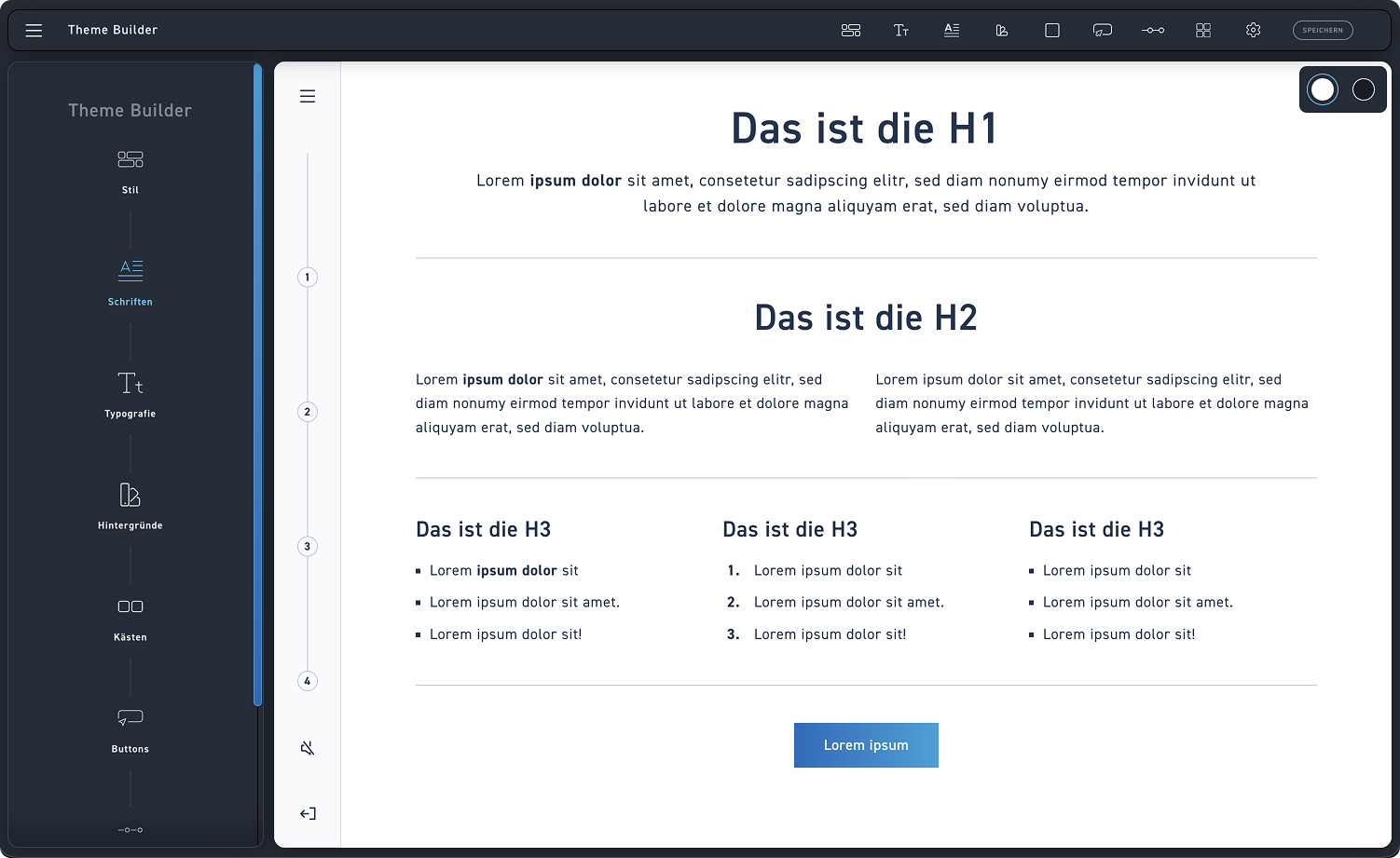
Writings
Select fonts to see more settings.
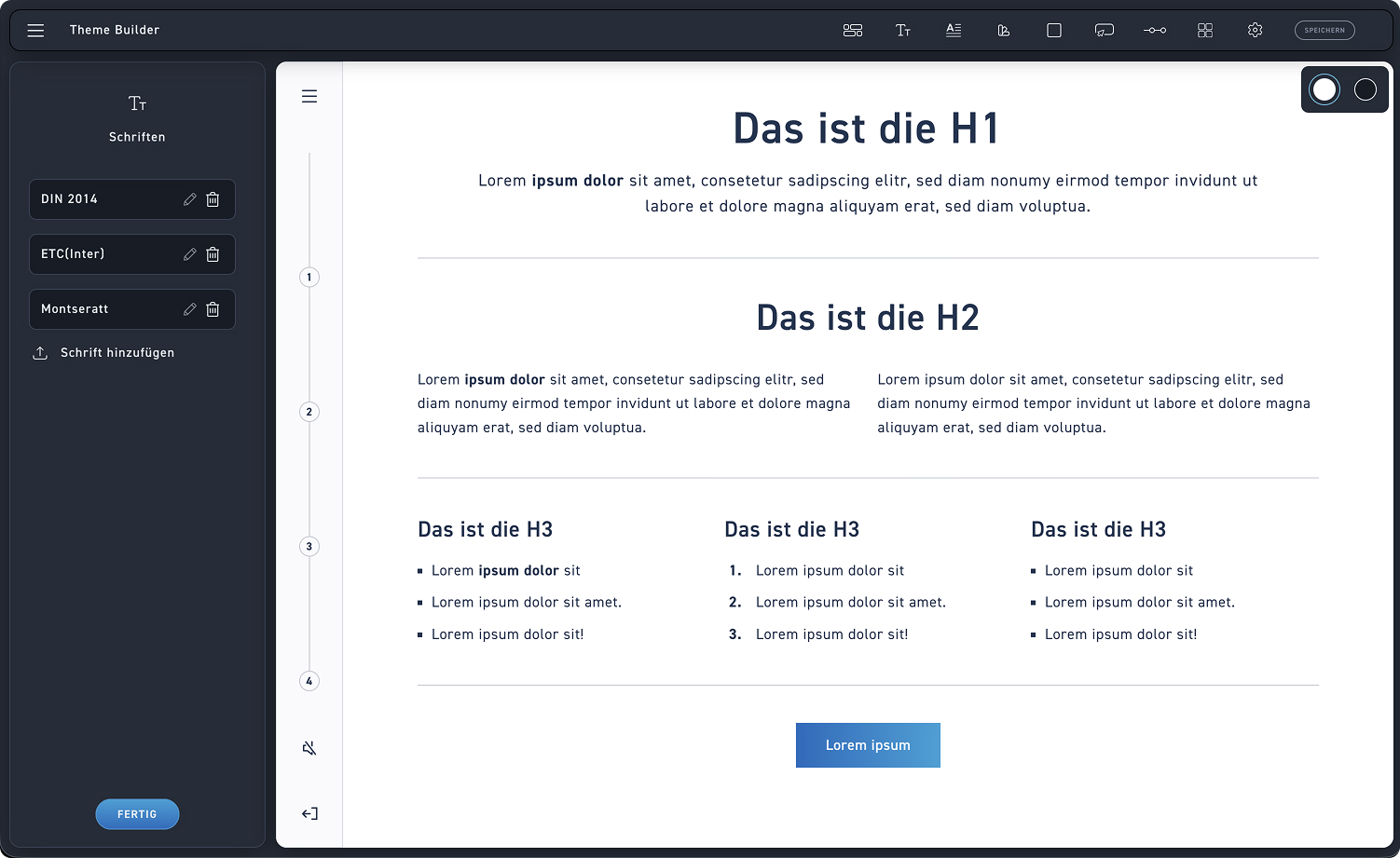
Manage fonts
Use the font overview to edit or delete existing fonts.
Add new font
Click the upload icon to add a new font
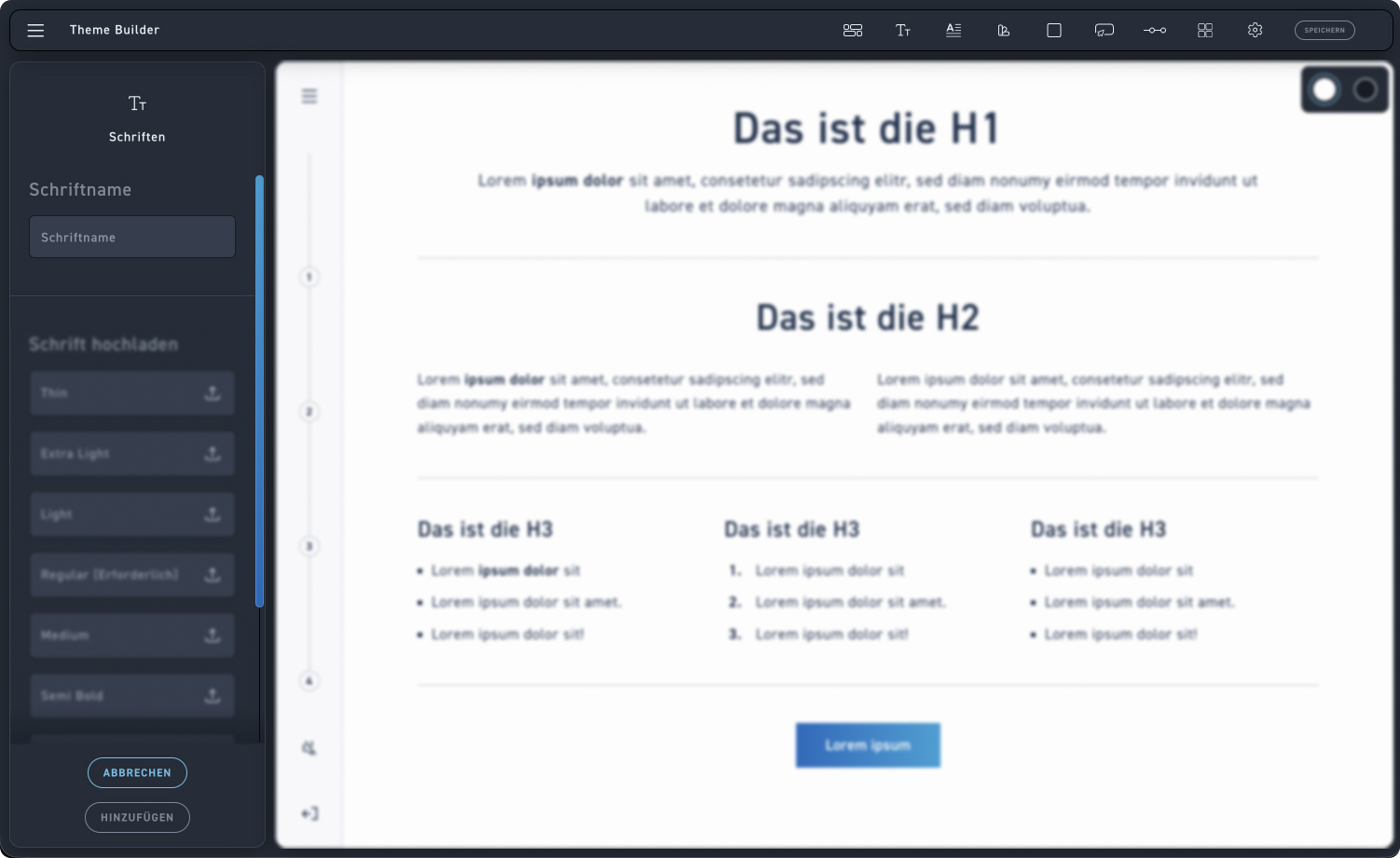
Font name
First, enter the exact name of your font (e.g., Roboto) to clearly identify it in the overview.
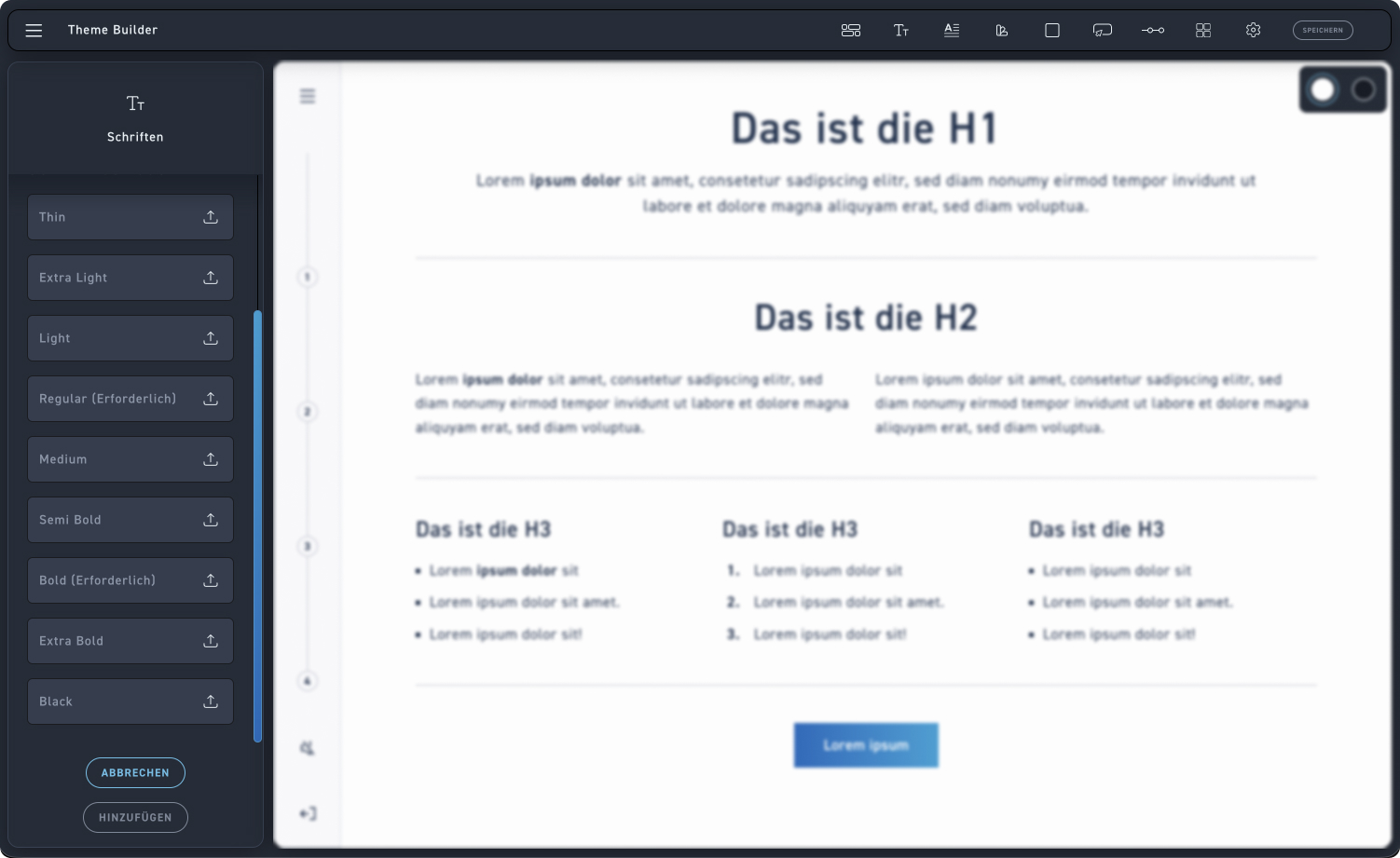
Typefaces
In the editing box, you will find the input fields for all possible font weights that can be uploaded. The Regular and Bold font weights are required; upload additional ones if needed to have more selection.
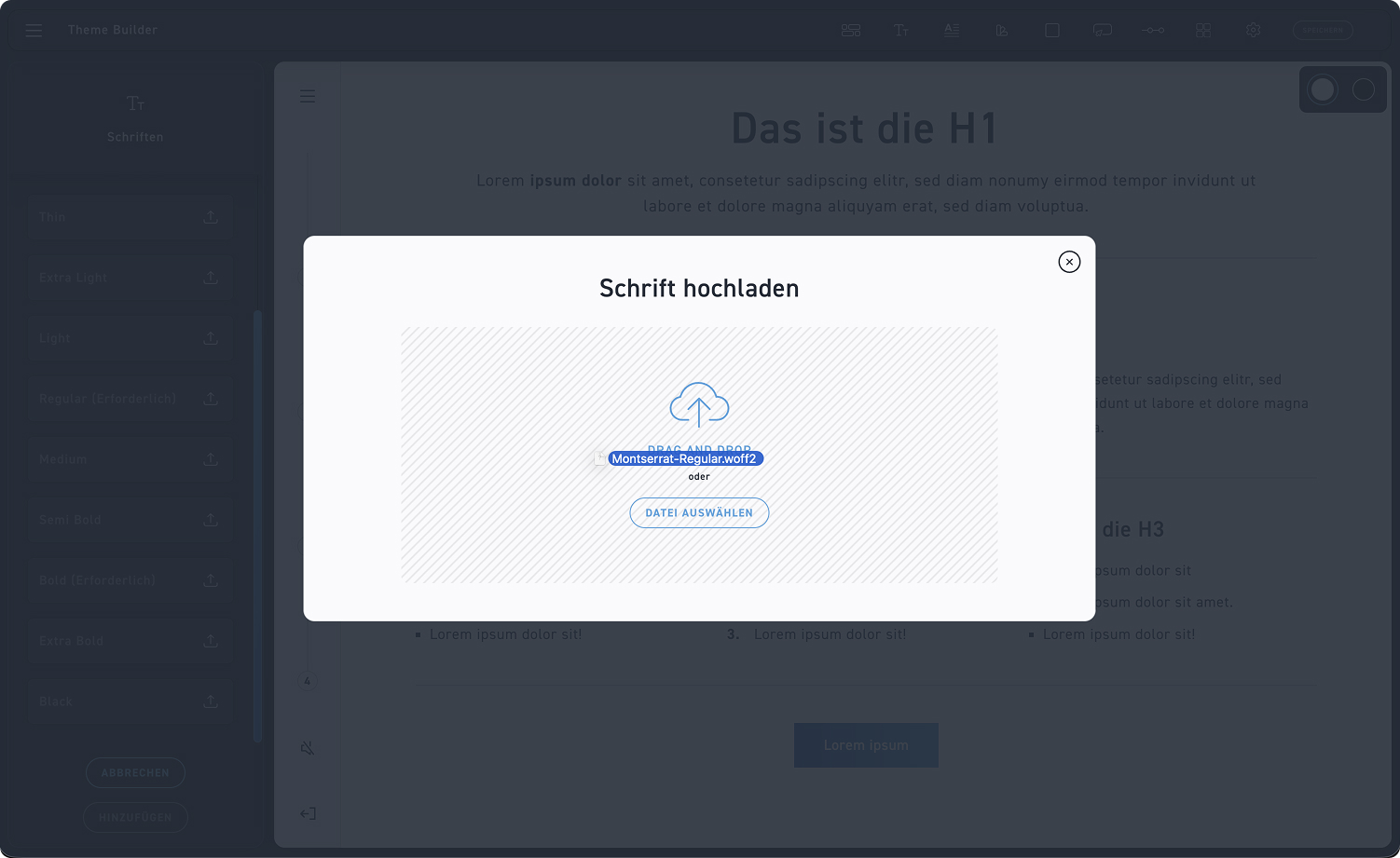
Upload
You can upload your font by dragging and dropping it or by clicking „Select File“. For the upload to work, the file must be in WOFF or WOFF2 format.
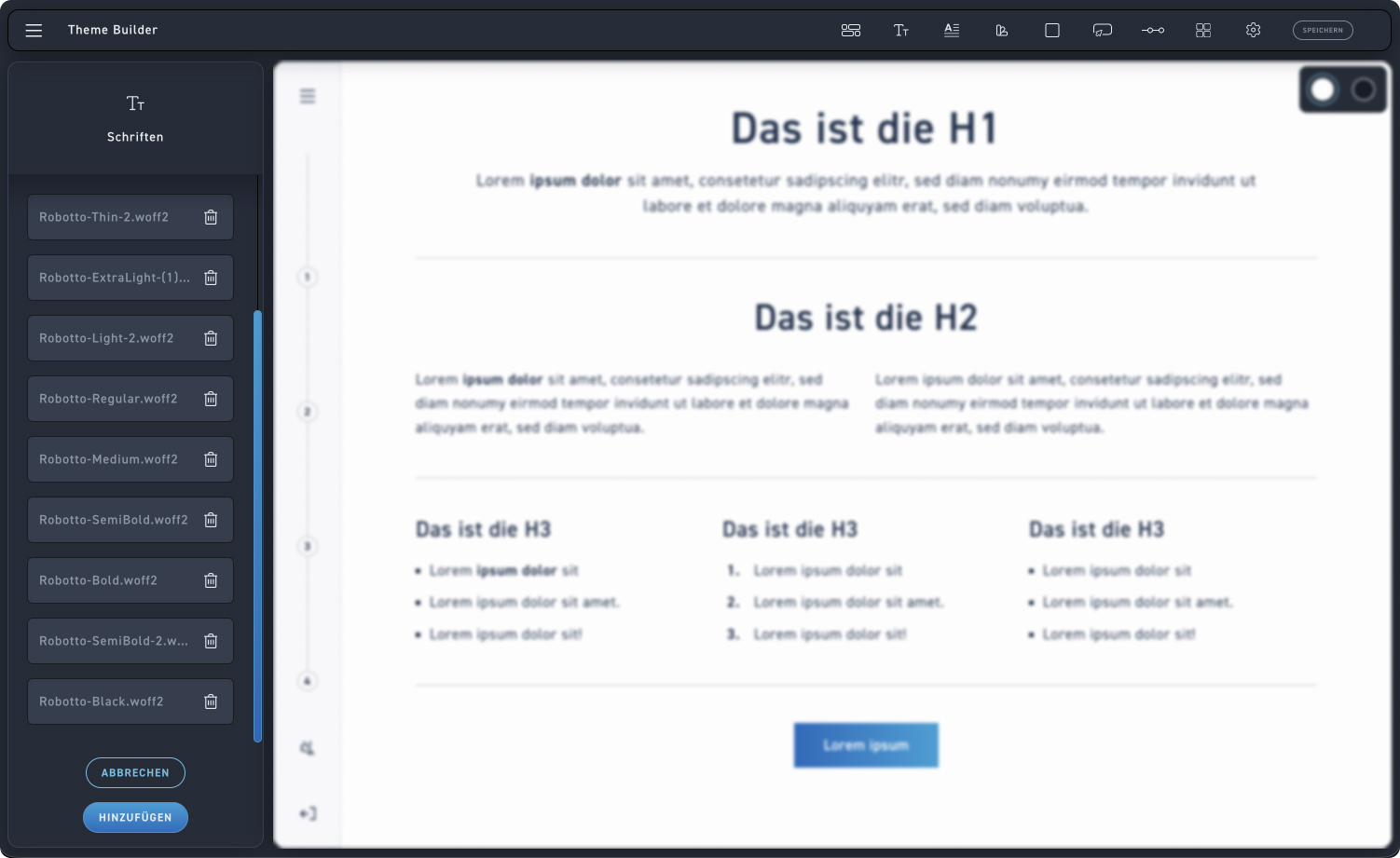
Save font
Click „Add“ to save your new font, or „Cancel“ to cancel the process.