Help

Back to overview

What would you like to know?

Tutorials

Briefing
Learning objectives
Length
Material
WBT Species
Title
Target audience
Concept and Creation
Structure
Big Slider
Chapter Overview
Welcome
Elements
Reflection

How-tos

Management Area
Registration
Login
Create WBT
Manage WBTs
Dashboard
Options / User Profile
User Management / Teams
Tasks
Media library
Categories
Templates
Structure
Chapter
Chapter Start
Creator - Basic Elements
Audio
Separator
Modules and Elements
Text
Picture
Space
Video
Button
Box
Creator - Content - Elements
Big Slider
Infographic
Hotspots
Slider
Teaser
Flashcards
Tabs
Instructions
Table
Accordion
Scrollable Text
Before / After
Image Zoom
Edit overlay
Hidden object picture
Panorama
Highlight
Creator - Reflection Elements
Interview
Bulletin board
Free text field
Creator - Quiz Elements
Drag & Drop
Single Choice
Couples
Scenario
Multiple choice
Multiquiz
Menu bar in Creator
Learning paths
Home Button
Help
History
Save as template
WBT Settings
Preview
Review System
Multilingualism
Export
Arrangement
AI
Theme Builder
Create Theme
Theme Editor
Typography
Backgrounds
Buttons
Elements
Style
Writings
Boxes
Navigation
AI
Create WBT with AI
Deal with WBT with AI
Translate WBT with AI
Edit elements with AI
Create a speaking tone from text with AI

Quiz Elemente

Click on one of the elements to view its functions and options. We'll show you step-by-step how to create and flexibly edit each element in no time.

Multiquiz

Multiquiz

Combine different question types in a single quiz and ensure varied knowledge checks with high learning motivation. We'll show you how the element works and how to use multi-quizzes for interactive final and learning success checks.

Single Choice

Single Choice

Test knowledge precisely and guide your learners to the correct answer with a clear selection. We'll show you how the element works and how to use single-choice questions for targeted knowledge checks.

Multiple Choice

Multiple choice

Challenge your learners to recognize multiple correct answers and evaluate content in a nuanced way. We'll show you how the element works and how to use multiple-choice questions for sophisticated knowledge checks and comprehension tests.

Drag & Drop

Drag & Drop

Mache Wissen greifbar, indem deine Lerner Begriffe zuordnen, Inhalte kategorisieren oder Abläufe in die richtige Reihenfolge bringen. Wir zeigen dir, wie das Element funktioniert und wie du Drag-and-Drop-Aufgaben für interaktive Verständnis- und Transferübungen einsetzt.
Paare

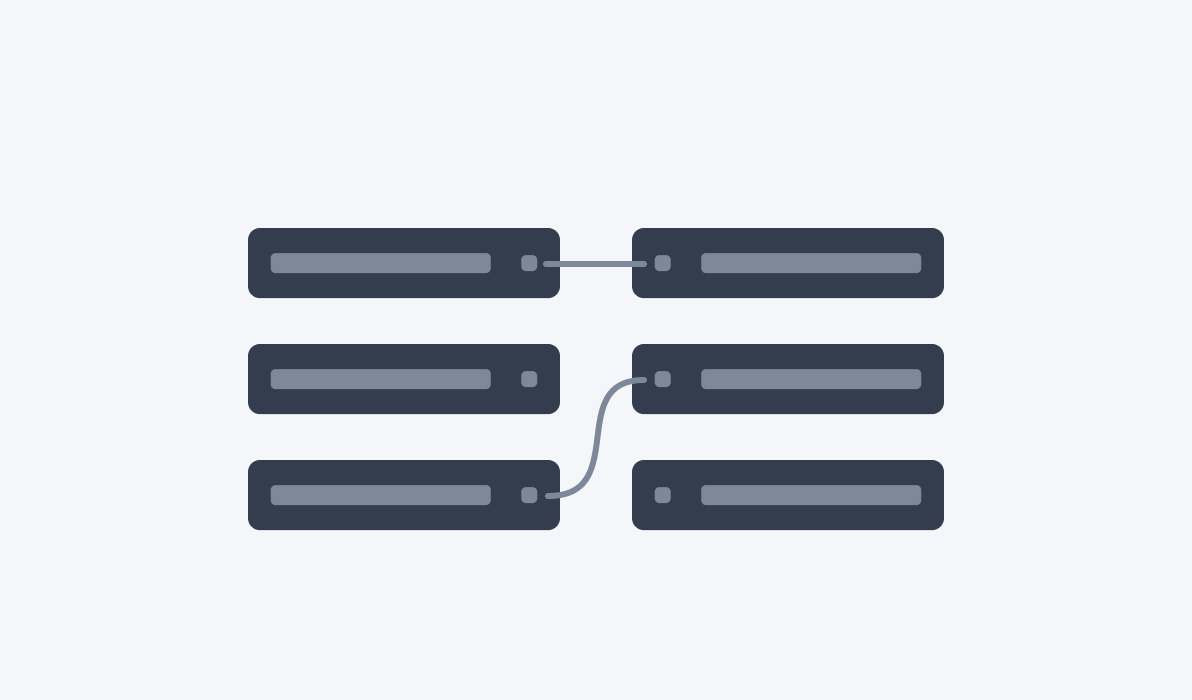
Couples

Lass deine Lerner Begriffe, Bilder oder Inhalte aktiv miteinander verknüpfen und fördere so das Verständnis für Zusammenhänge und Beziehungen. Wir zeigen dir, wie das Element funktioniert und wie du Paare-Quizze für interaktive Wissens- und Verständnisprüfungen einsetzt.