Create a speaking tone from text with AI
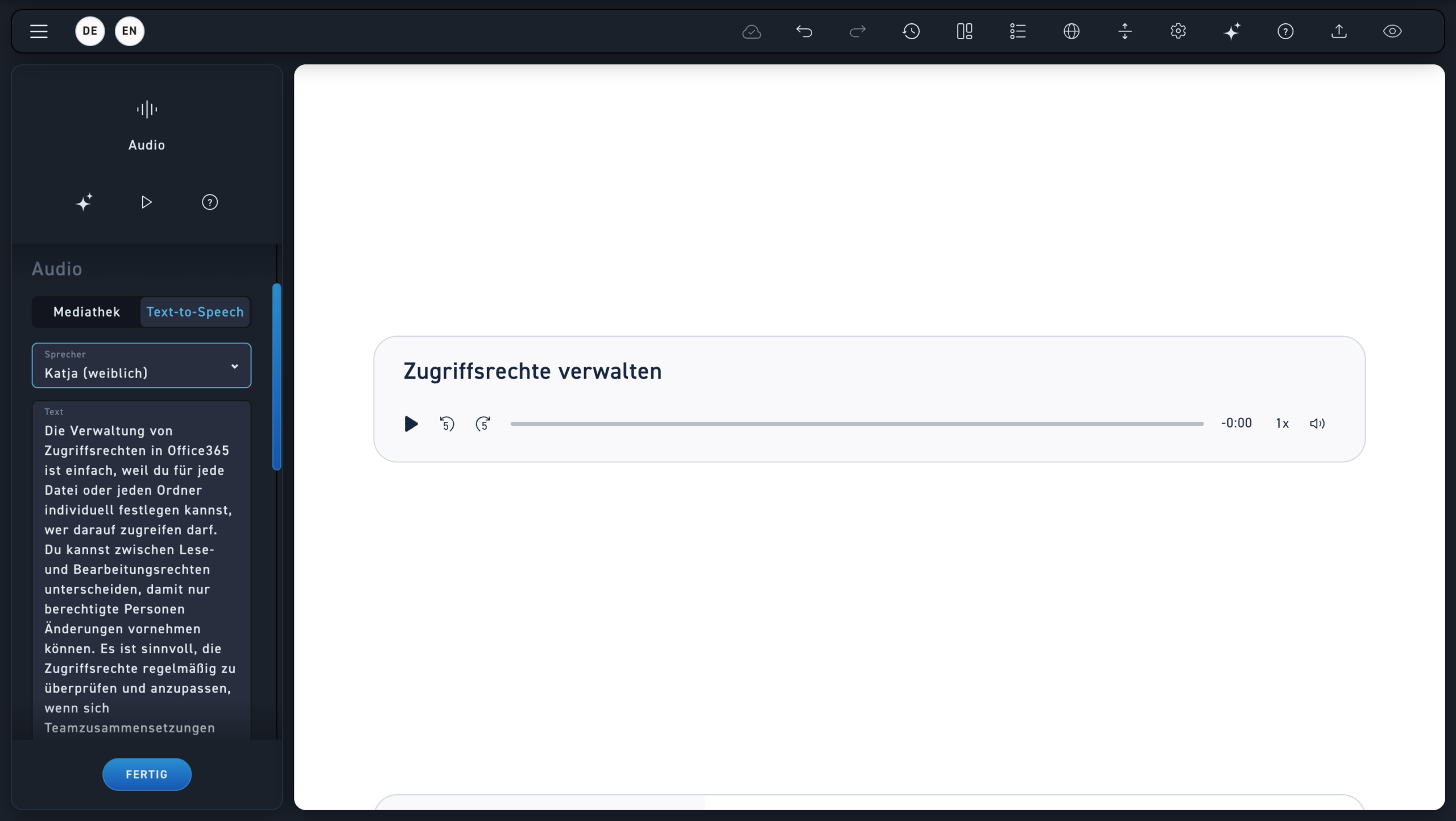
Text-to-Speech
First, choose a voice. It can sound male or female.
Text
Afterwards, add the voiceover text that will be heard later.
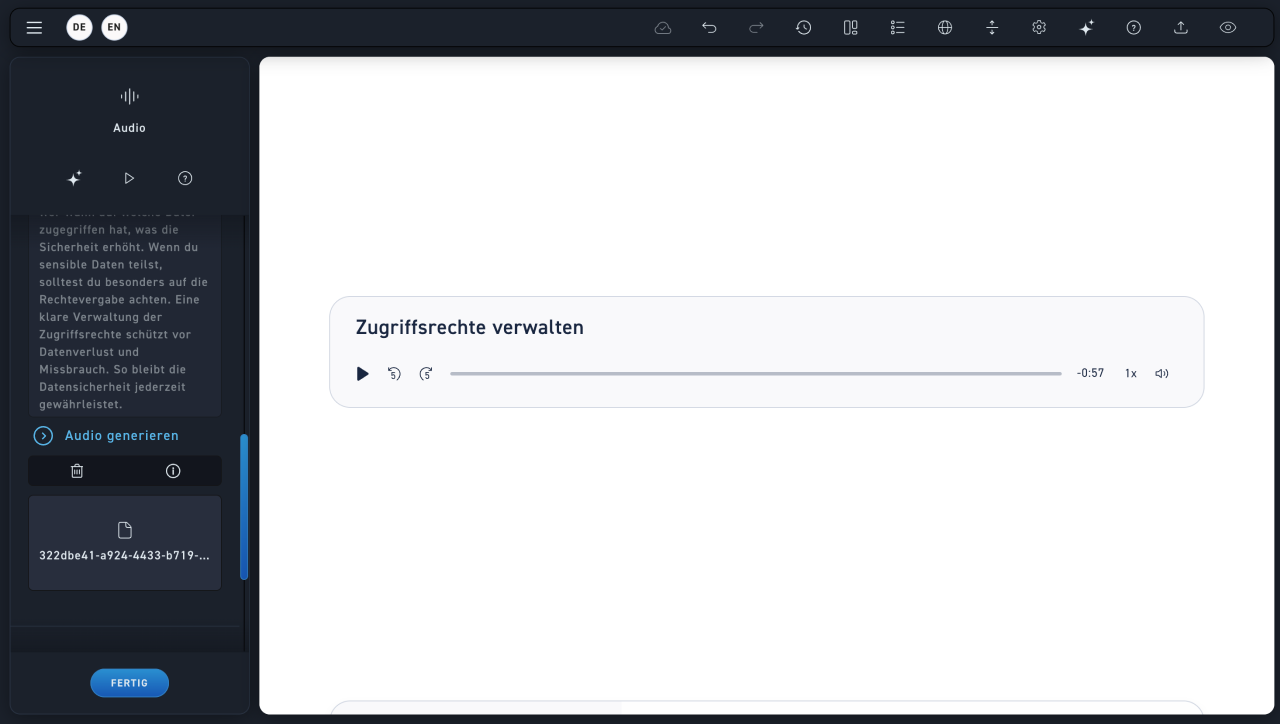
Generate audio
You can only generate an audio file once you have added a voice and voice-over text. To do this, click on „Generate Audio.“.
Audio file
If you click „Generate audio,“ an audio file will be created, which you can find in your media library. You can view more information about the file using the "i" icon. You can delete the file using the trash can icon.