Preview
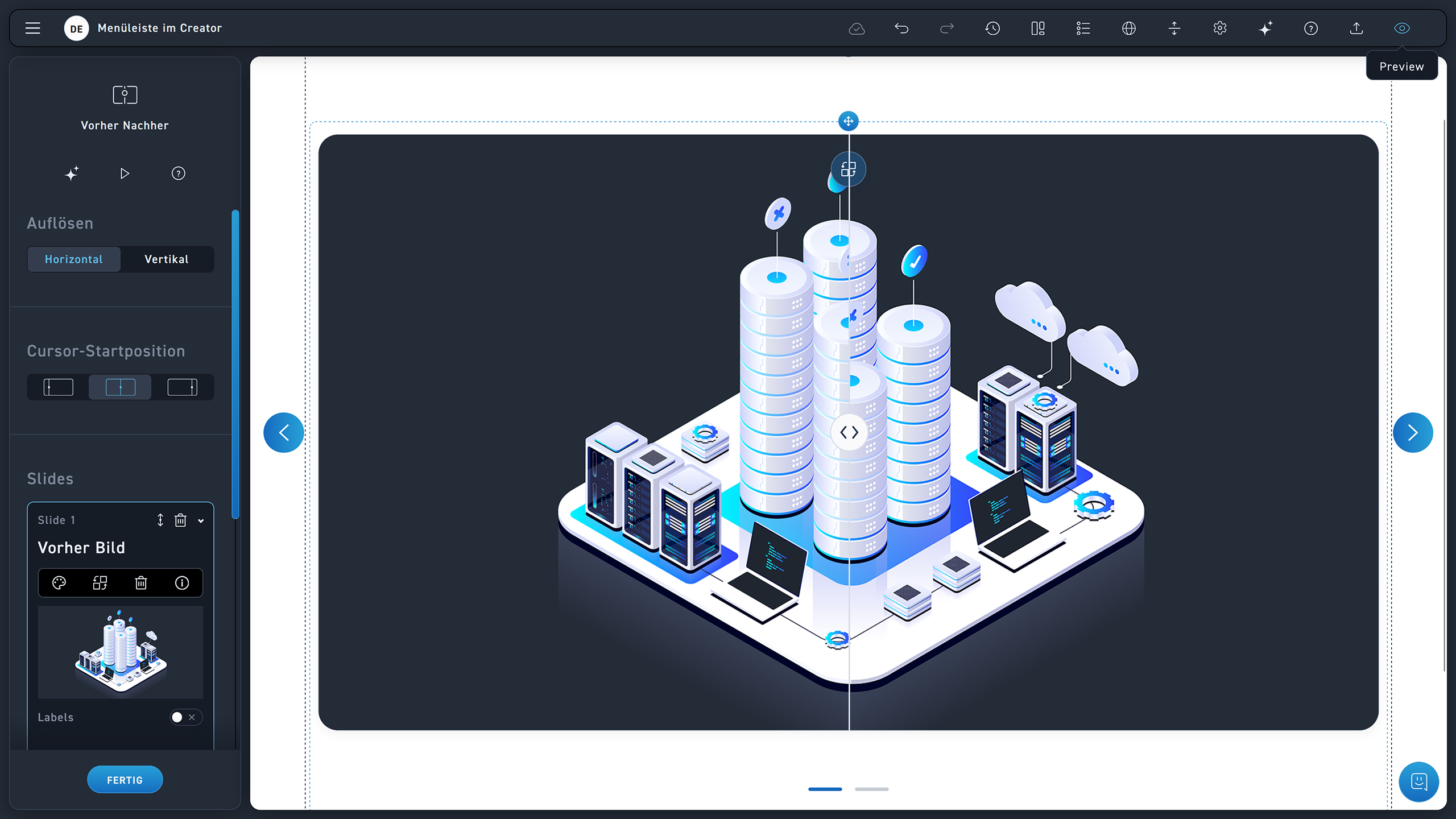
Click on the eye icon to open the preview. There you can try out quizzes and test the WBT from the learner's perspective.
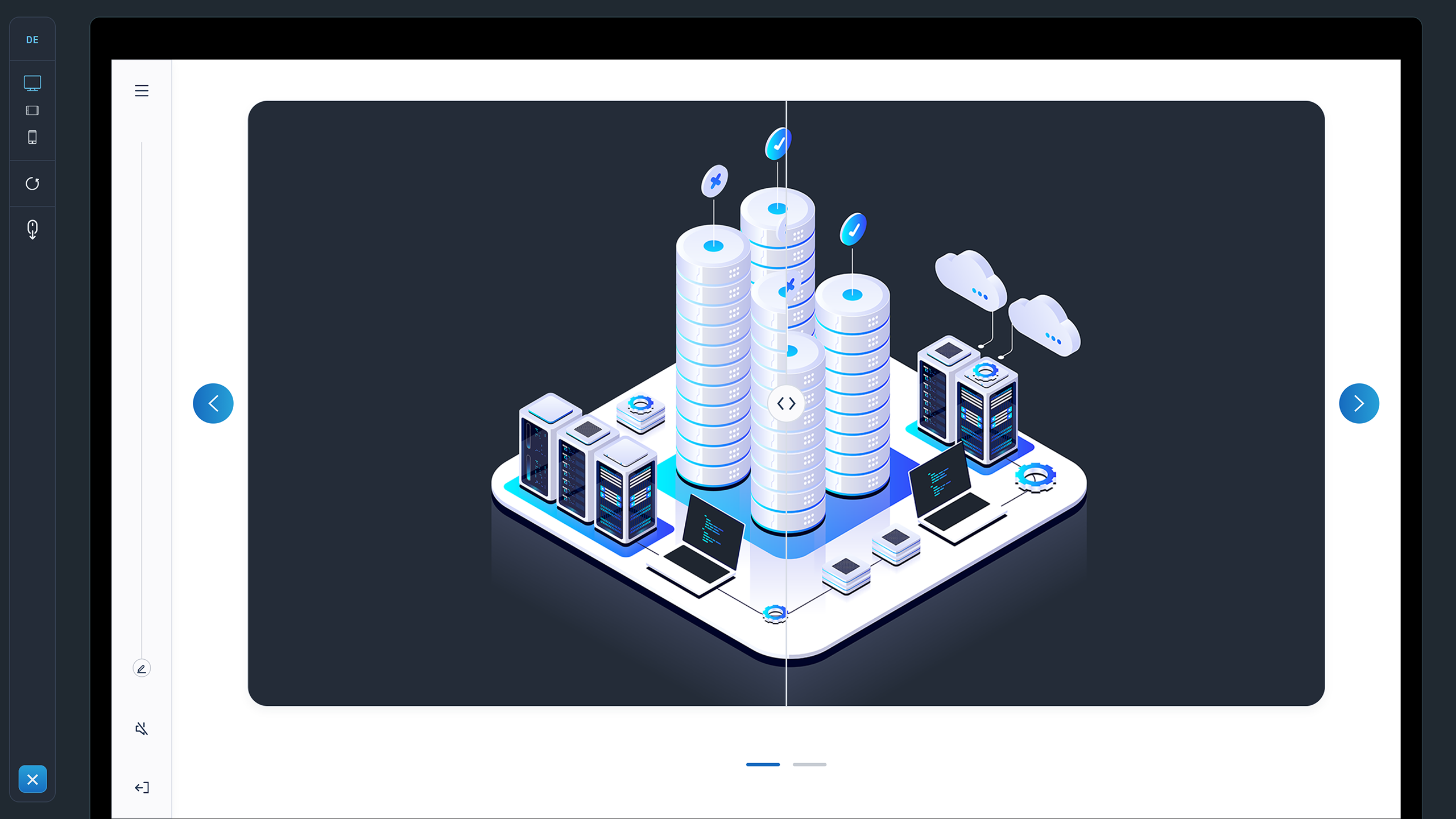
Switch the displayed language of your WBT.
Switch between the different display sizes: desktop, laptop, and smartphone.
If you reset the WBT, you can complete quizzes again.
Free scrolling
Exit the preview by clicking the X icon.
The Exit button is for preview purposes only and has no function in excelerate.