WBT Settings
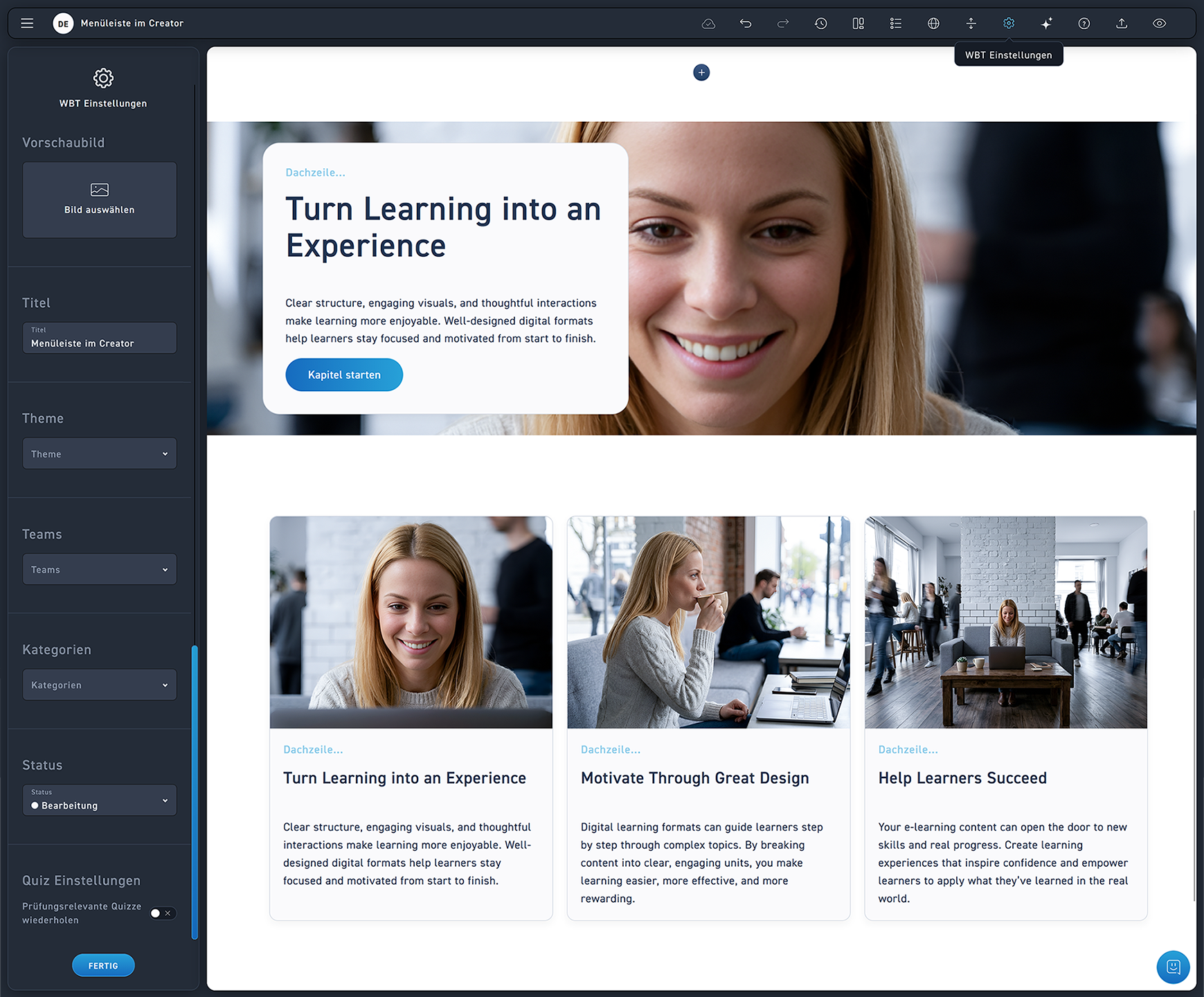
Open the WBT settings via the gear icon.
Select a preview image. This will only be displayed in the excelerate WBT overview.
Change the WBT title.
Change the theme.
Select teams that are allowed to view and edit this WBT.
Assign a category to the WBT.
Change the status of the WBT.
Click „Done“ to apply your settings.