Home Button
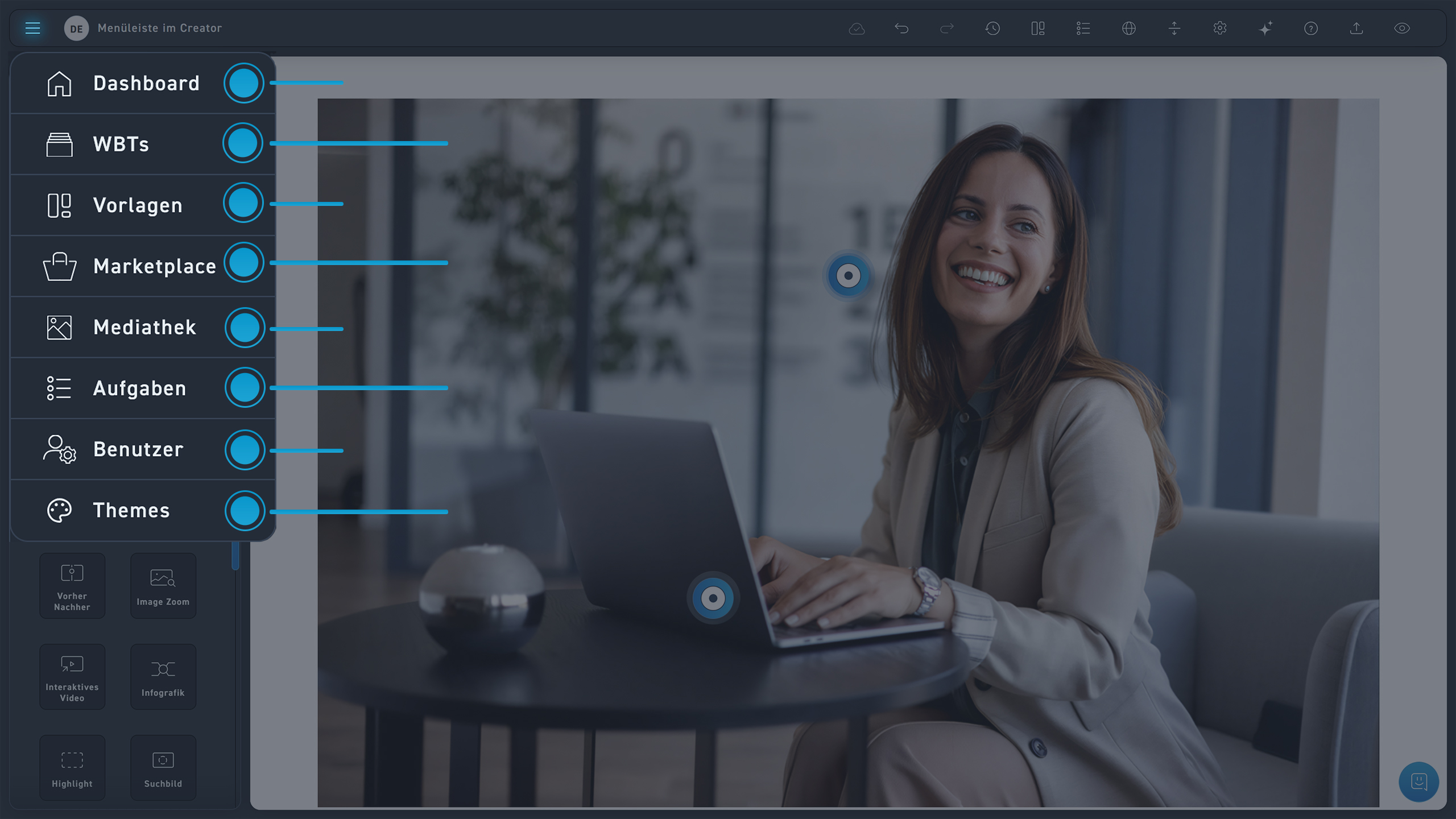
Dashboard
With a click on this symbol, you can get back to the dashboard.
WBTs
Here is an overview of all your WBTs.
Templates
Templates are a practical way to design your WBT quickly and with a stylish flair.
Marketplace
Are you interested in more WBTs? Then click the marketplace icon.
Media library
When you click on Media Library, you will get a view of all your media.
Tasks
Would you like to know which tasks are still open? You can find this information here.
User
View all your users. Switch between them. Configure user settings.
Themes
Get an overview of your themes and make changes to them.