Free text field

Application #

The free text field gives your learners the opportunity to also write longer response texts. Answers from the free text field can be saved as a PDF.


Video tutorial #

Learn in the following video tutorial how to create the free text field element.

Add free text field element #

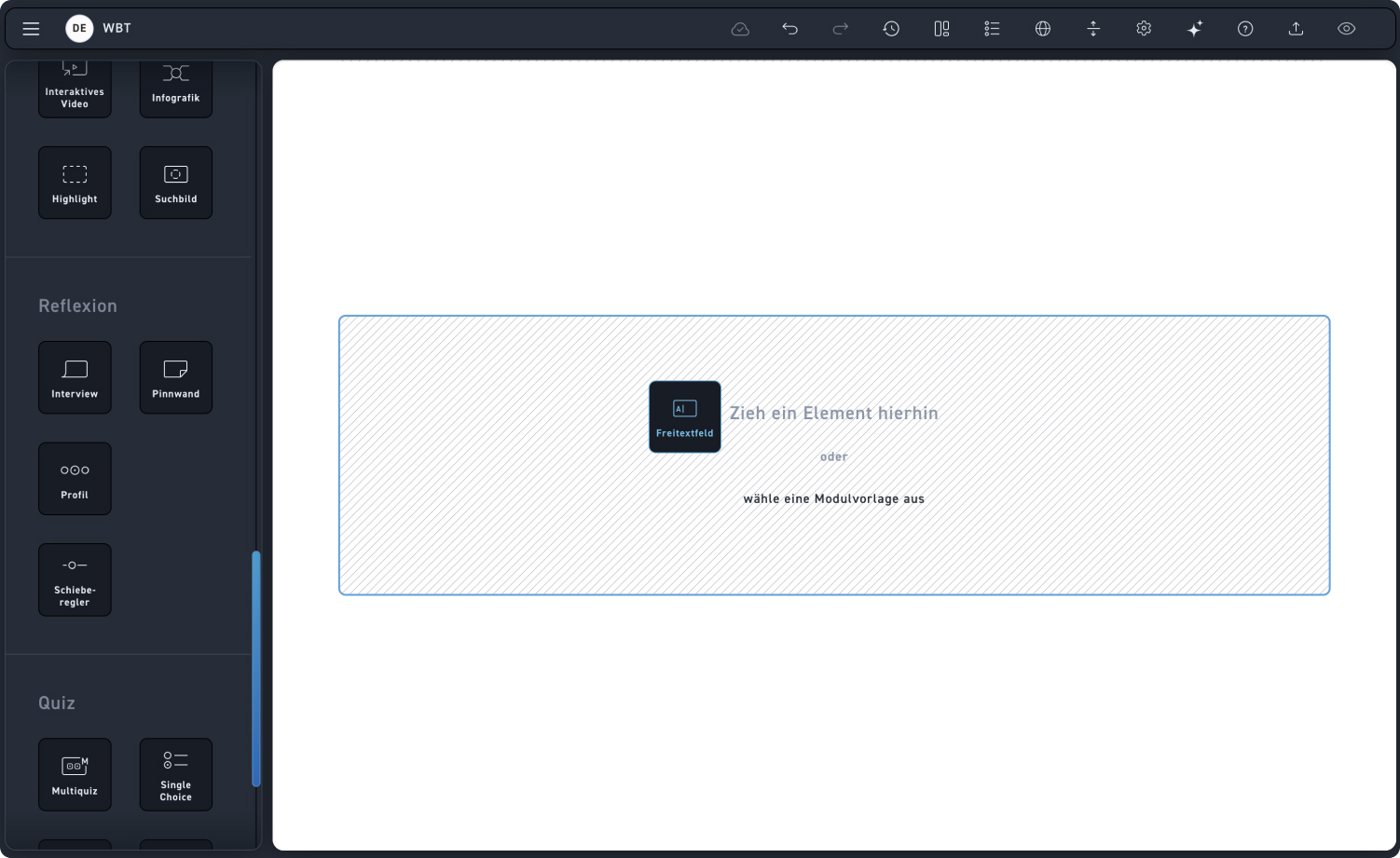
Drag the element into a module.

Freitext feld 1

Step 1 – Select layout #

Check out the hotspots to see what layout options you have.

1
Width
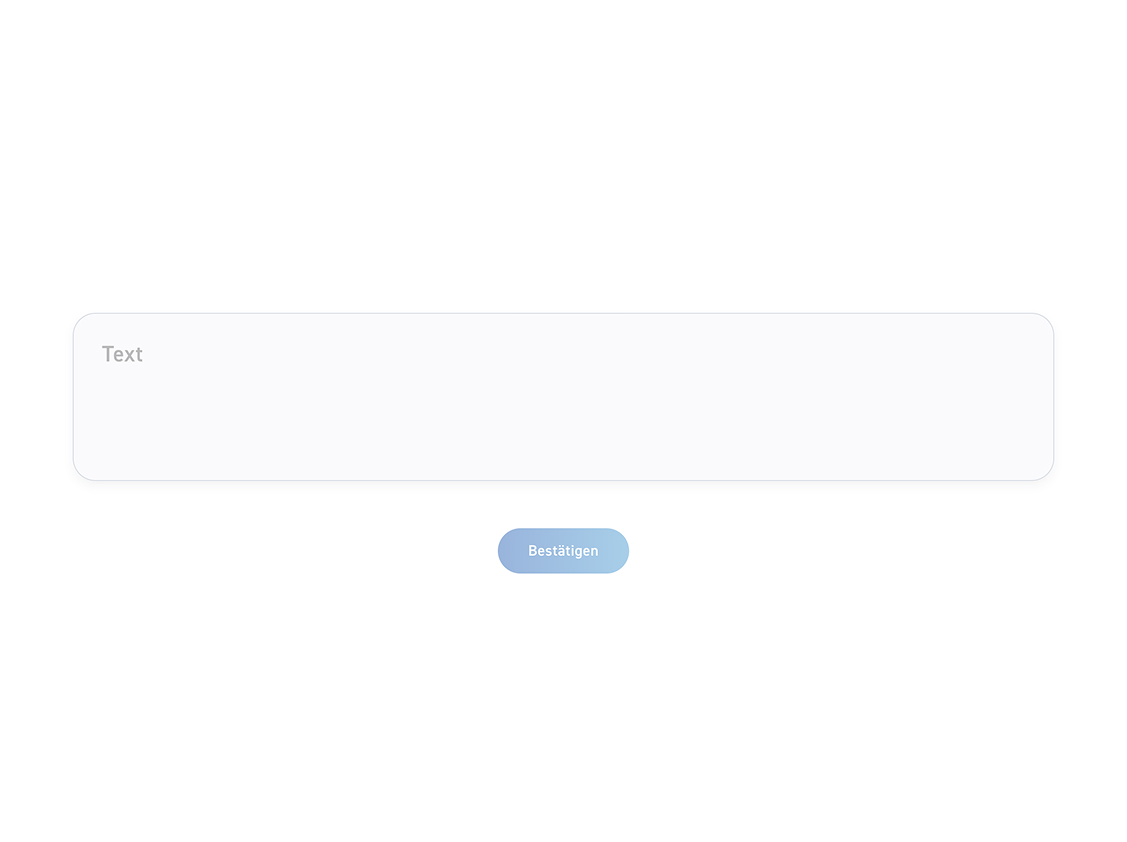
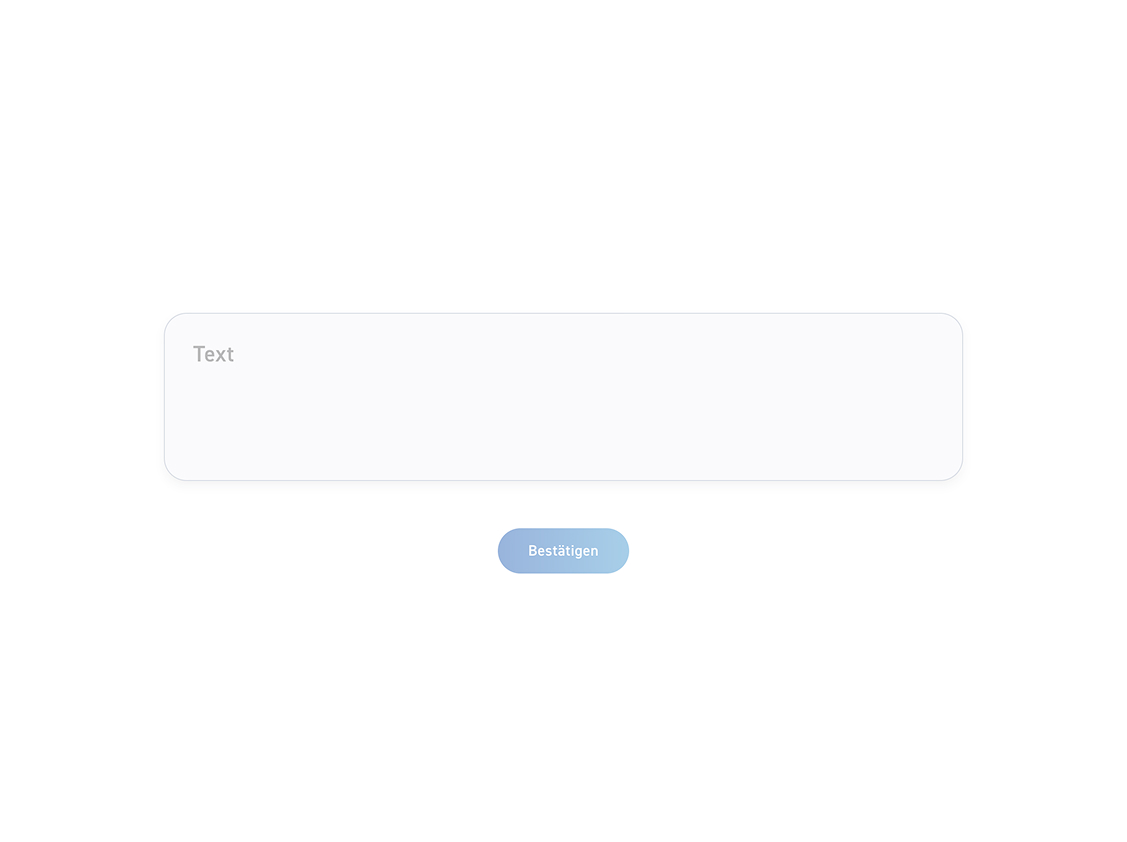
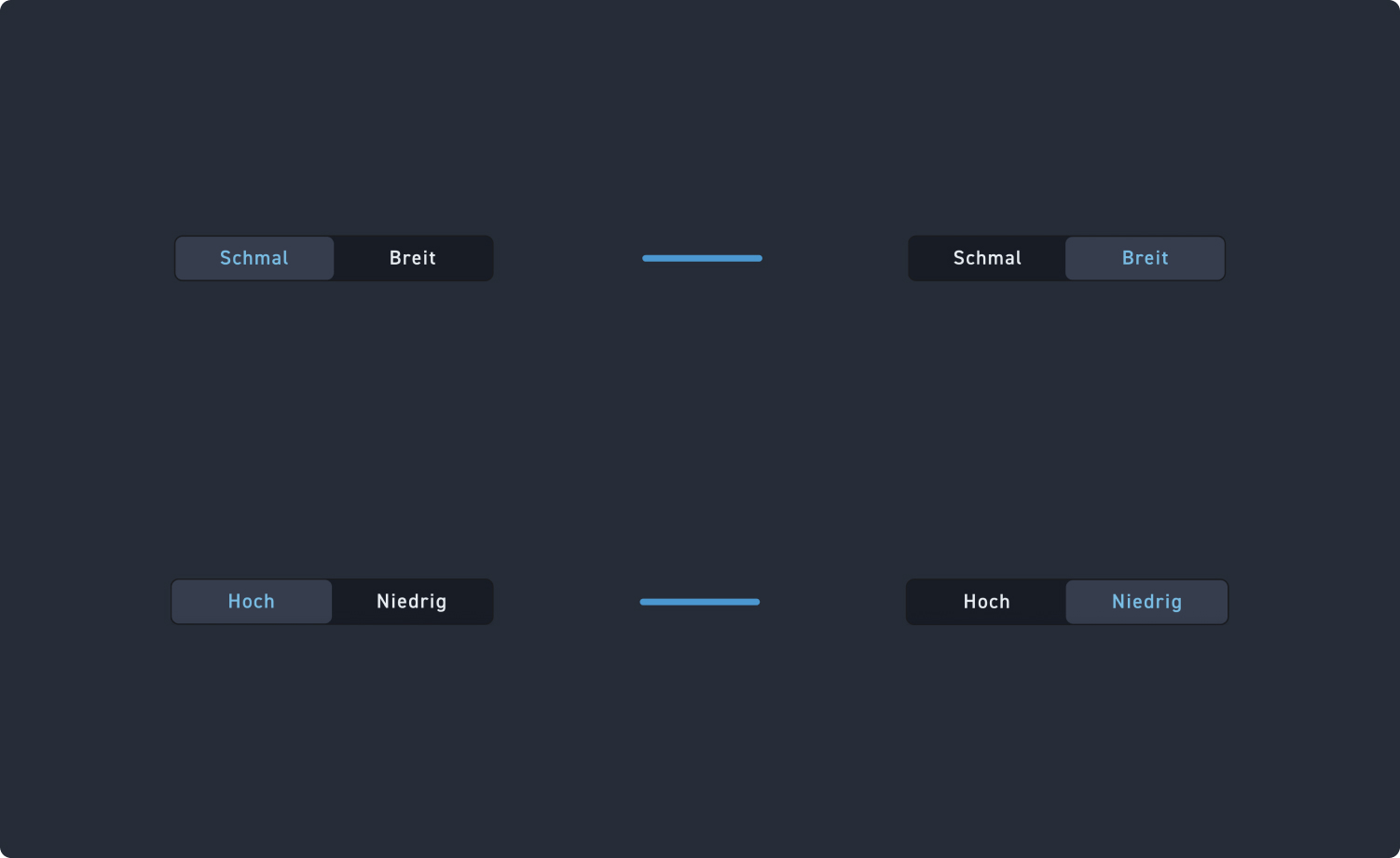
Select the layout: Your free text field element can be narrow or wide.
2
Height
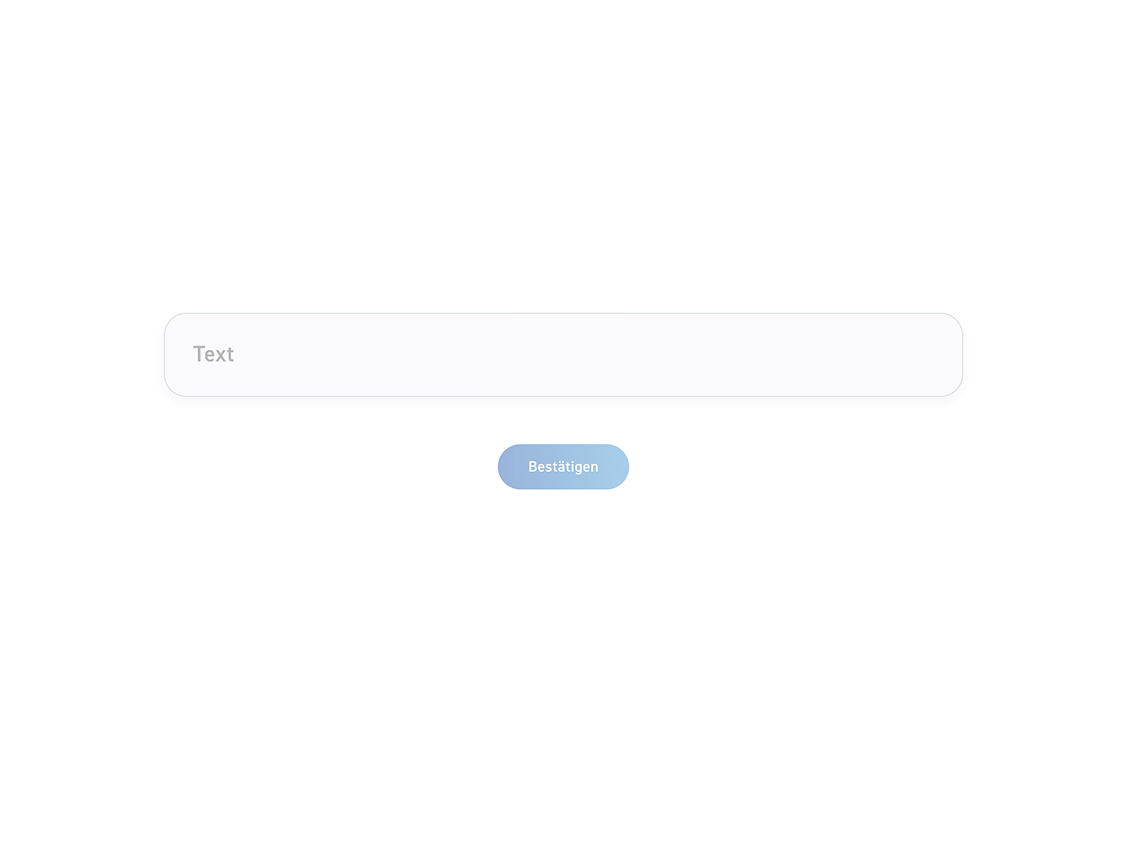
Determine if the text field is high or low.
Layout 1 #

Check out the slides to see how the narrow and wide layout affect the design.

Narrow #

Wide #

High #

Low #

Step 2 – Add placeholder text and button labels #

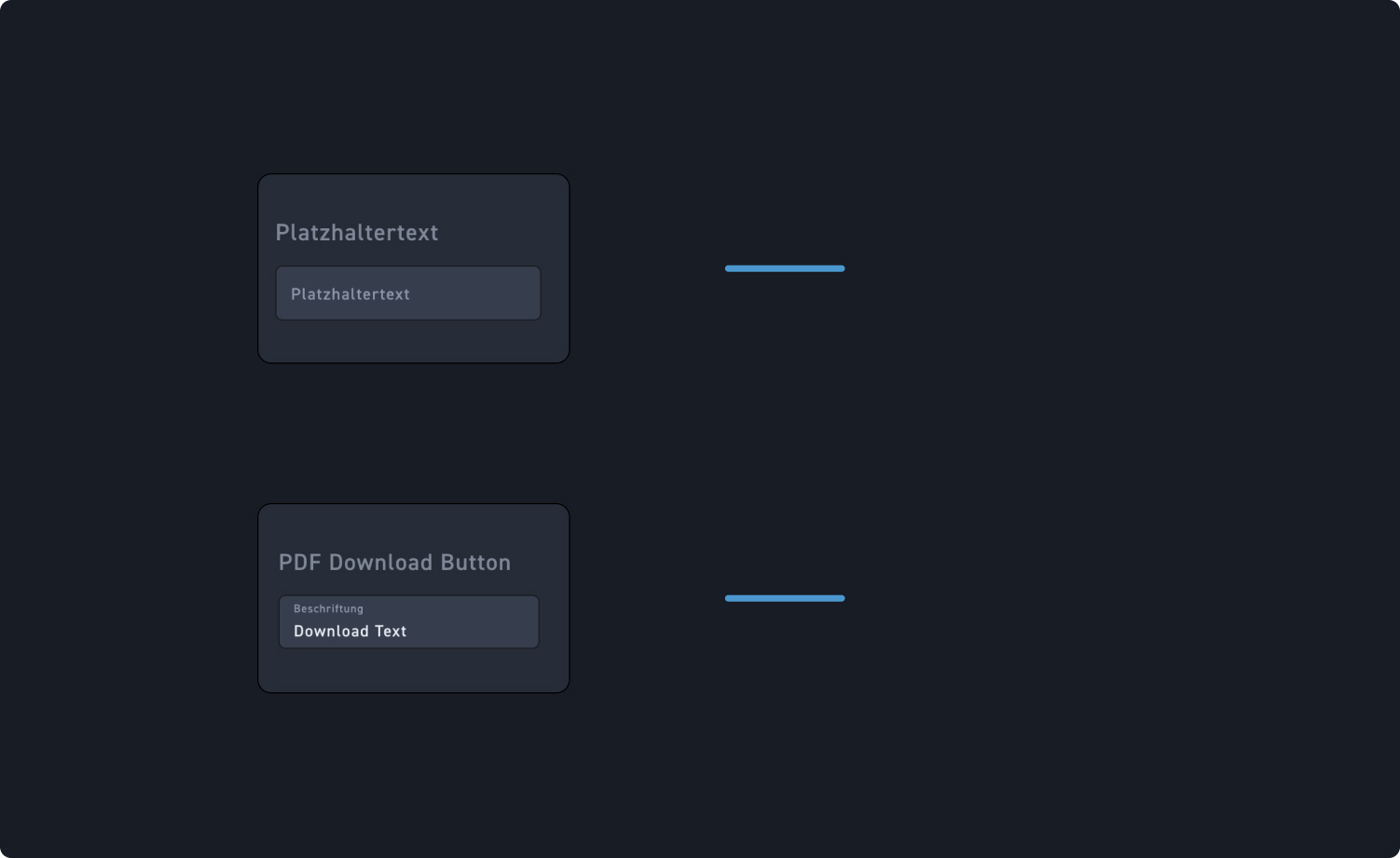
Check out the hotspots to see what additional settings are available to you.

1
Placeholder text
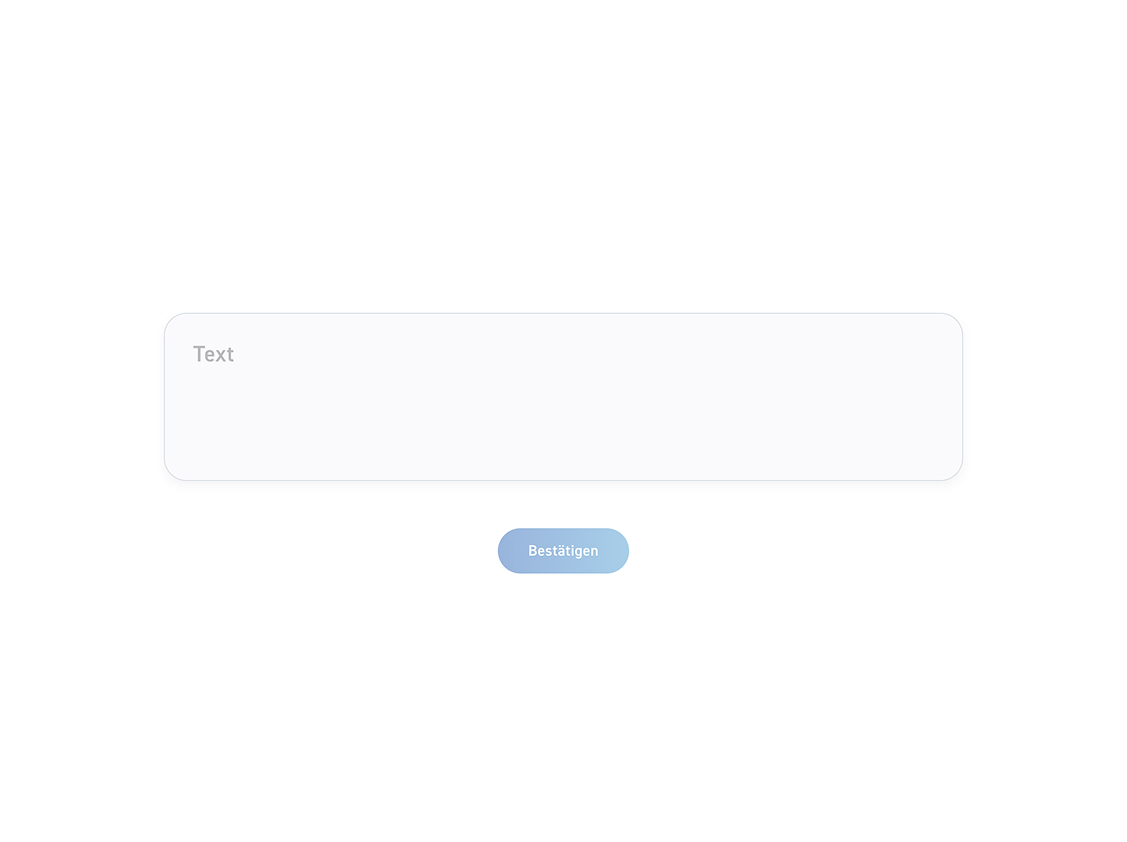
Add placeholder text for your learners to overwrite.
2
Download PDF Button
Add a description text to your button.