Scrollable Text

Application #

Use scroll text to display longer content in a fixed area to save space. Learners can scroll through the text within the window without making the entire page longer or making the layout look cluttered. Alternatively, the learner can download the text as a .pdf file. 

Video tutorial #

Learn in the following video tutorial how to create the element

Step 1 – Choose layout #

Check out the hotspots and discover which layouts the element offers.

1
Width
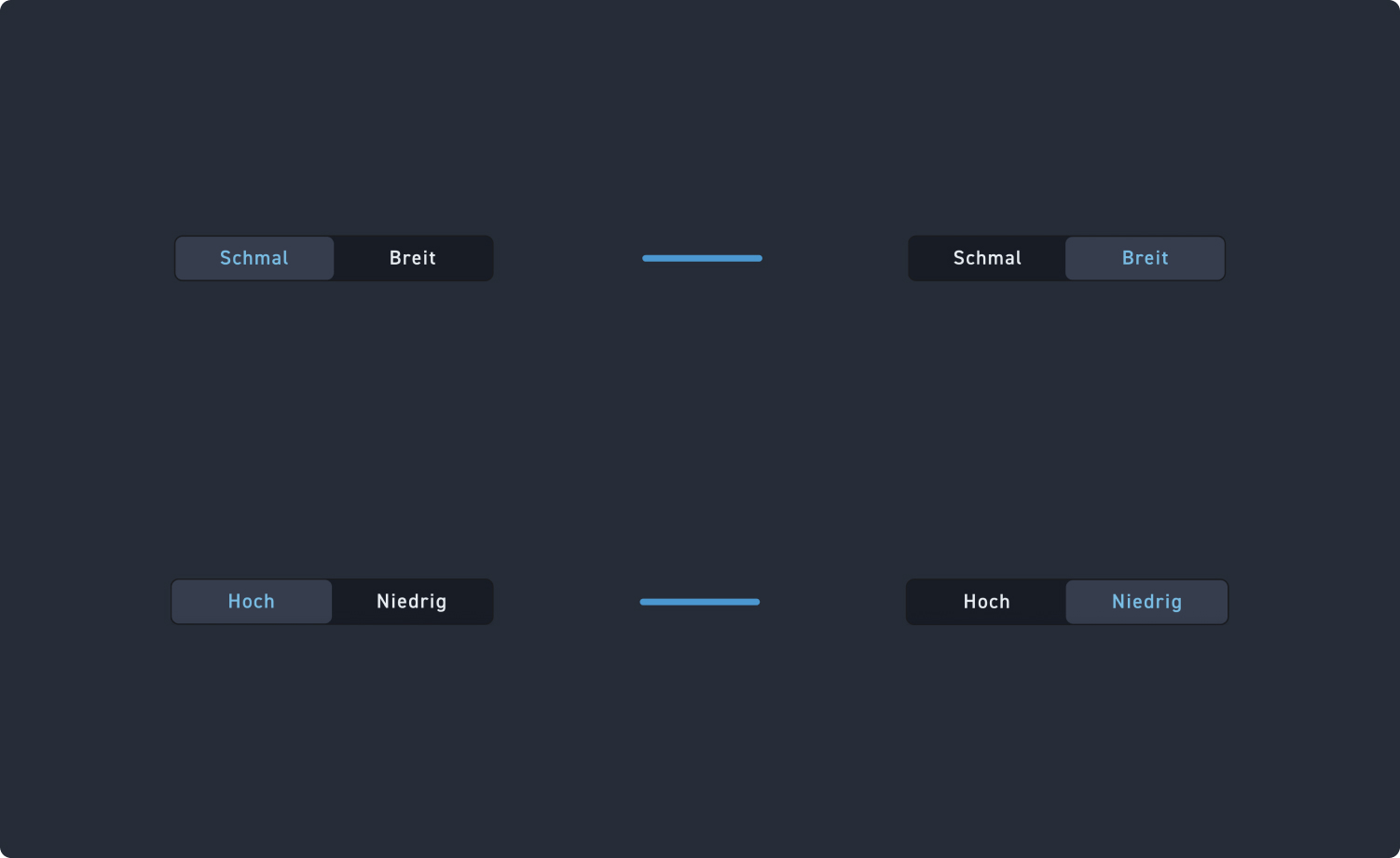
Select the layout: Your scrolling text element can be narrow or wide.
2
Height
Determine whether the text field is high or low, meaning whether it can display a lot or little text at first glance.
Step 2 – Content and button label #

Check out the hotspots and discover what settings the element offers.

1
Text
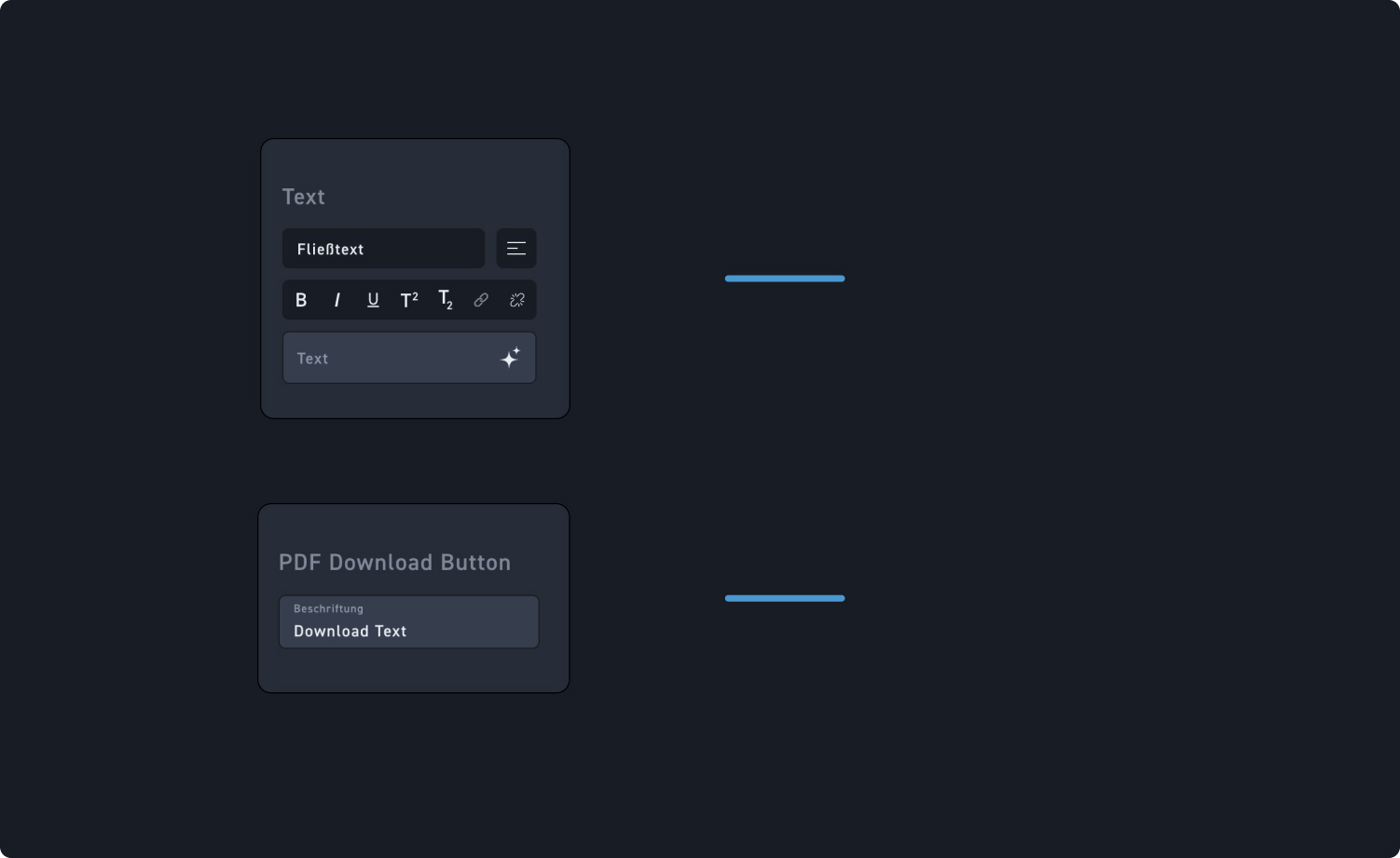
Add the text and then edit it using the rich text editor.
2
Button Settings
Choose the label for your download button.