Video

Application #

Use the video element to display videos, whether they are intro videos or explainer videos. There is no limit to how the video element can be used. Take a look at the step-by-step guide to understand how to set up or manage a video.

Add video #

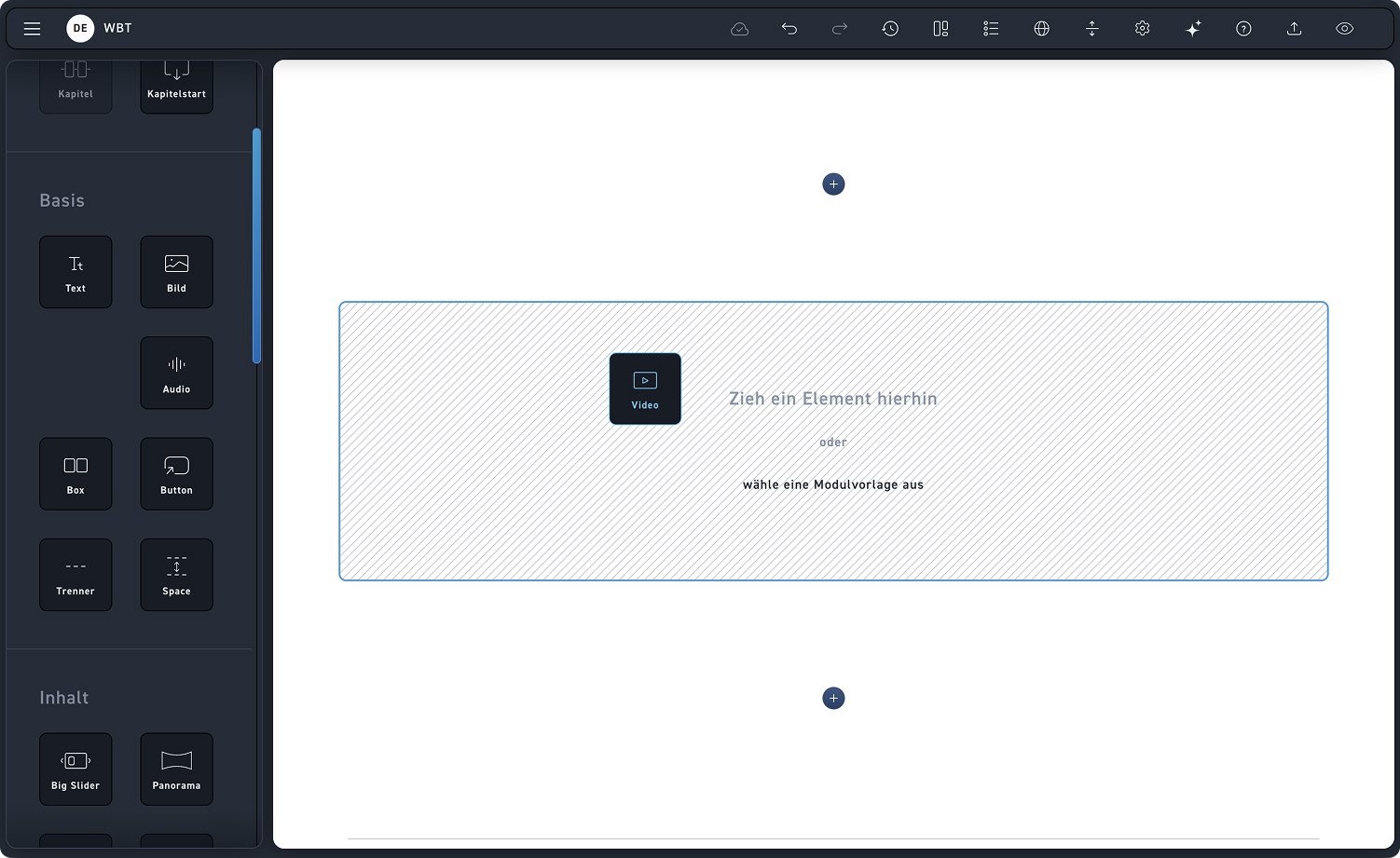
Drag the video element into a module.

Video hinzufügen

Video settings #

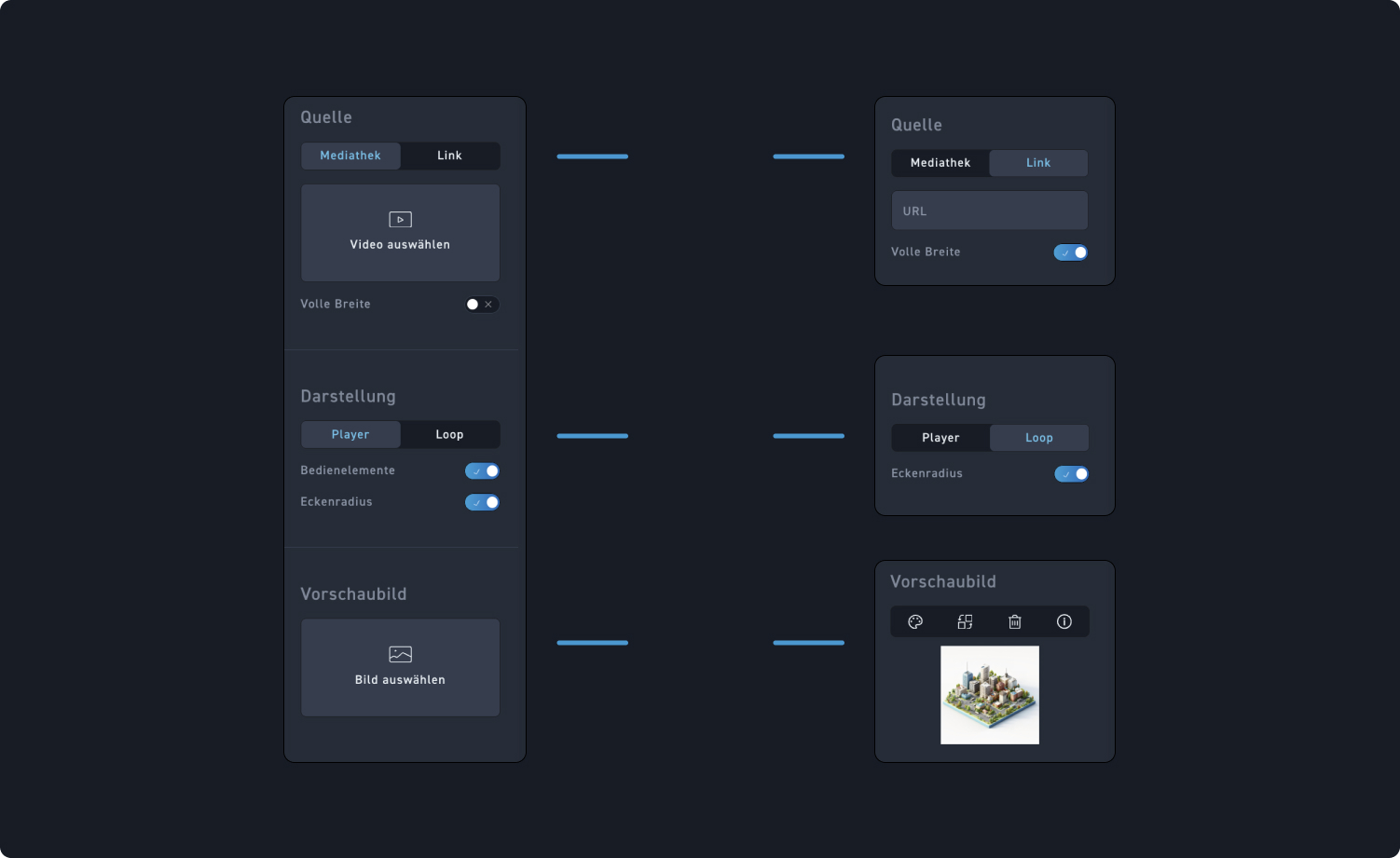
Check out the hotspots to see what customization options you have for the video element.

1
Video source
Decide whether you want to upload a video from the media library or if the video comes from a URL. Additionally, you can choose whether the video goes full width.
2
Video display
Choose whether your video should be displayed as an operable player or loop continuously.
3
Preview image
Whether you choose the player or the loop, you can set a preview image that is displayed before the video plays.

Video settings #

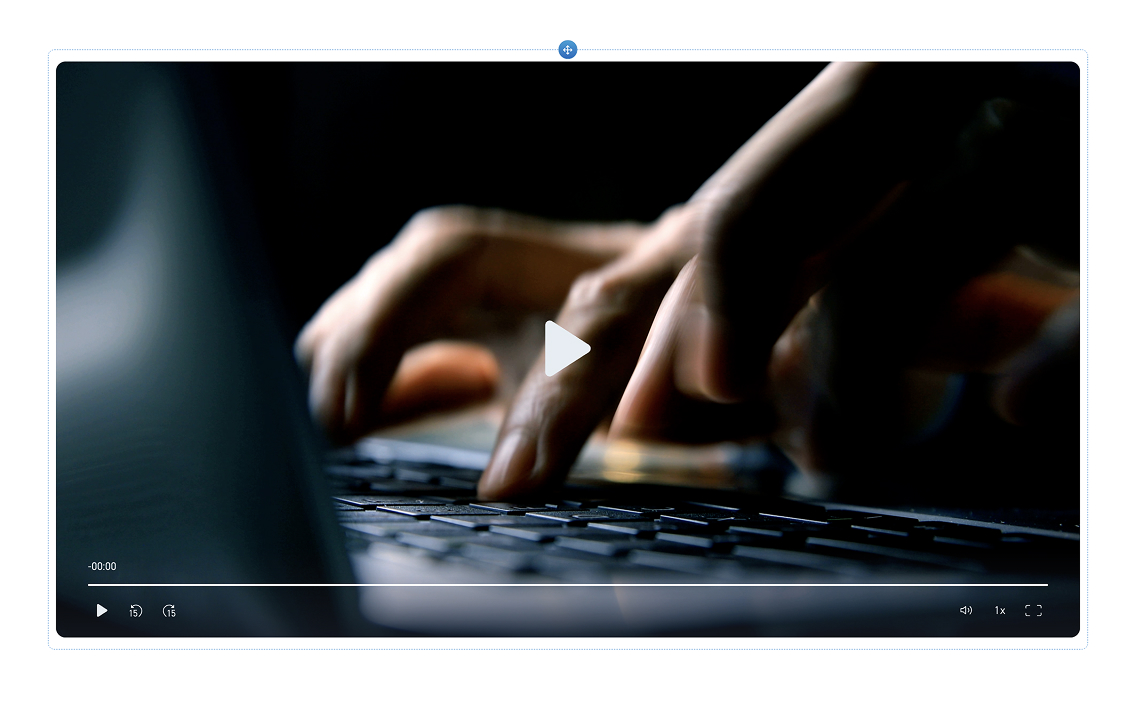
Check out the slider to see what the video variants look like. 

Player Video #

This is what the video looks like when you have selected a player.

Loop #

This is what the video looks like when you have selected a loop.