Text
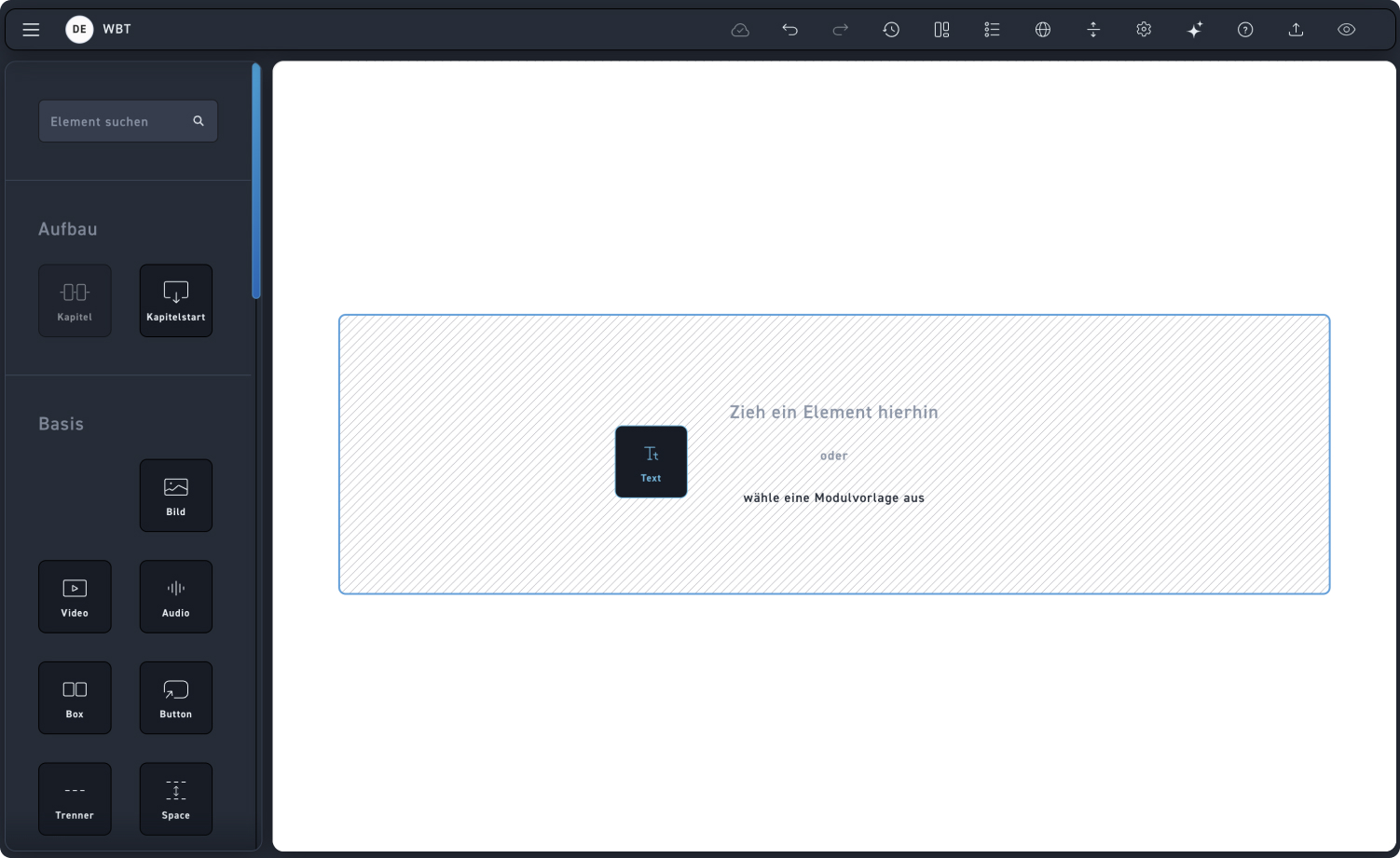
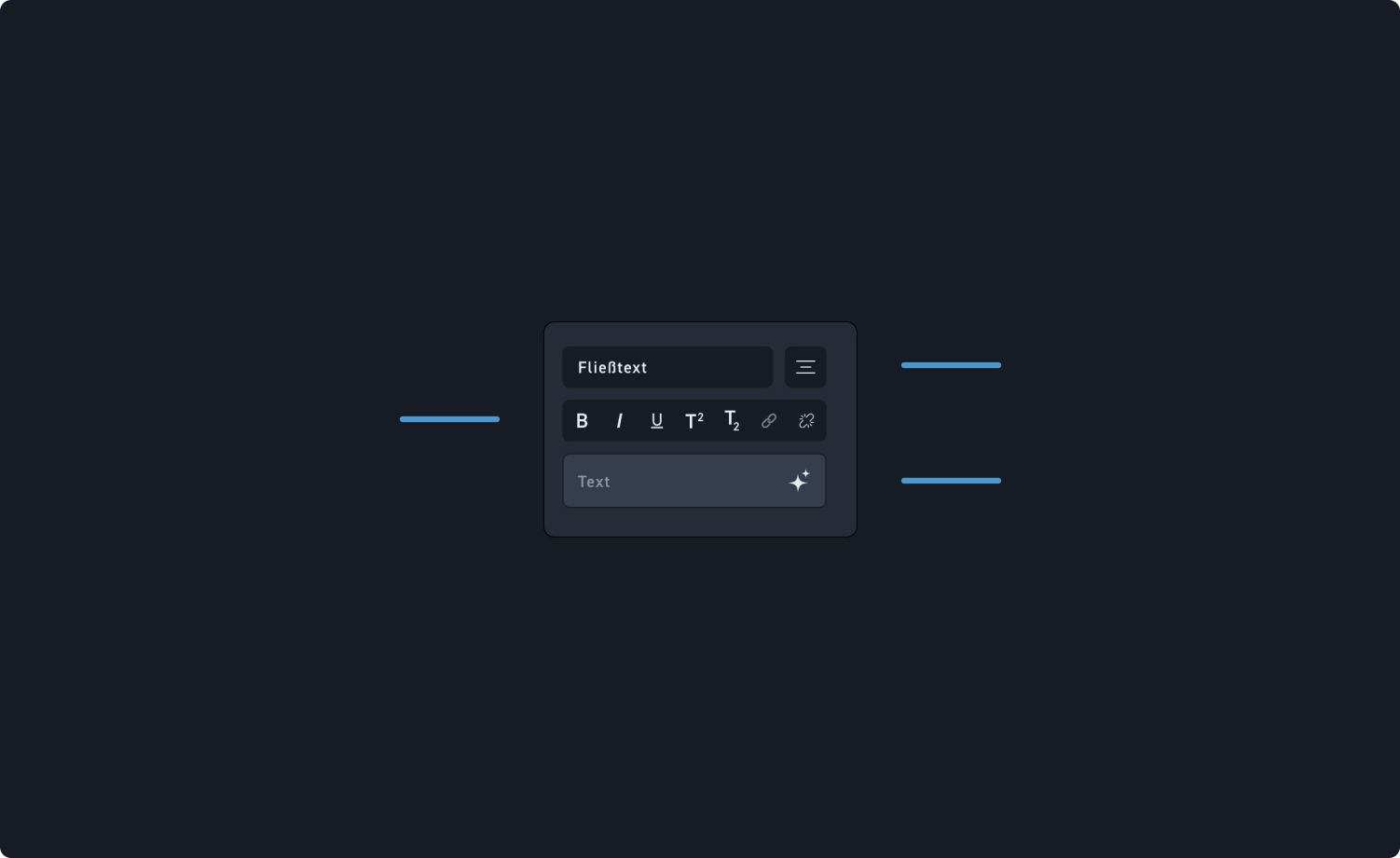
Click a paragraph in the editing window to format it, and then choose an option from the first row (headings, body text, lists).
Highlight a passage of text in the editing window and click options in the second row (bold, italic, underlined) to emphasize individual words.
Texts can be inserted either directly via the element or into the text field of the editing window.