Options / User Profile
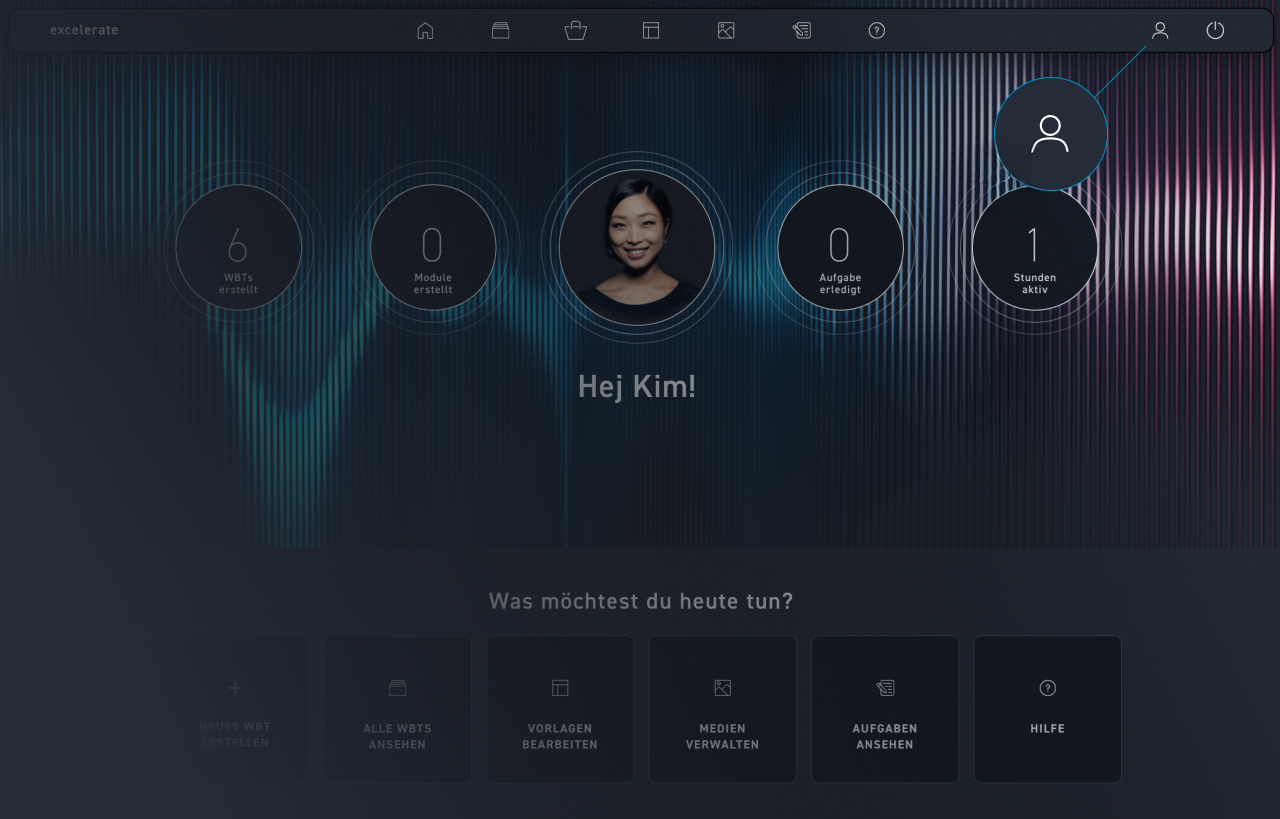
Click on Profile.
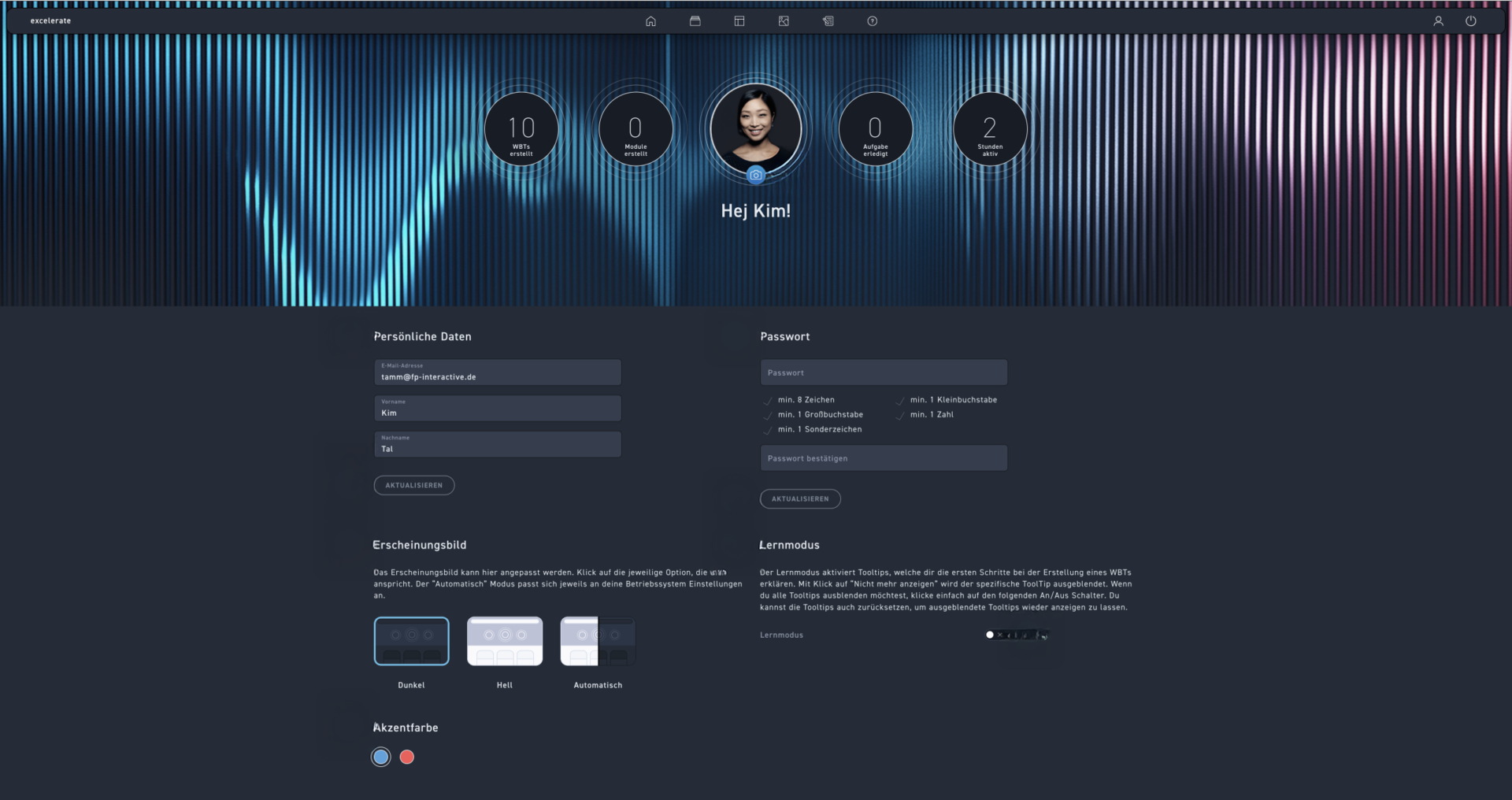
You can change your profile picture using the camera icon.
Update your personal data if necessary.
Click on Update.
Change the password according to the security guidelines.
Click refresh to save it.
Customize the appearance to your individual needs.
You can choose between a dark or light background. Optionally, it can also be adjusted automatically by the system.
Choose your desired accent colors.
Activate learning mode for brief instructions on how to operate each element.