Templates
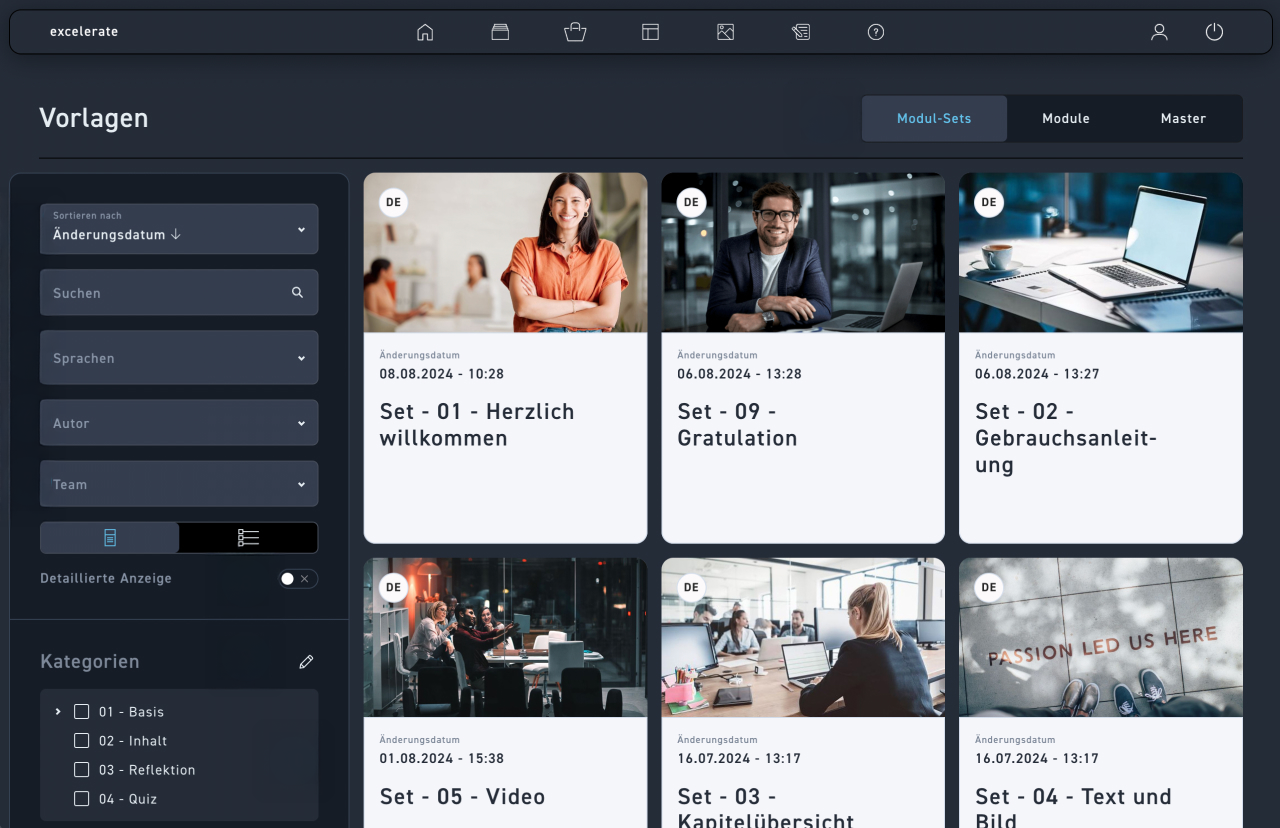
You are automatically in the Module Sets tab.
Sort by modification date or title, either ascending or descending.
Search for a term in the template title.
Filter your WBTs by language.
Filter by authors who have created a template.
Filter by teams to display all templates available to them.
Choose between the tile or list view.
Click on detailed view for more information about categories, teams and author.
Filter the templates by category.
Create one or more new categories.
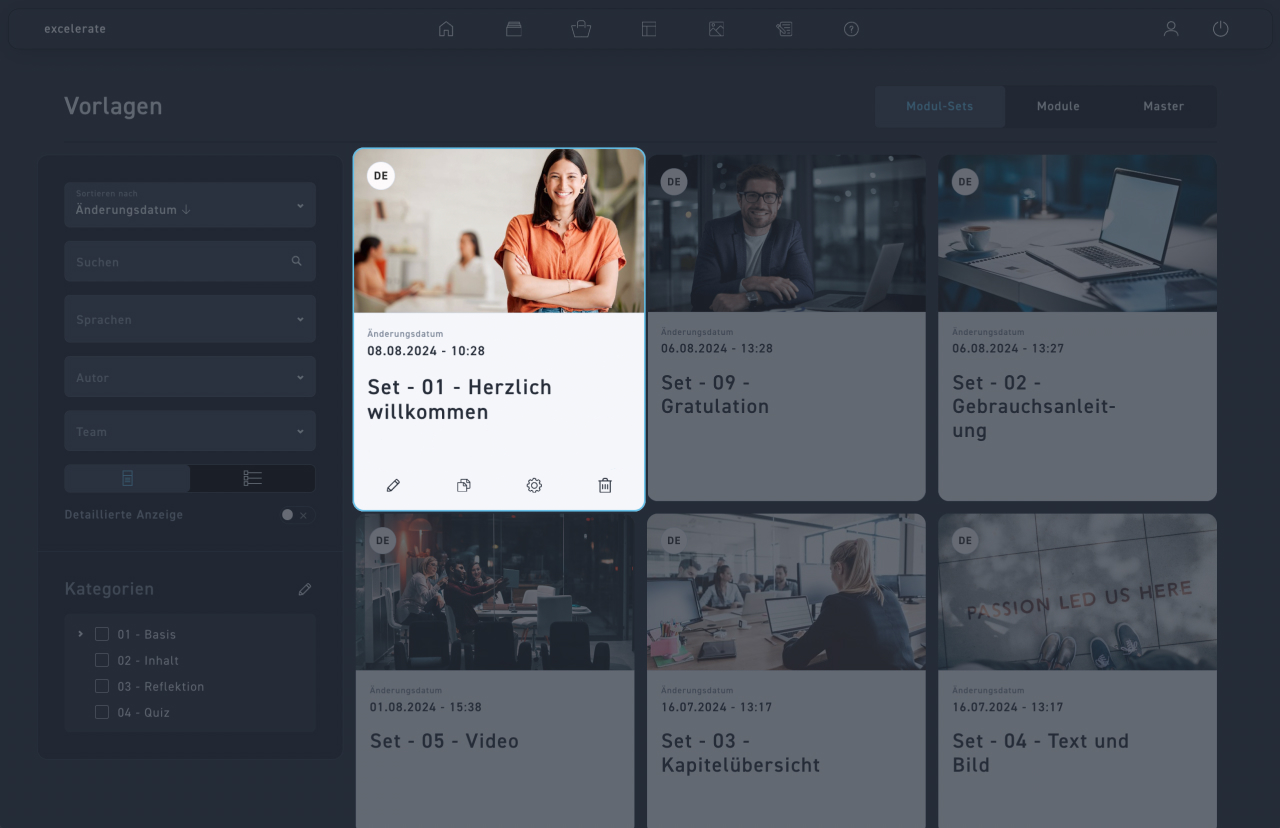
With Edit, you jump into the WBT and can edit it in the Creator as usual.
With Duplicating you create a copy of the template. The new template receives a "2" as an ending in the title.
With settings you make settings for the template.
With Delete, you delete the template after confirmation. This will permanently delete it.
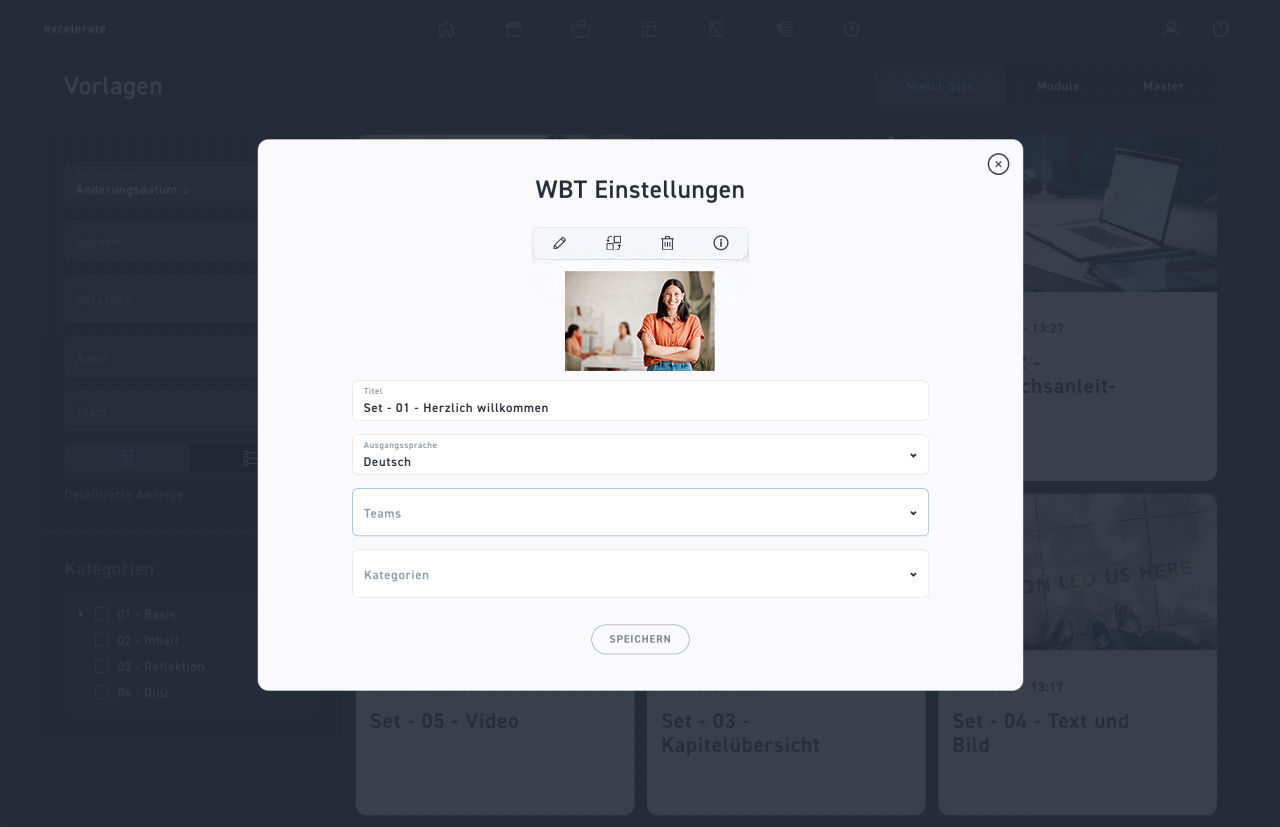
Click Edit above the image to edit it in a new window.
Replace the image with a new one from the media library.
Delete the image with Delete.
You can get more details about the image and edit the image settings via the information.
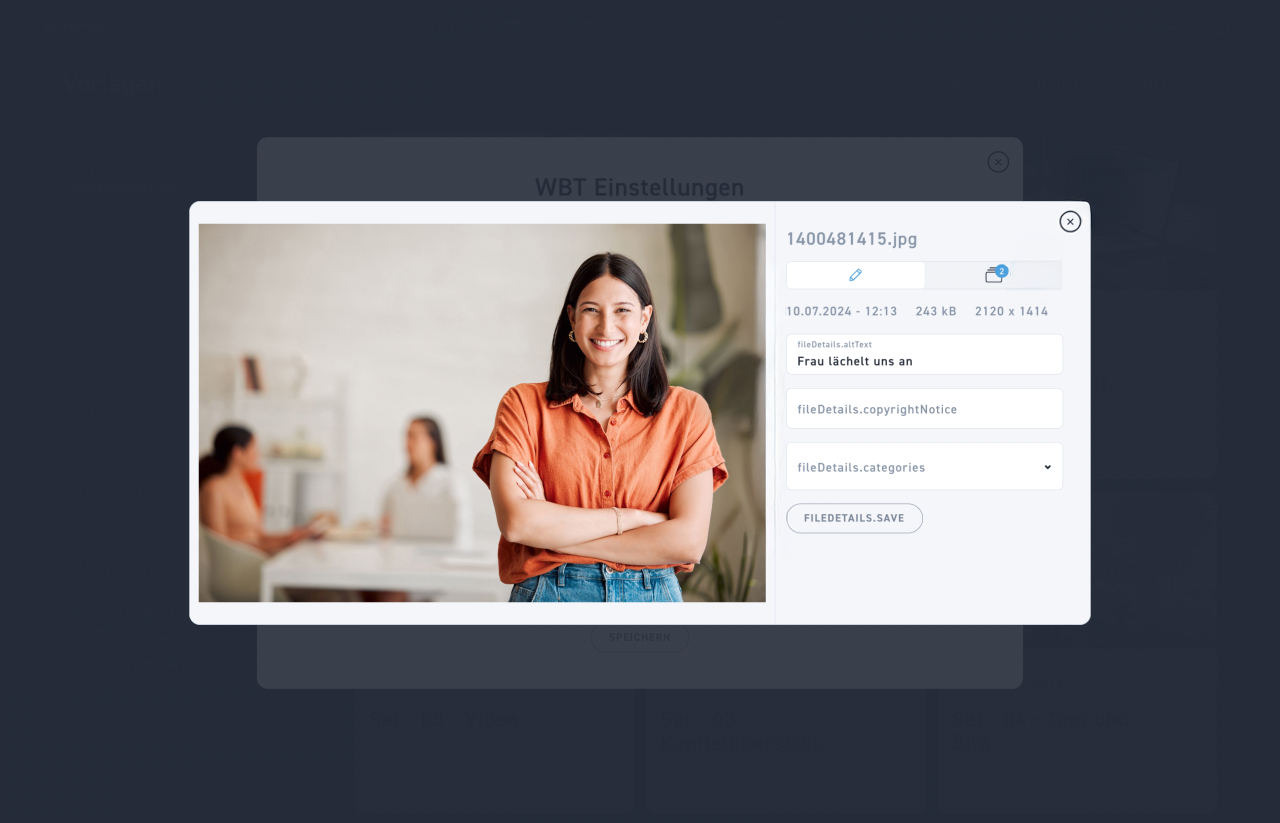
You get at a glance the title, the time of the last modification, the file size, and the resolution.
Edit the alt text here. This describes the content and purpose of an image for users who cannot see the image. It is read aloud by screenreaders and is important for the accessibility of web content.
Note copyright notices for the corresponding image.
Set media library categories to which the image should be assigned.
Click save to secure your information.
You can see immediately from the WBT icon in how many WBTs the image is used. Click on the icon to display a list of these WBTs.
Click the X to close the window.
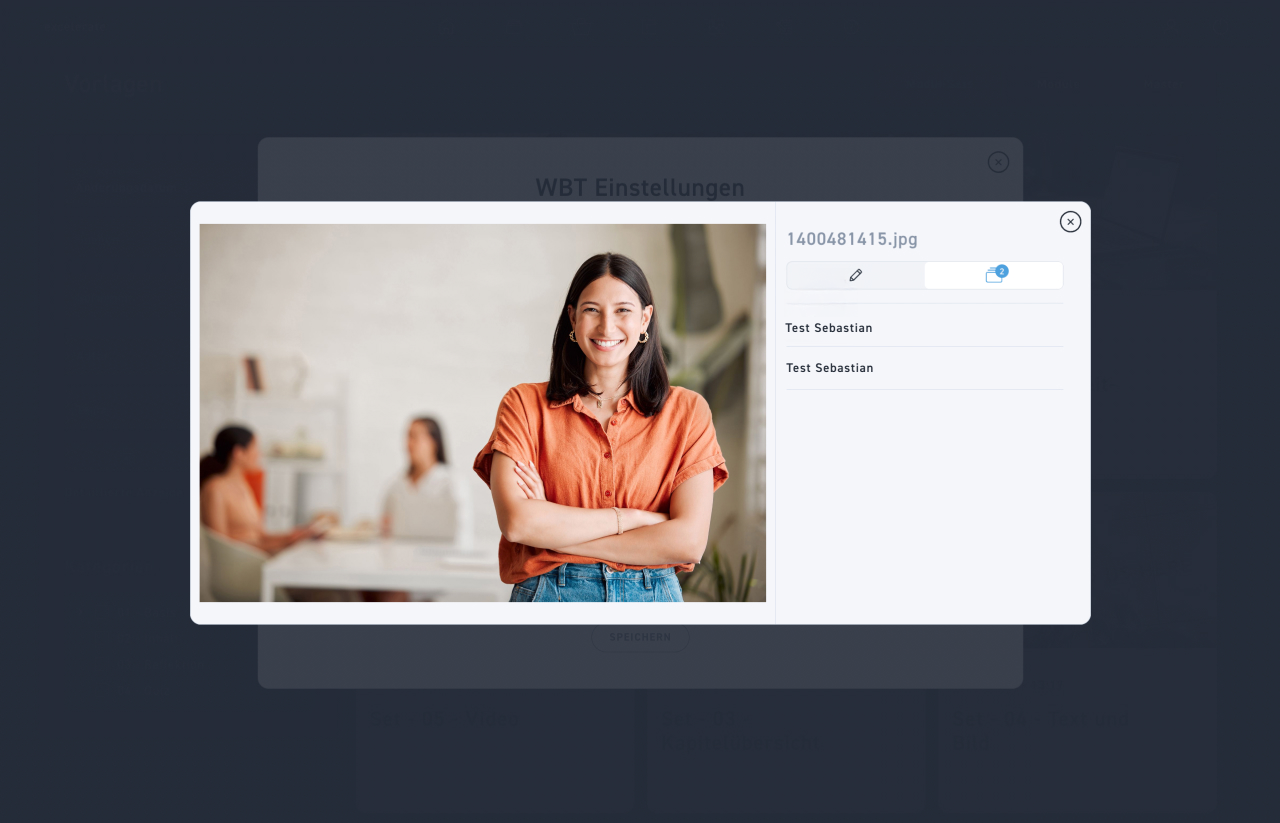
Through the icon of the WBTs you can see immediately in how many WBTs the image is used.
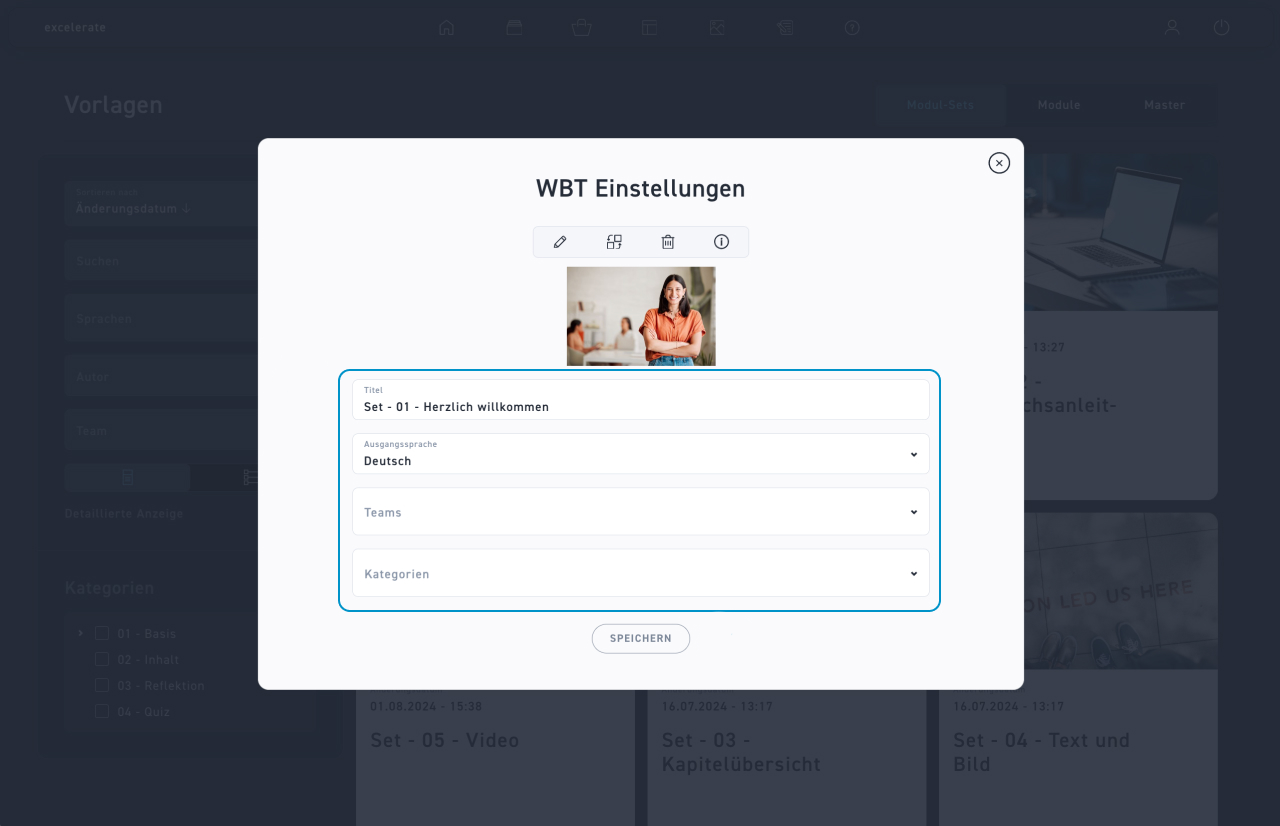
In the template editing window, change the title, the source language, and the respective teams or categories.
Then click on Save.
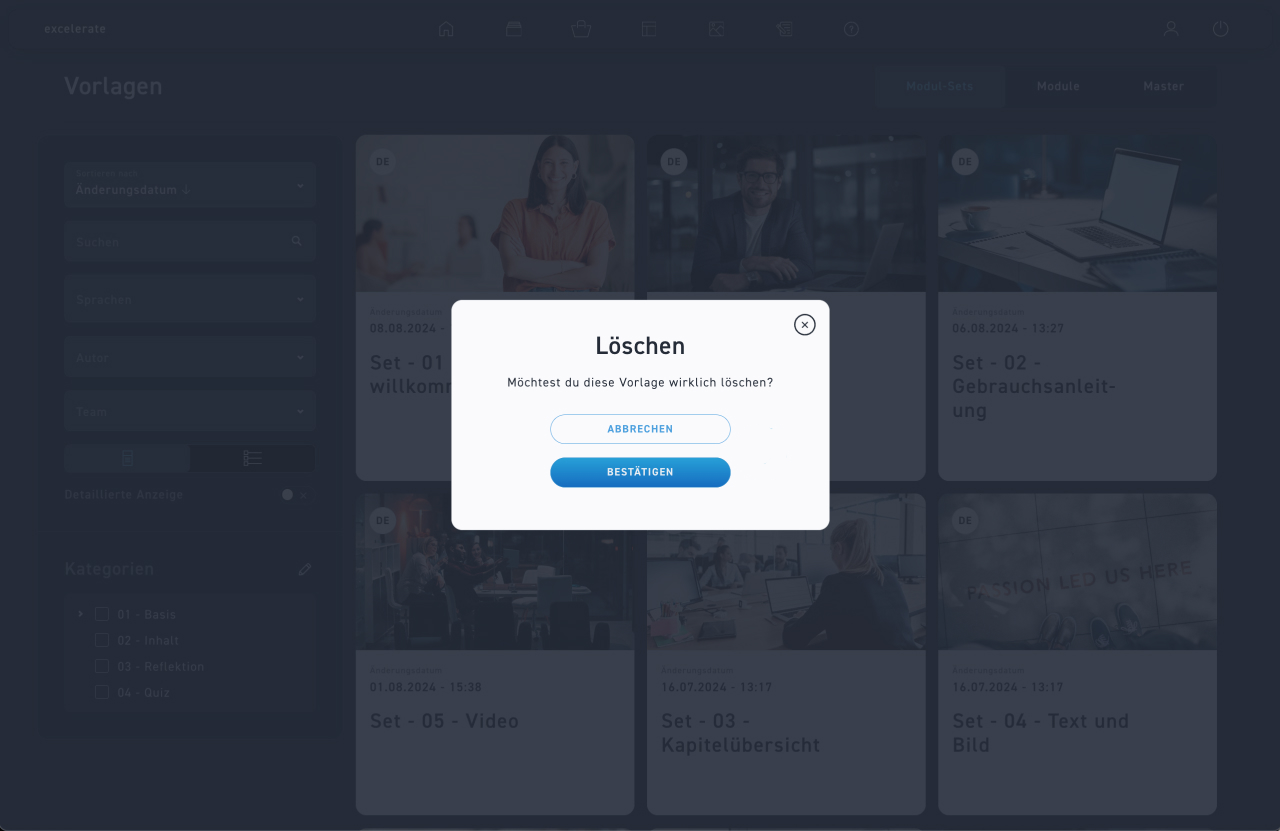
With the trash can, you delete the template after confirmation. This permanently deletes it.