Registration
Start with excelerate Set off immediately and create new learning worlds!
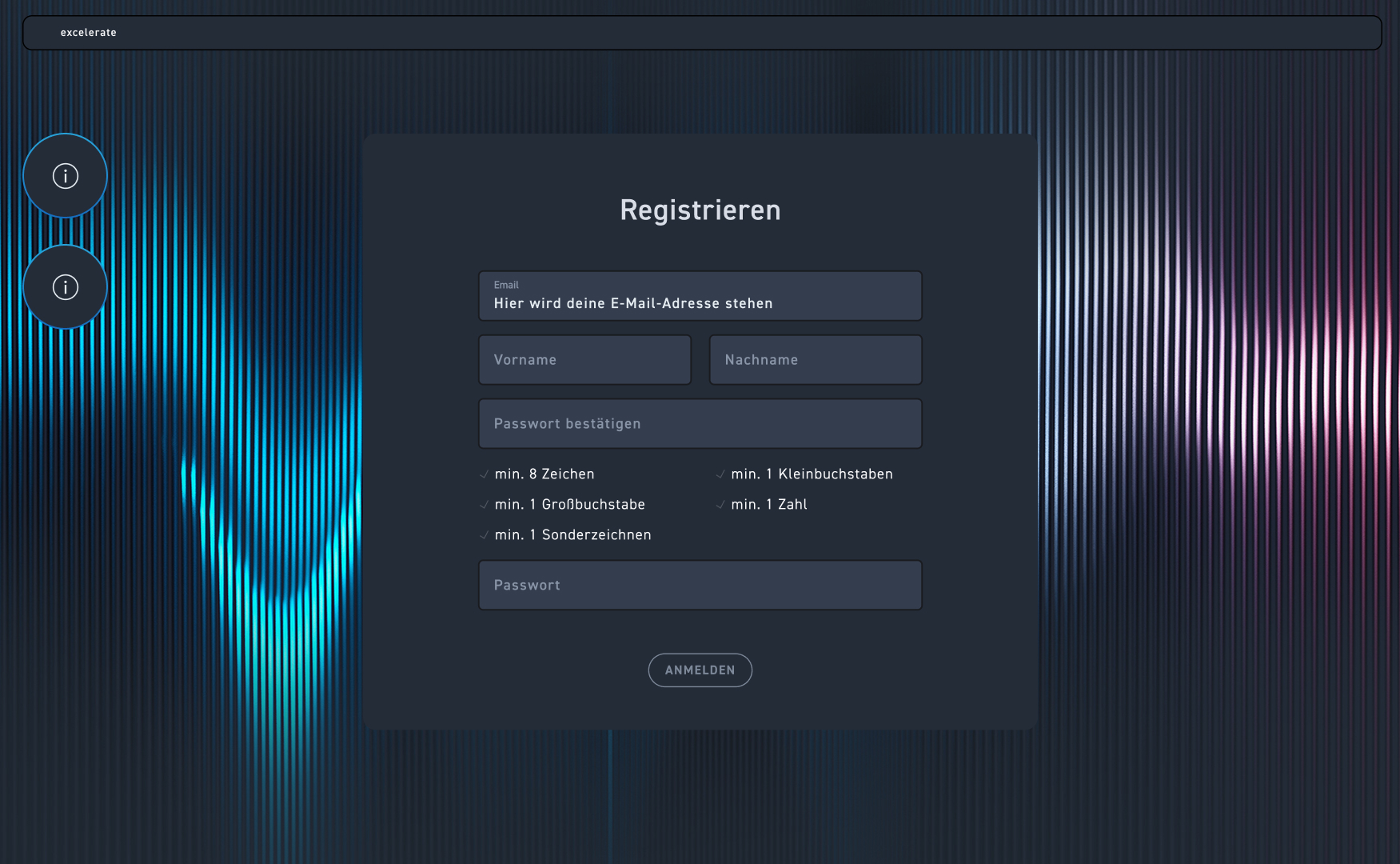
You will receive an email from your administrator with a link. When you click on it, you will be taken directly to the registration form. Your email address is already saved here. Enter your name and set your individual password. Make sure to adhere to the security criteria. Then click register and you can get started right away.
In the future, you will always log in with your email and password. Customize your account and upload a personal profile picture. Your dashboard is your central hub for statistics as well as helpful info about your WBTs. You will find out exactly what those are in the chapter on the dashboard.
Step-by-step guide #
Look at this step-by-step.
1
As a new author, you will receive an invitation via email from your administrator.
2
The link in the email takes you directly to the excelerate login area.
3
Your email address will be applied automatically.
4
Enter your first and last name.
5
Set an individual password now.
6
The password is subject to specific security criteria. You can find these below the input field.
7
You will then be taken directly to your personal dashboard.